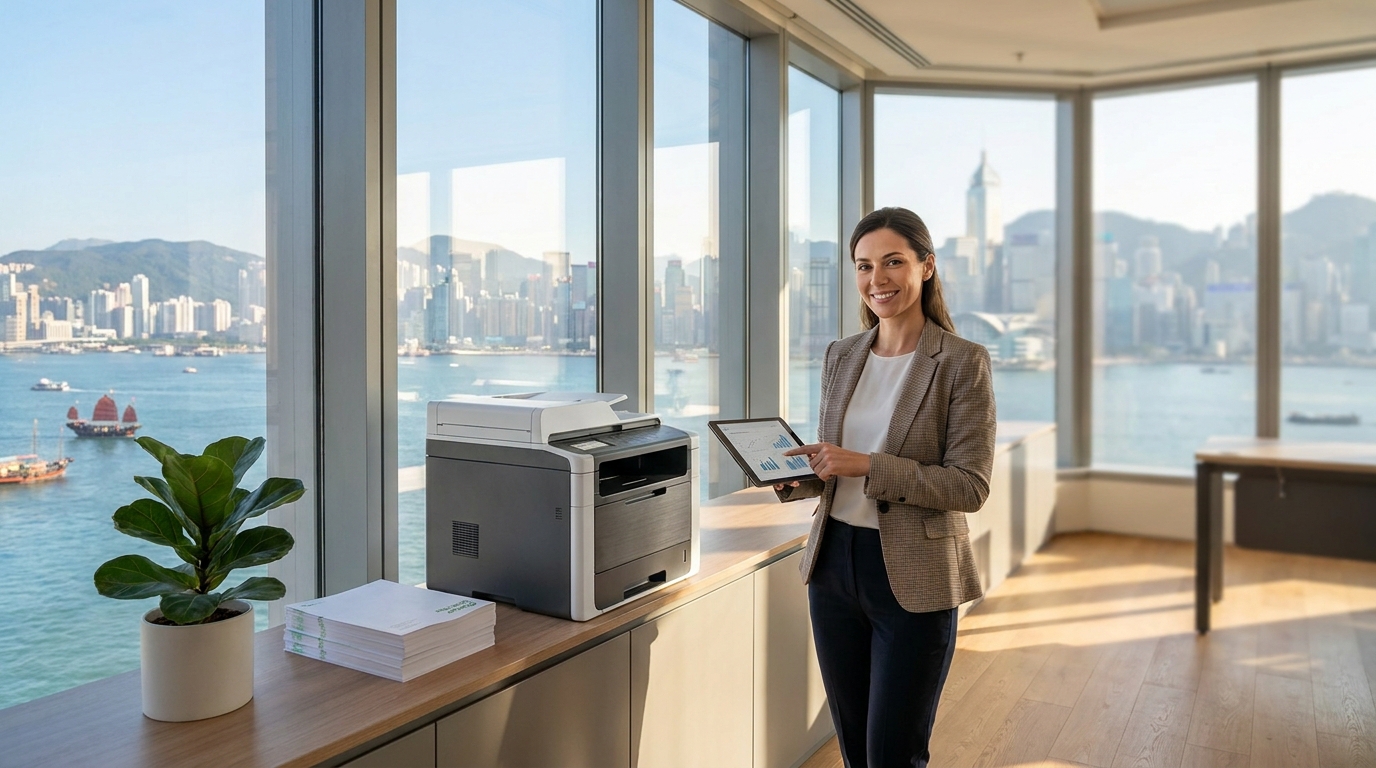
When setting up a new office or upgrading your IT equipment in Hong Kong, one of the most common debates is whether to invest in a full-sized A3 multifunction printer (MFP) or a compact A4 copier. With commercial rent in districts like Central, Kwun Tong, and Lai Chi Kok at a premium, every square foot counts. But so does office productivity.
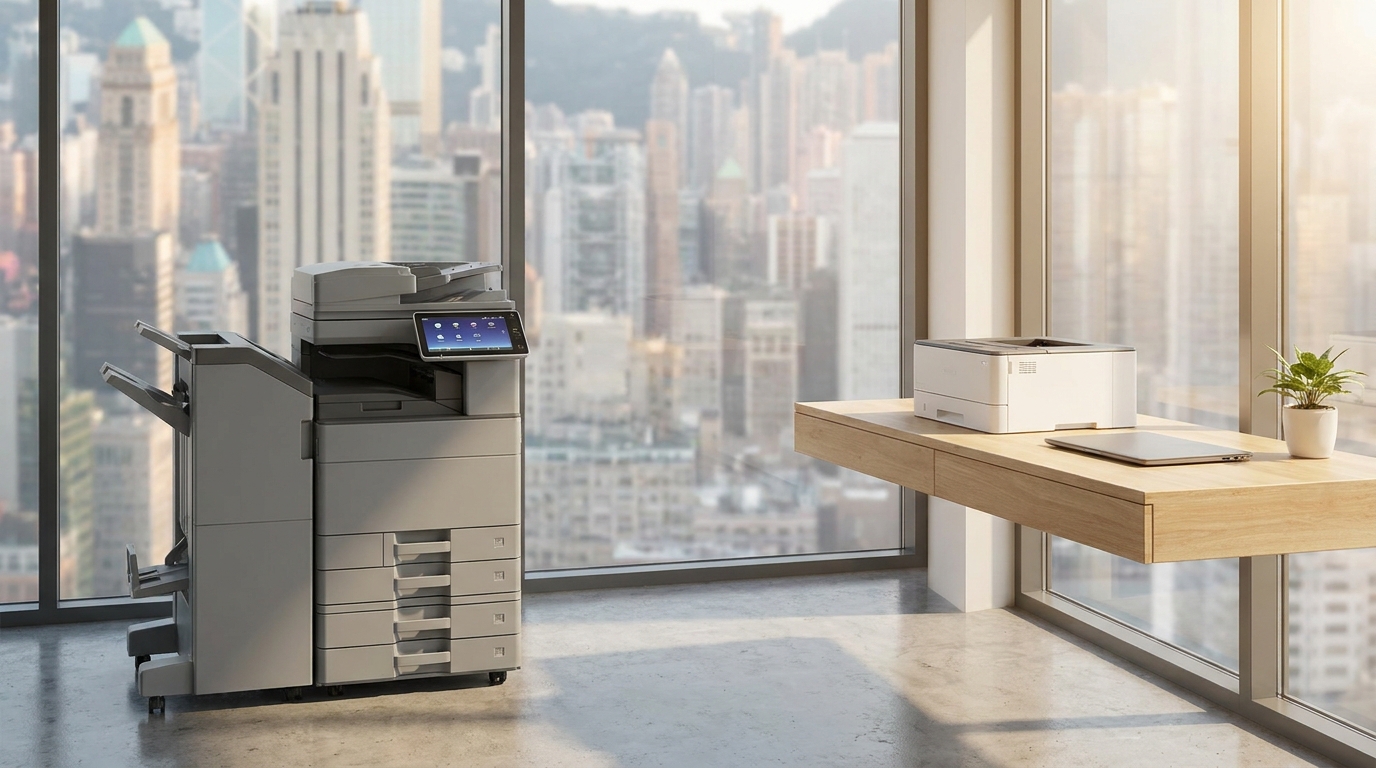
Should you dedicate floor space to a heavy-duty A3 machine, or will a space-saving A4 desktop unit suffice? Let’s break down the hardware, the costs, and the unique Hong Kong office realities to help you decide.
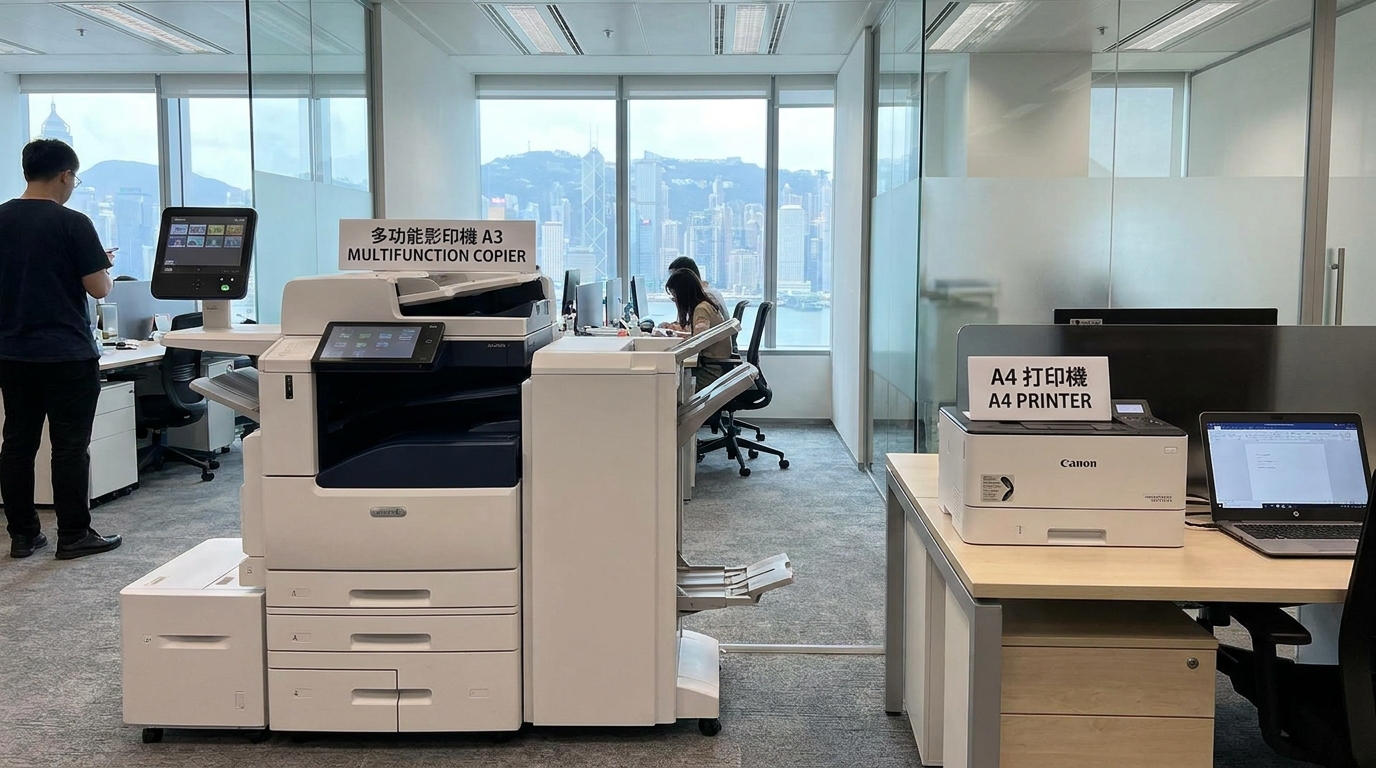
The Heavyweight Champion: A3 Floor-Standing Copiers
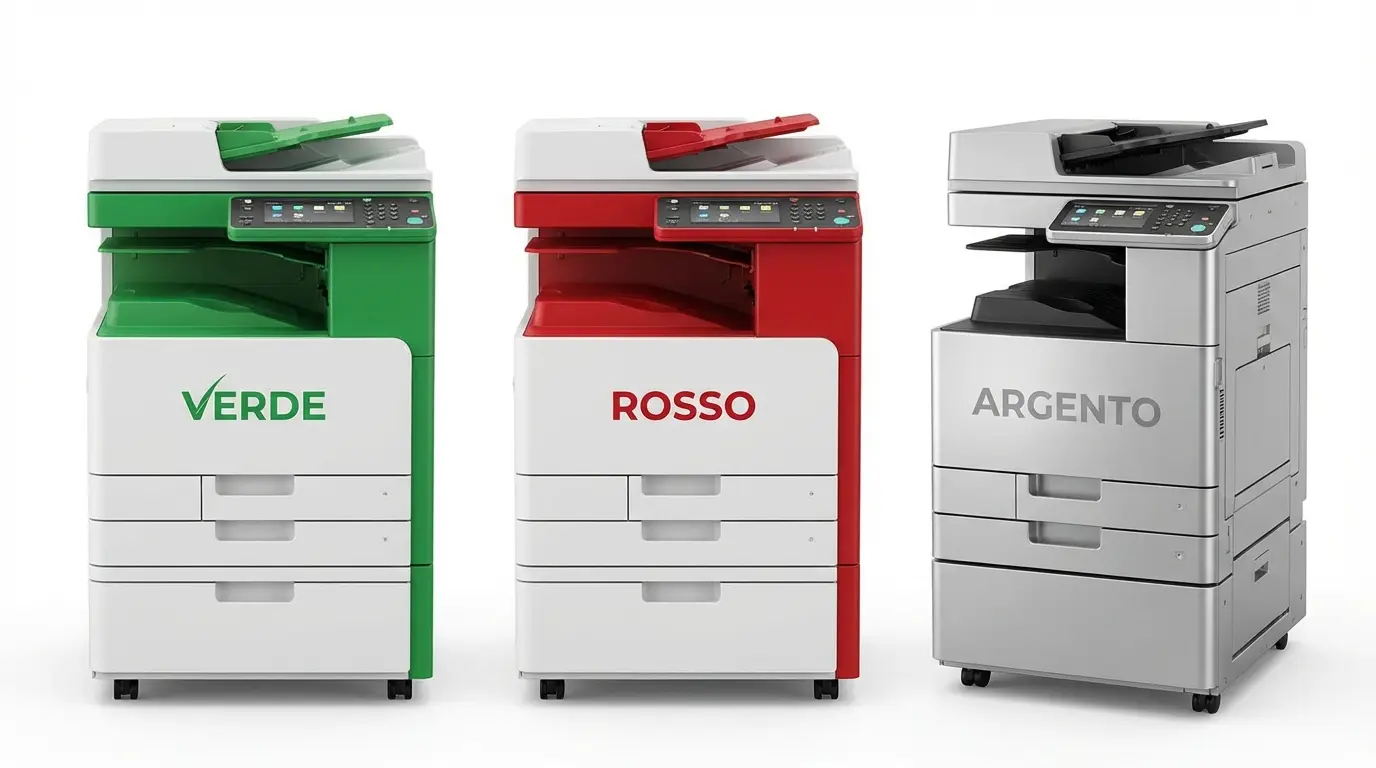
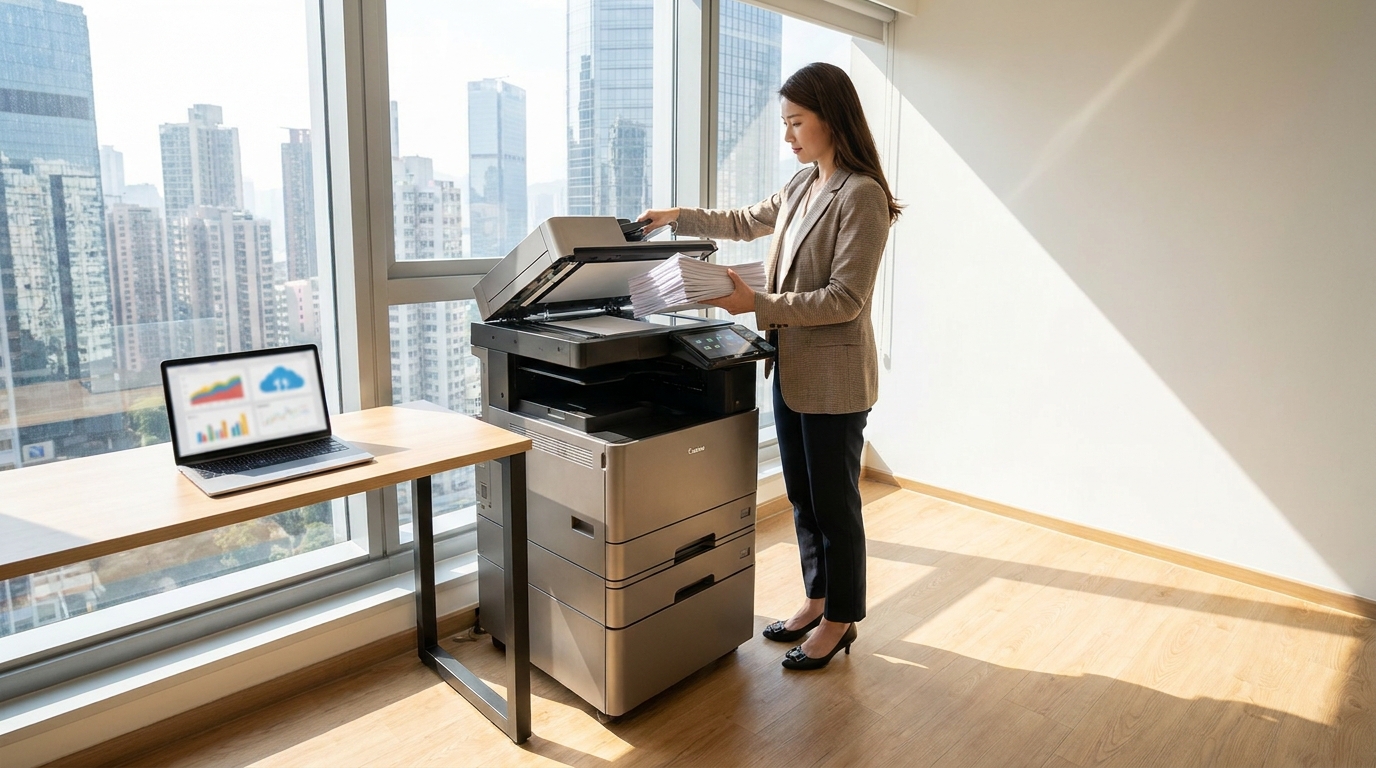
A3 copiers are the traditional "office workhorses." These floor-standing machines are designed for high-volume environments and offer advanced finishing options like automatic stapling, hole-punching, and booklet making.
Top Brands: FujiFilm, Xerox, Canon, Konica Minolta, Ricoh, Toshiba, and Sharp dominate this space with robust enterprise-grade machines.
Pros of A3 Copiers:
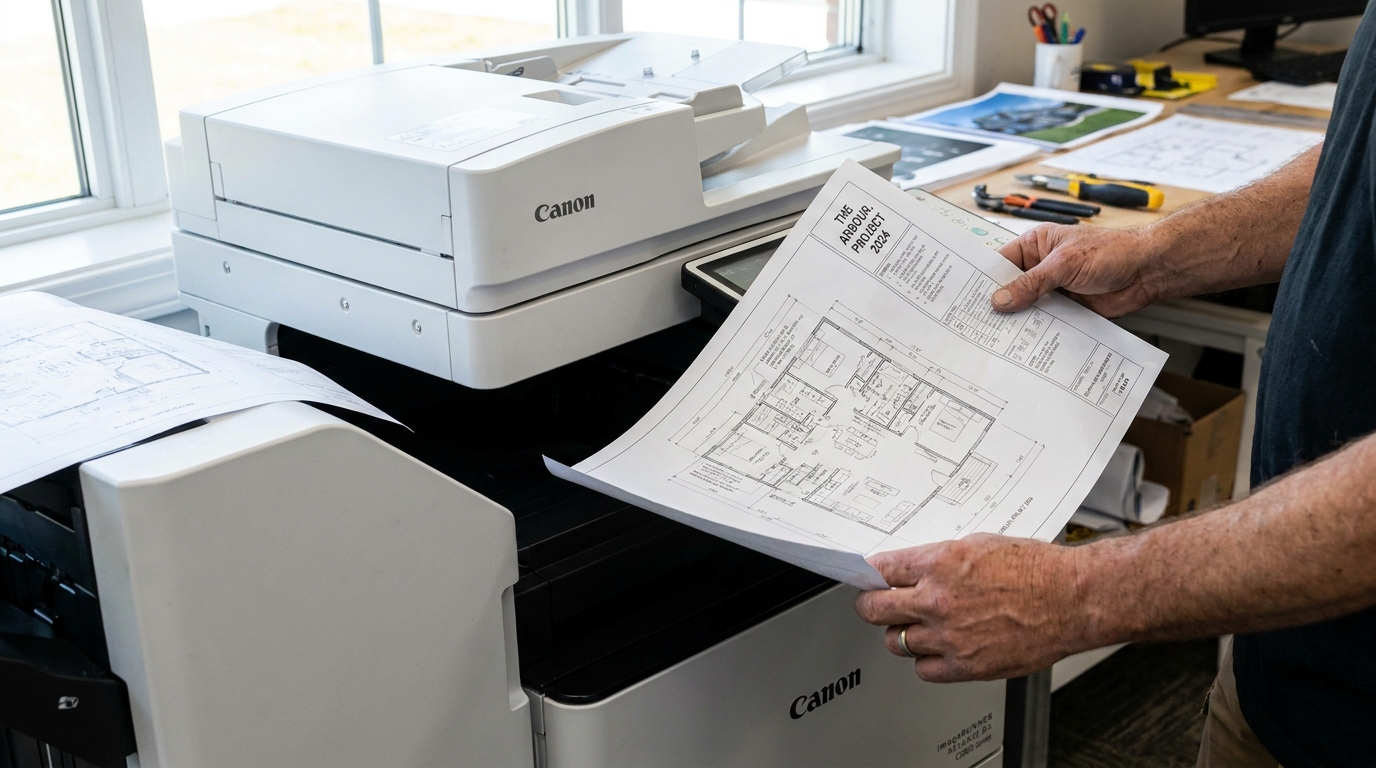
- Versatility: Essential if your team regularly prints architectural floor plans, large Excel spreadsheets, design proofs, or A3 promotional posters.
- High Capacity: Larger paper trays (often holding 1,000 to 3,000+ sheets) mean fewer interruptions to reload paper.
- Durability: Built for heavy monthly duty cycles (10,000+ pages per month).
Cons of A3 Copiers:
- Footprint: They take up significant floor space—a luxury in tight Hong Kong offices.
- Cost: Higher upfront hardware costs and generally more expensive monthly lease rates.
The Compact Powerhouse: A4 Desktop Copiers
Did you know that in a typical corporate office, over 90% of all printed documents are A4 or smaller? Invoices, contracts, emails, and reports rarely require A3 capabilities. A4 multifunction copiers deliver scanning, copying, and printing in a fraction of the space.
Top Brands: Brother, HP, Kyocera, Epson, and Pantum offer excellent, fast, and highly reliable A4 laser and business inkjet models.
Pros of A4 Copiers:
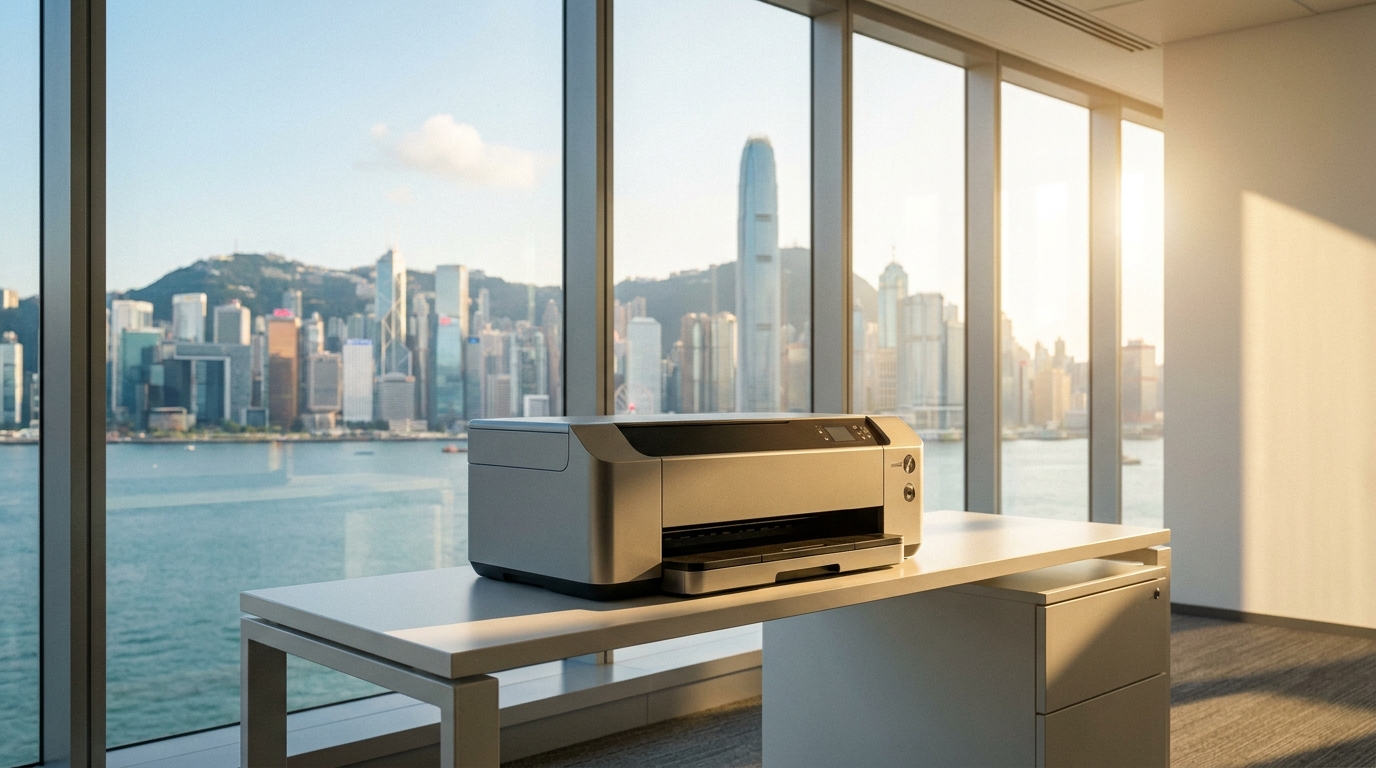
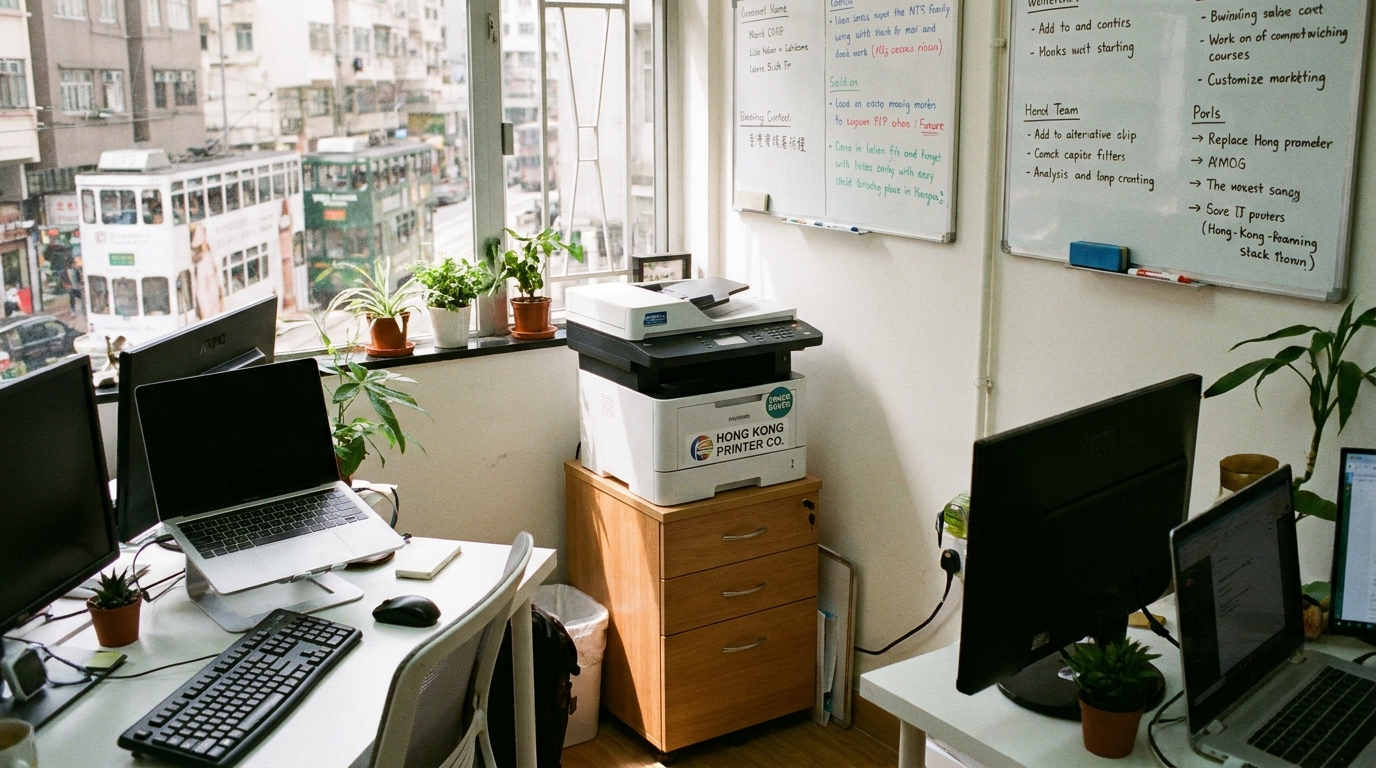
- Space-Saving: Can easily sit on a desk, filing cabinet, or a small dedicated stand.
- Cost-Effective: Significantly cheaper to buy outright or lease.
- Decentralization: You can afford to place multiple A4 printers across different departments rather than having one central A3 bottleneck.
Cost & Feature Comparison (HKD Estimates)
To put things into perspective, here is a general comparison of what you can expect when sourcing these machines in the Hong Kong market.
| Feature | A3 Multifunction Copier | A4 Multifunction Copier |
|---|---|---|
| Estimated Hardware Price | HKD $15,000 - $40,000+ | HKD $2,500 - $8,000 |
| Typical Monthly Lease | HKD $400 - $1,200+ | HKD $150 - $400 |
| Office Space Required | Approx. 6 - 10 sq. ft. (Floor) | Approx. 2 - 3 sq. ft. (Desktop) |
| Best Suited For | Design firms, construction, large corporates | Startups, retail shops, standard admin offices |
Hong Kong Specific Considerations: Beyond the Spec Sheet
Choosing a copier in Hong Kong isn't just about print speed. Local environmental and logistical factors play a massive role in your decision:
-
🏢
Lift Access & Delivery Logistics: A3 copiers can weigh over 100kg. If your office is in an older industrial building in San Po Kong or a walk-up Tong Lau, staircase delivery for an A3 machine will incur hefty manual labor surcharges. A4 machines are easily delivered anywhere.
-
💧
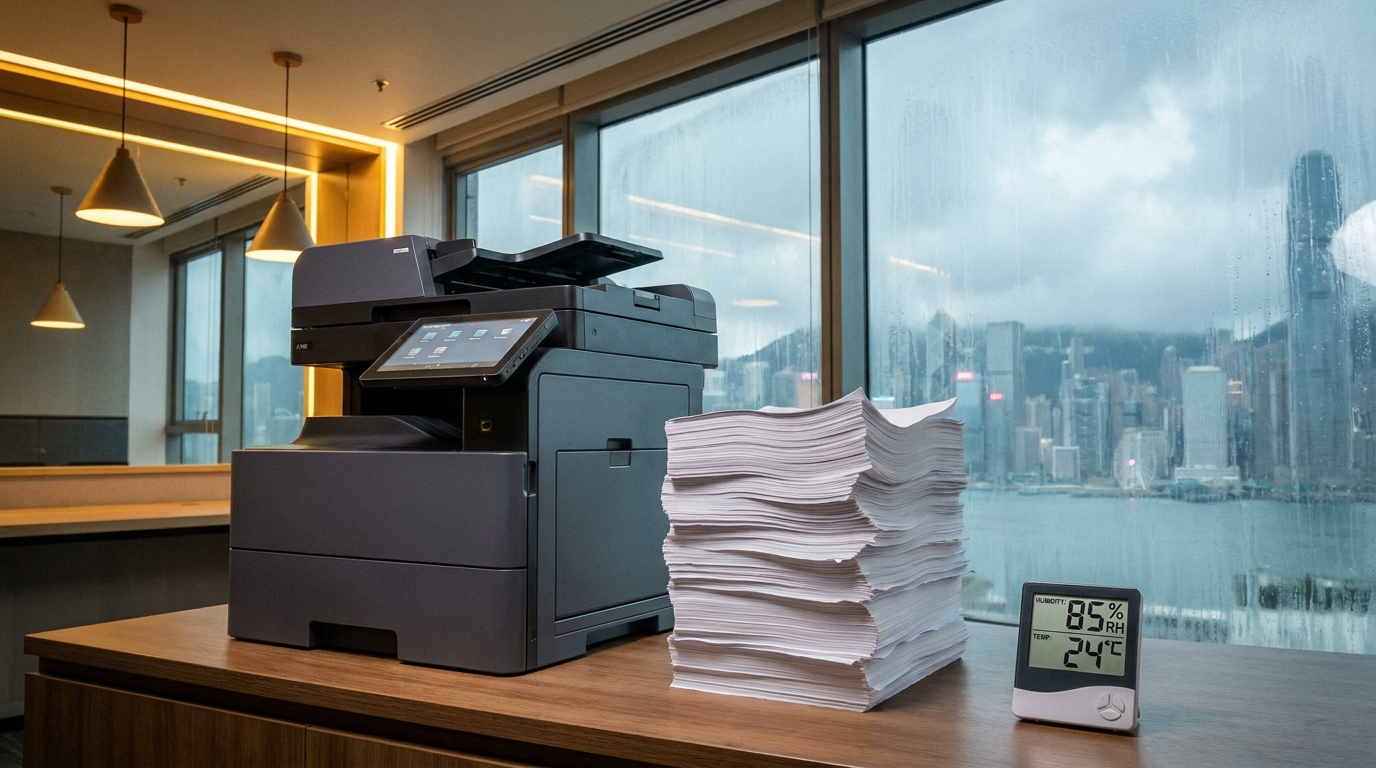
The Humidity Factor: Hong Kong springs are notoriously humid. Damp paper causes frustrating paper jams. High-end A3 copiers (and some premium A4s) feature built-in cassette heaters that keep paper dry. If you opt for a basic A4, you’ll need to be diligent about storing your paper in sealed, dry environments.
-
⚡
Power Requirements: Ensure your office can handle the load. Both A3 and A4 machines operate on Hong Kong’s standard 220V power, but large A3 machines draw significantly more amps during warm-up. They often require a dedicated wall socket rather than a shared extension board.
-
⏱️
4-Hour SLA Expectations: In Hong Kong's fast-paced business culture, a broken printer is a crisis. When leasing an A3 machine, a standard 4-hour Service Level Agreement (SLA) for technician dispatch is the industry norm. While A4 leases also offer SLAs, cheaper hardware-only A4 purchases usually rely on slower carry-in warranty service.
The 4-Point Decision Checklist
Still on the fence? Ask yourself these four questions before signing a lease or making a purchase:
- Audit your past 3 months of printing: Did anyone actually *need* to print on A3 paper? If it was less than 5% of your total volume, outsource those few A3 prints to a local print shop and buy an A4 machine.
- Calculate your floor space cost: At HKD $40 per square foot, an A3 printer taking up 8 square feet costs you $320 a month just in rent. Can you justify that cost?
- Assess your finishing needs: Do you frequently need to produce stapled client pitch books or folded brochures? If yes, an A3 machine with a finisher is mandatory.
- Check your volume: If your office prints over 10,000 pages a month, the robust build and lower cost-per-page (CPP) of an A3 copier will save you money in the long run, despite the higher initial cost.
The Final Verdict
There is no one-size-fits-all answer. For design agencies, engineering firms, and large corporate floors, the A3 copier remains an undisputed necessity. However, for the vast majority of Hong Kong SMEs, retail branches, and modern startups, the A4 multifunction printer is the smarter, leaner, and more cost-effective choice.
By understanding your actual print volume, evaluating your office space, and considering local environmental factors, you can invest in the right technology that drives your business forward without wasting valuable resources.
Need Expert Advice?
Our consultants can help you find the perfect printing solution for your office.
📞 +85221164877 · King Copier · Operated by Techieasy Limited