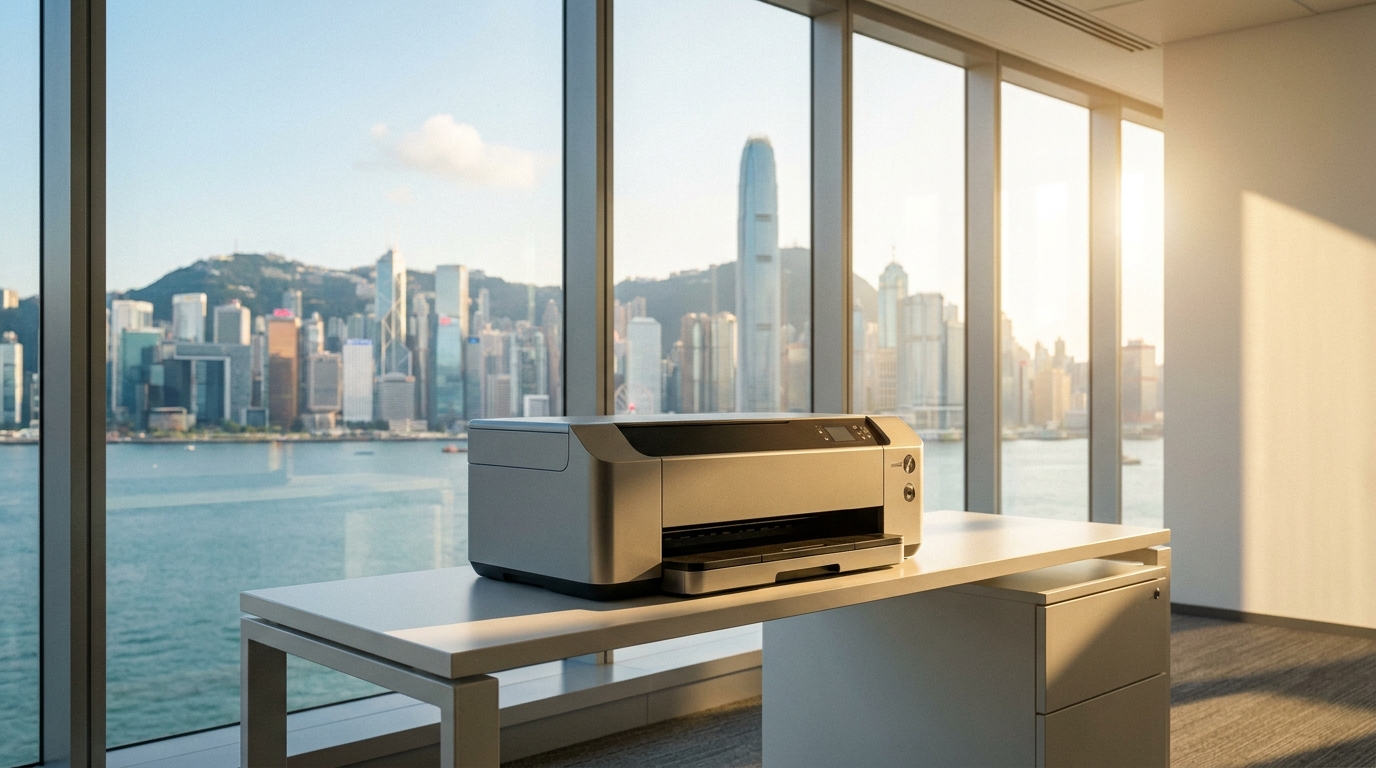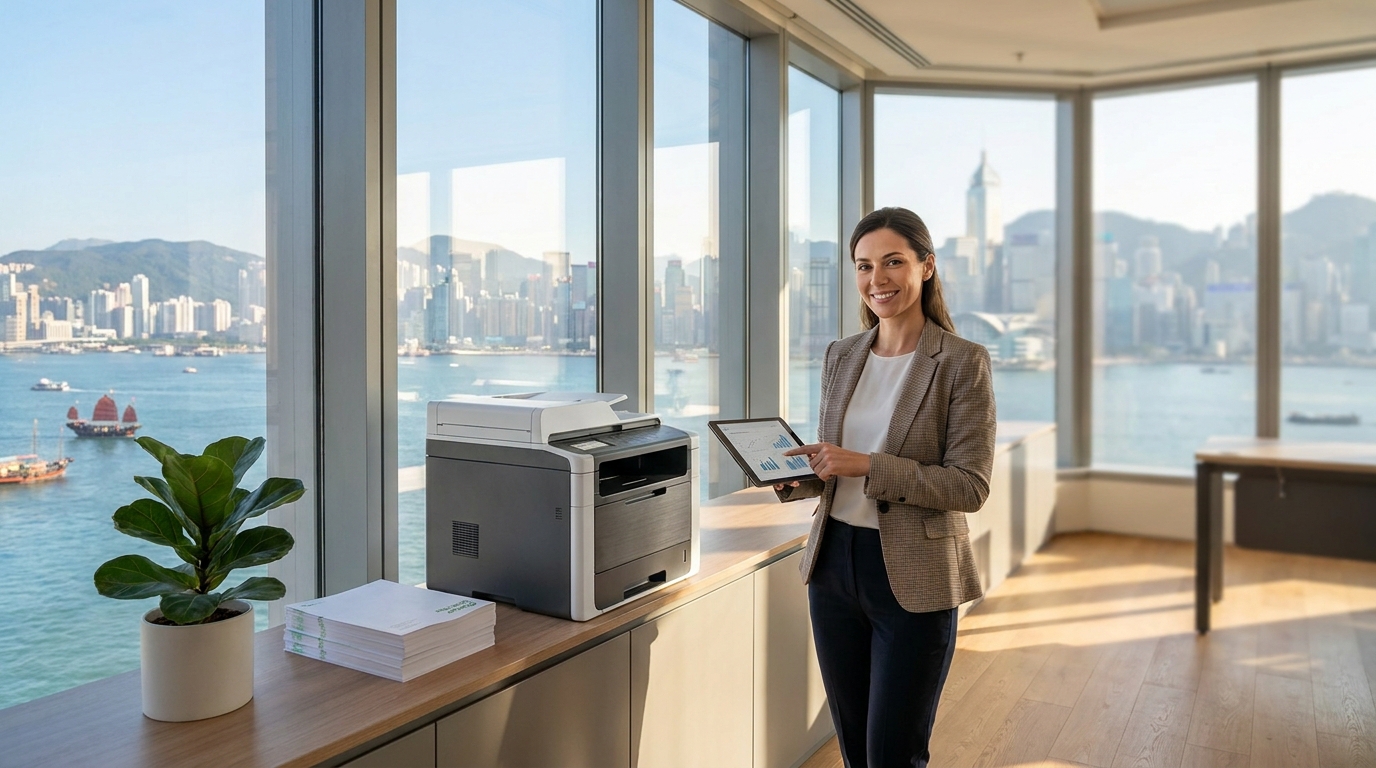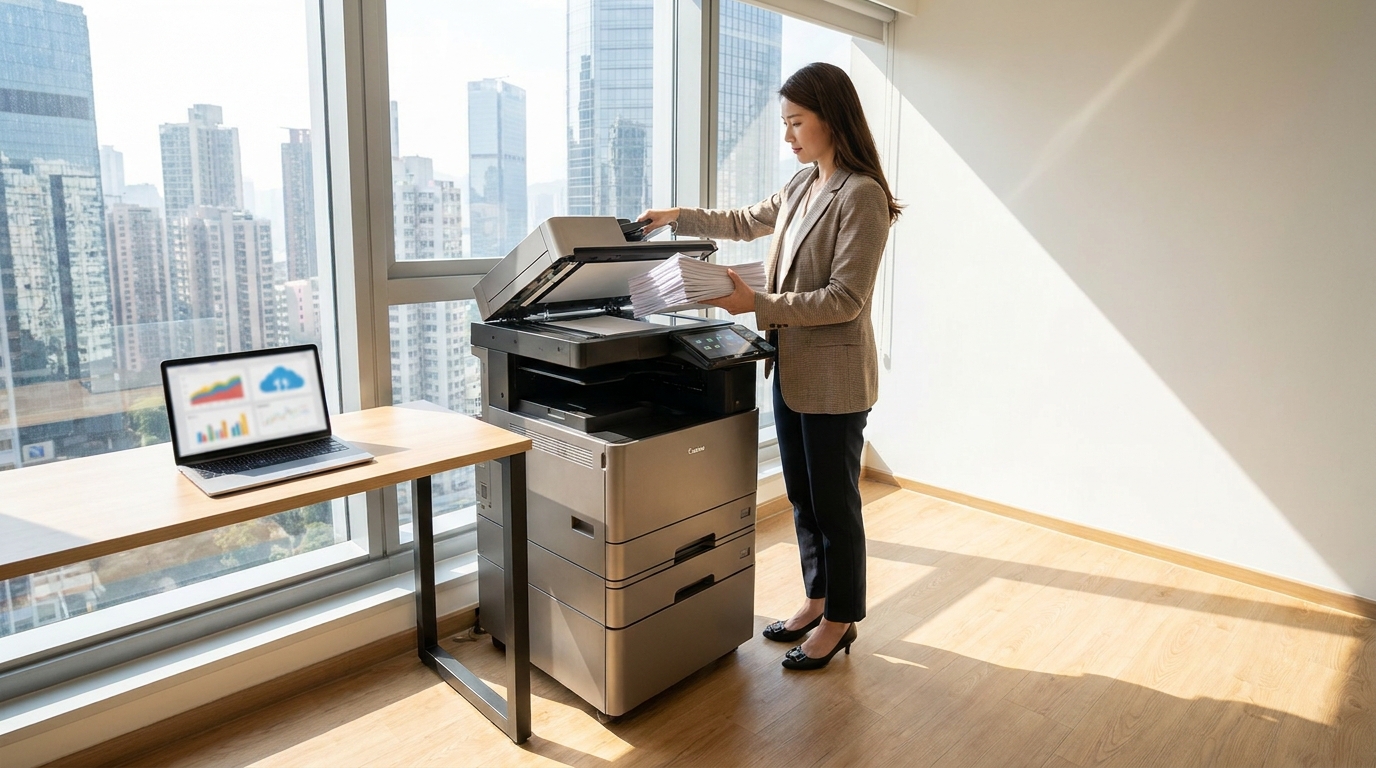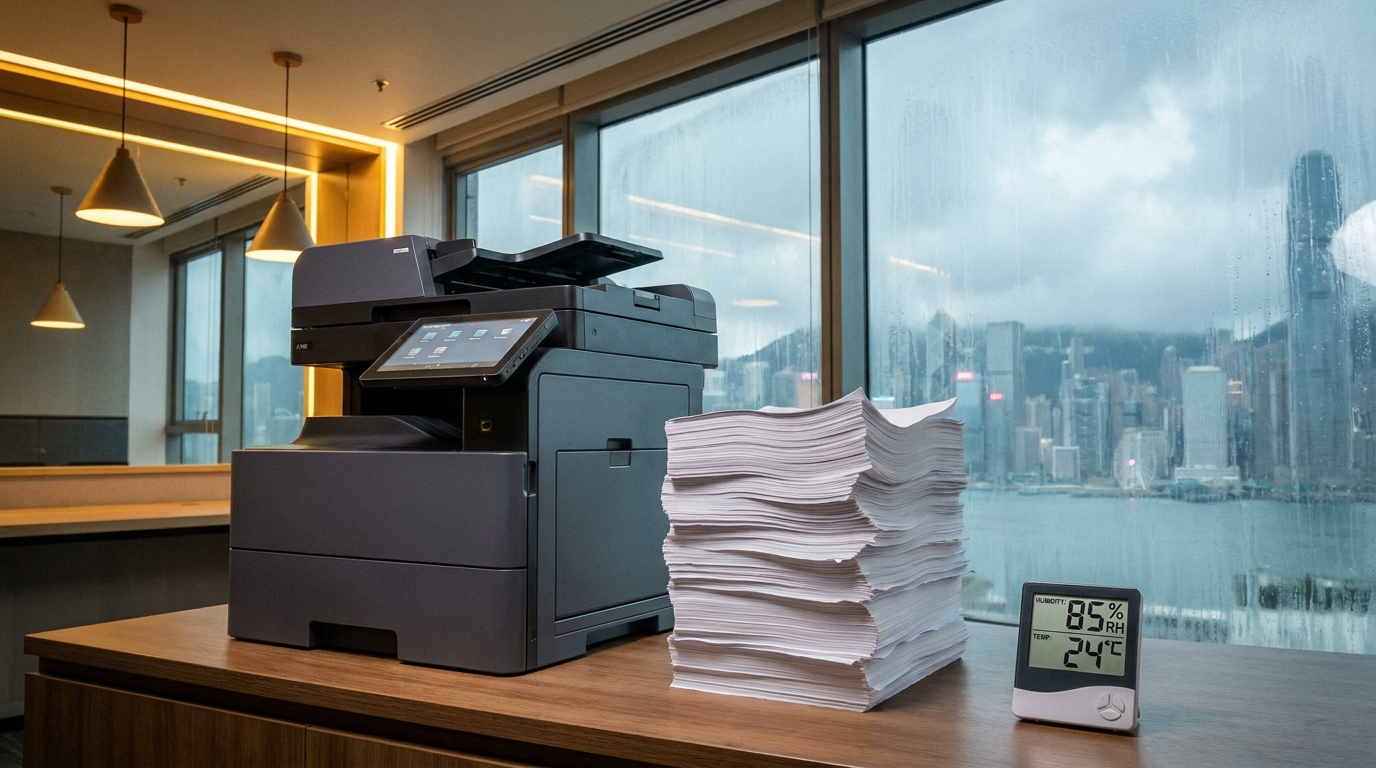
Anyone who has experienced a Hong Kong spring knows the infamous "回南天" (return of the south wind). When relative humidity levels routinely spike above 90%, the walls sweat, the floors get slippery, and the air feels incredibly heavy. But while you might just feel a bit sticky, your office copier is fighting a silent, expensive battle against moisture.
Whether you operate out of a spacious corporate headquarters in Central or a space-constrained industrial office in Kwun Tong, humidity is one of the leading causes of printer malfunctions in Hong Kong. Understanding how moisture affects your machine—and taking proactive steps to prevent it—can save your business from frustrating downtime and costly repairs.
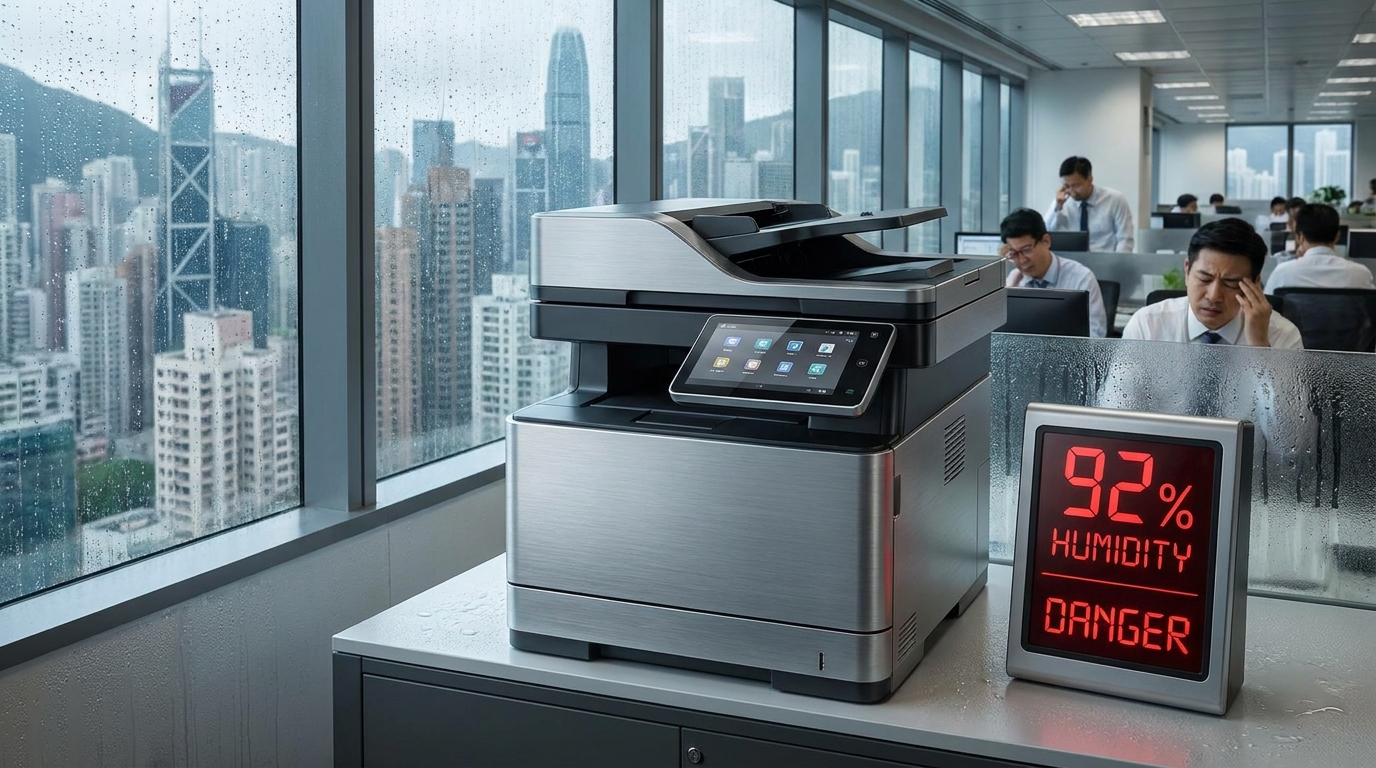
What High Humidity Actually Does to Your Copier
Printers and copiers are highly sensitive electromechanical devices. They rely on precise temperatures, static electricity, and dry conditions to fuse toner onto paper. When you introduce Hong Kong's extreme moisture into the mix, three major problems occur:
1. The "Sponge Effect" on Printer Paper
Paper is highly hygroscopic, meaning it absorbs moisture from the air like a sponge. Damp paper expands, curls at the edges, and sticks together. When your copier tries to pull a single sheet from the tray, it often grabs two or three, resulting in immediate, stubborn paper jams. Furthermore, damp paper prevents toner from adhering properly, leading to faded or smudged prints.
2. Toner Clumping
Toner is not liquid ink; it is a fine, dry plastic powder. In high humidity, this powder absorbs moisture and clumps together. Instead of a smooth distribution of color, clumped toner causes dark streaks, uneven printing, and can even clog the internal developer unit, requiring a professional technician to clean it out.
3. Internal Condensation (The "Sweating" Machine)
When the office air conditioning is turned off on a Friday night, the sudden temperature change causes condensation to form on the cold metal and glass parts inside your machine. Water droplets on the scanner glass cause blurry copies, while moisture on the internal drum unit or sensors can trigger false error codes or short-circuit 220V power components.
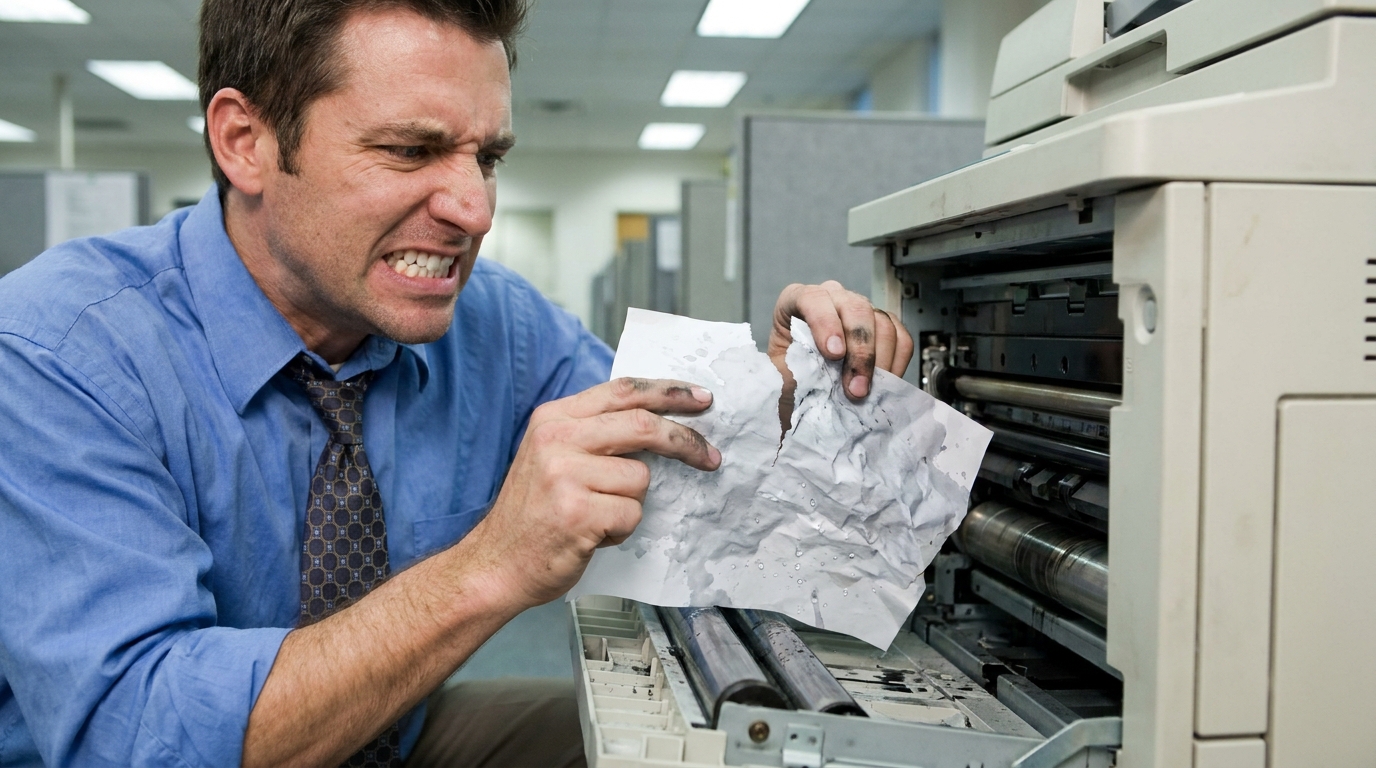
The Hidden Costs of Humidity Damage
If your business does not have a comprehensive maintenance contract, humidity-related damage can result in hefty out-of-pocket expenses. Here is a look at what these issues typically cost to fix in Hong Kong:
| Issue | Impact | Estimated Out-of-Warranty Cost (HKD) |
|---|---|---|
| Severe Paper Jams | Damaged internal rollers or fuser unit | HK$1,500 - HK$3,000 |
| Toner Clumping | Requires developer unit replacement | HK$2,000 - HK$4,500 |
| Moisture on Drum | Permanent spotting, requires new drum | HK$1,800 - HK$5,000+ |
| Emergency Call-out | Labor fee for ad-hoc inspection | HK$800 - HK$1,500 per visit |
Brand Resilience: How Different Copiers Handle Moisture
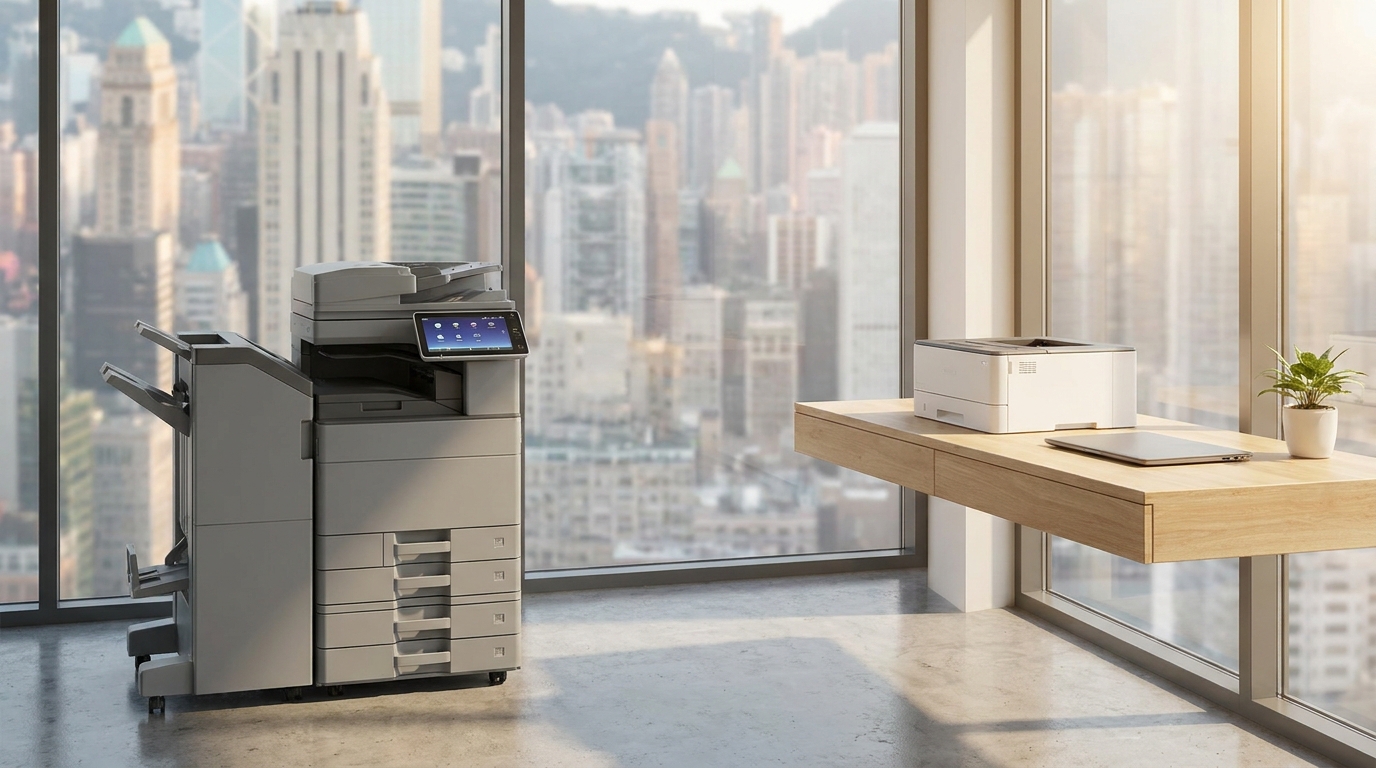
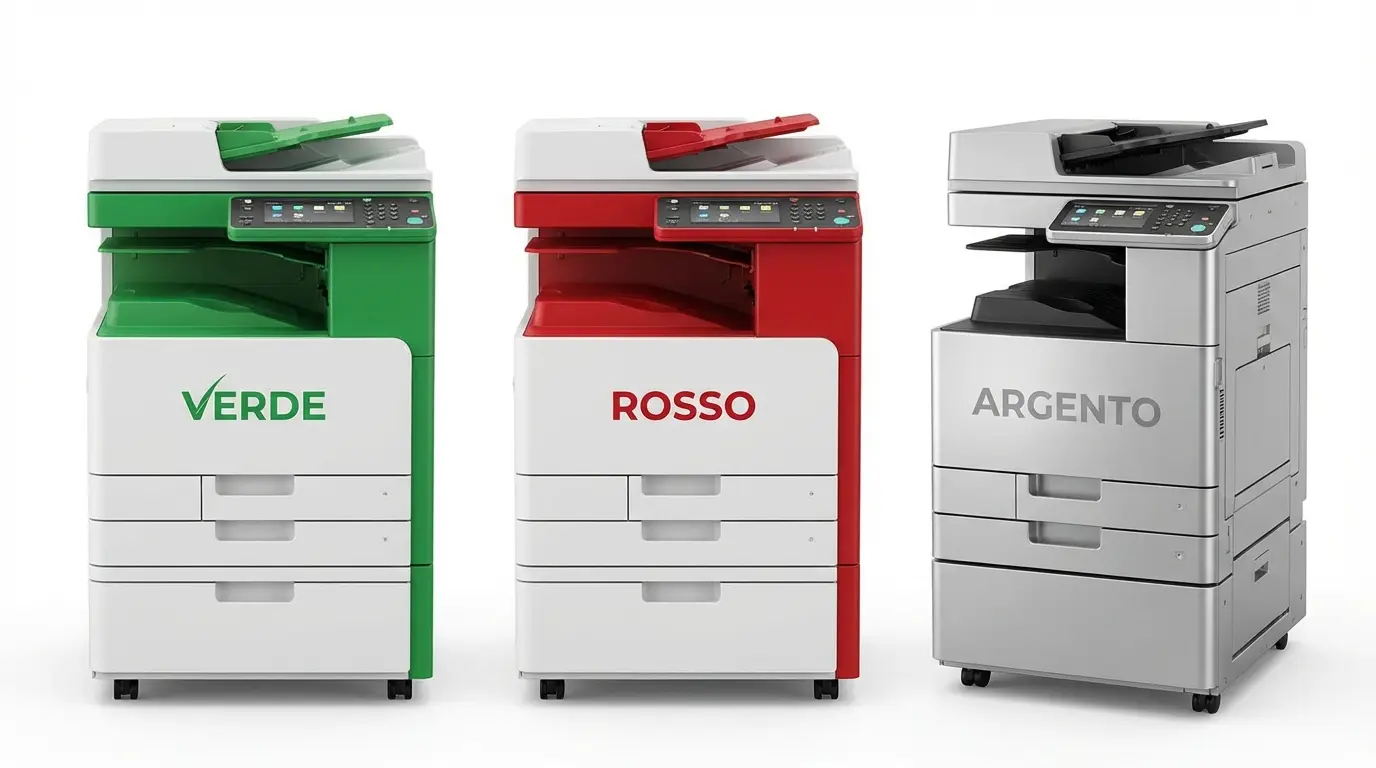
Whether you are running a heavy-duty A3 FujiFilm, Ricoh, or Canon for a busy trading firm, or relying on a compact A4 Brother, HP, Epson, or Pantum in a space-constrained setup, humidity doesn't discriminate. However, enterprise-grade machines from brands like Konica Minolta, Kyocera, Sharp, Toshiba, and Xerox often come with a distinct advantage: built-in anti-condensation heaters.
These internal heaters keep the drum and paper trays slightly warm even when the machine is in sleep mode, burning off excess moisture before it can cause a problem. If you are leasing a large floor-standing model, ask your technician to ensure this feature is activated during the spring months.
Proactive Checklist: Protecting Your Copier in Hong Kong
- Store Paper Like a Pro: Never leave spare paper exposed to the air. Keep it in its original moisture-proof wrapper until the moment you need it. For extra protection, store open reams in a sealed plastic storage box with silica gel desiccants.
- Don't Overfill the Trays: Only load as much paper as you expect to use in a day or two. Paper left sitting in the copier tray over a humid weekend is guaranteed to jam on Monday morning.
- Leave the Power On: Resist the urge to unplug the copier at the wall to save electricity. Modern copiers use very little power in "Sleep Mode," and leaving them plugged into the 220V socket allows the internal anti-condensation heaters to do their job overnight.
- Manage Office Climate: If your copier is placed in a small, unventilated room, consider running a standalone dehumidifier near the machine during the wettest months of the year (March to May).
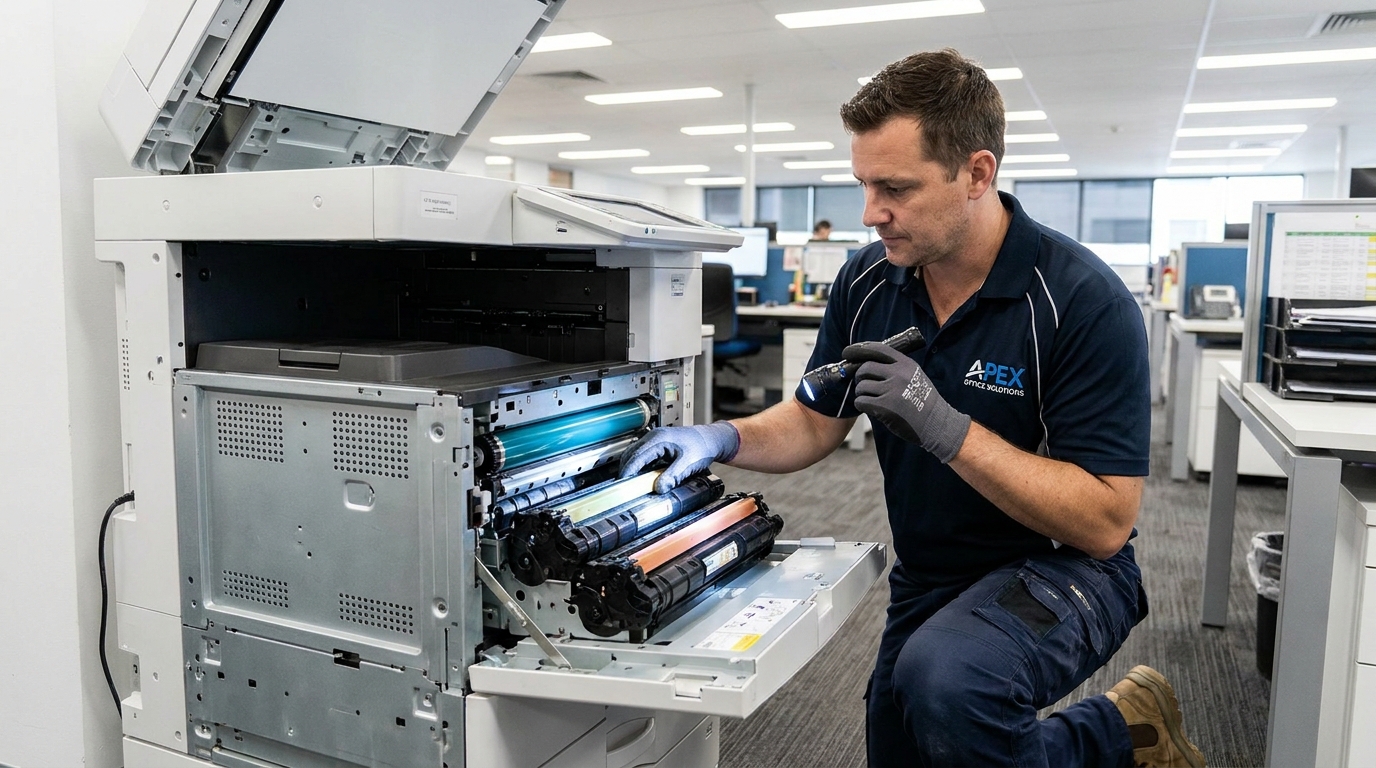
When Disaster Strikes: The Importance of a 4-Hour SLA
Despite your best efforts, extreme weather can sometimes get the better of your equipment. When paper jams become impossible to clear, or error codes lock up your screen, you need help fast. In the fast-paced Hong Kong business environment, you cannot afford to wait days for a repair.
This is why securing a maintenance contract with a strict 4-hour Service Level Agreement (SLA) is crucial. A proper SLA ensures that a qualified technician will be at your office—whether you have easy lift access in a modern commercial building or are located in an older industrial walk-up—within four working hours to get your business back online.
By storing your paper correctly, utilizing your machine's built-in heating features, and ensuring you have a robust support contract in place, you can conquer Hong Kong's humidity and keep your office running smoothly all year round.
Need Expert Advice?
Our consultants can help you find the perfect printing solution for your office.
📞 +85221164877 · King Copier · Operated by Techieasy Limited