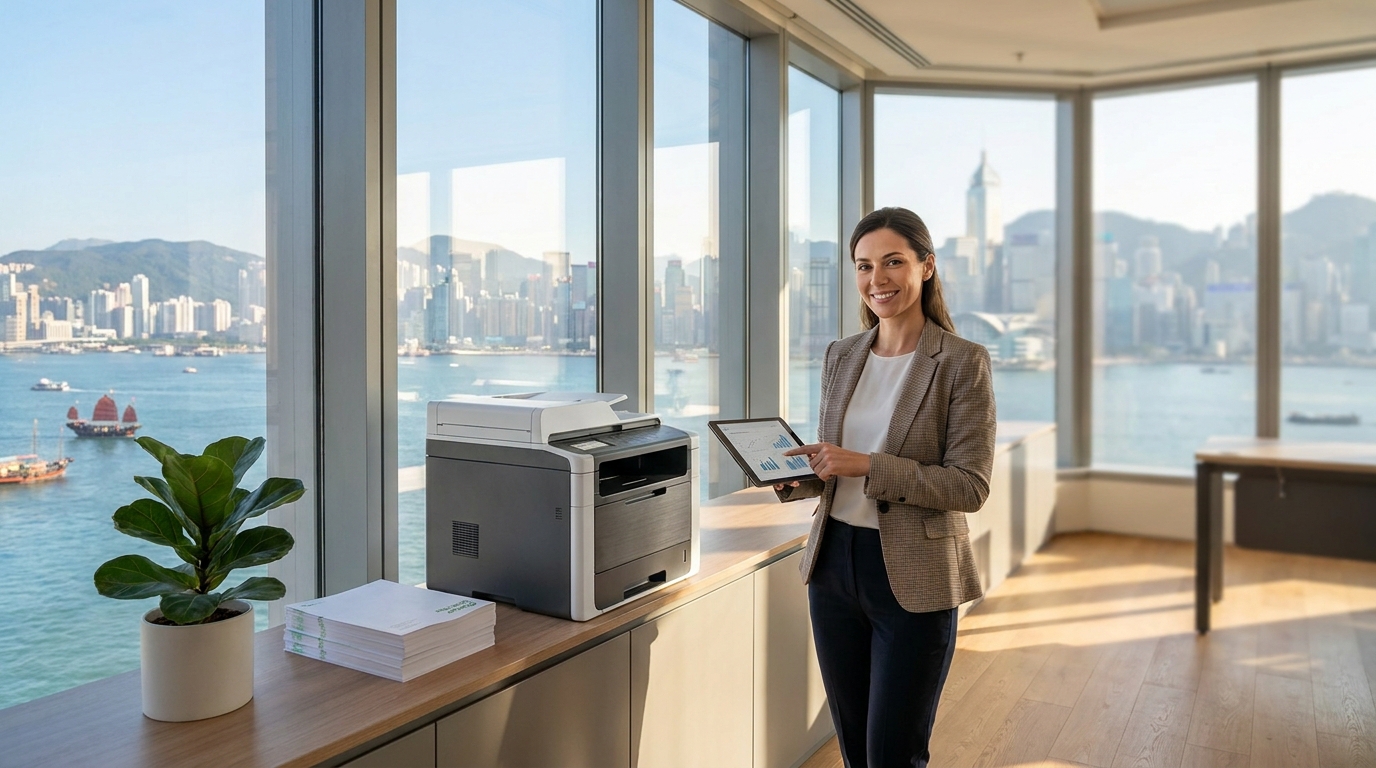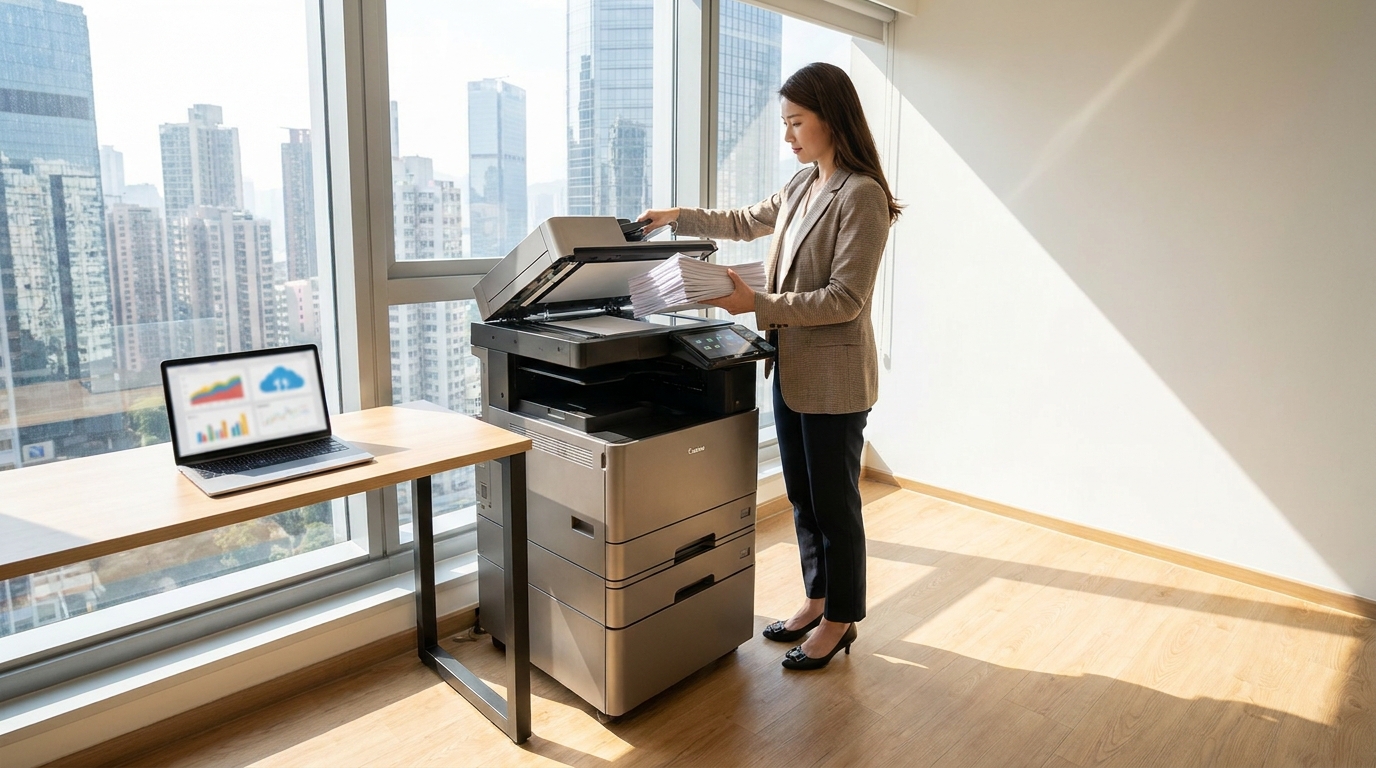
In the legal sector, client confidentiality isn't just a best practice—it's a strict regulatory requirement. While Hong Kong law firms invest heavily in firewalls, encrypted emails, and secure cloud storage to comply with the Personal Data (Privacy) Ordinance (PDPO), one massive vulnerability often sits quietly in the corner of the office: the multifunction printer (MFP).
Modern copiers from brands like FujiFilm, Canon, Xerox, and Ricoh are essentially highly capable computers. They have hard drives, operating systems, and network connections. If left unsecured, your copier can become an open door for data breaches, exposing sensitive litigation files, M&A contracts, and personal client data.
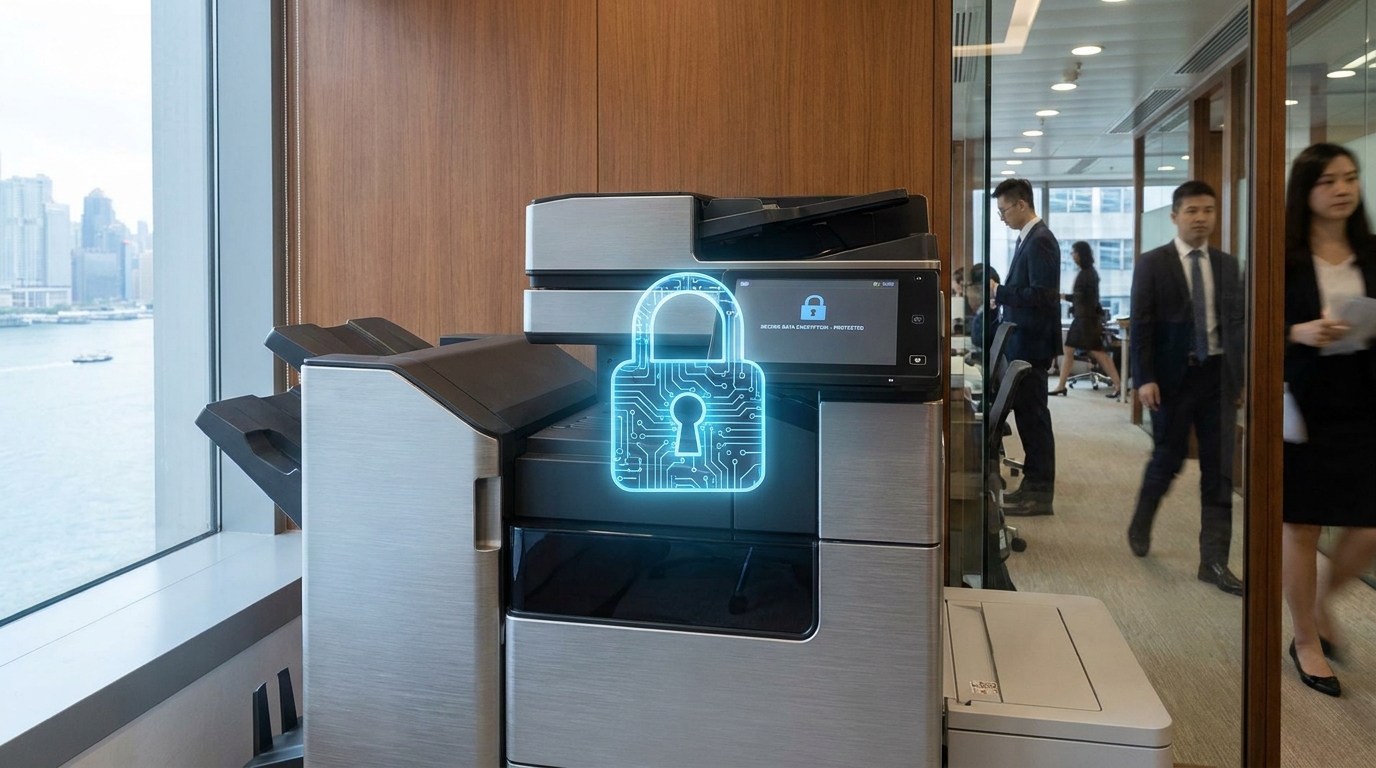
Why Copier Security is Critical for Legal Practices
Think about the lifecycle of a document in a law firm. Affidavits are scanned, contracts are printed, and evidence is copied. Every time a document passes through a multifunction printer, an image of that document is temporarily (or permanently) stored on the machine's internal hard drive.
Furthermore, in bustling Hong Kong offices—often characterized by tight space constraints in districts like Central or Admiralty—printers are usually placed in communal areas. This physical setup increases the risk of "abandoned documents," where highly sensitive papers sit unattended on the output tray for anyone to see.
Must-Have Security Features for Your Next Copier
1. Pull Printing (Follow-Me Print) & User Authentication
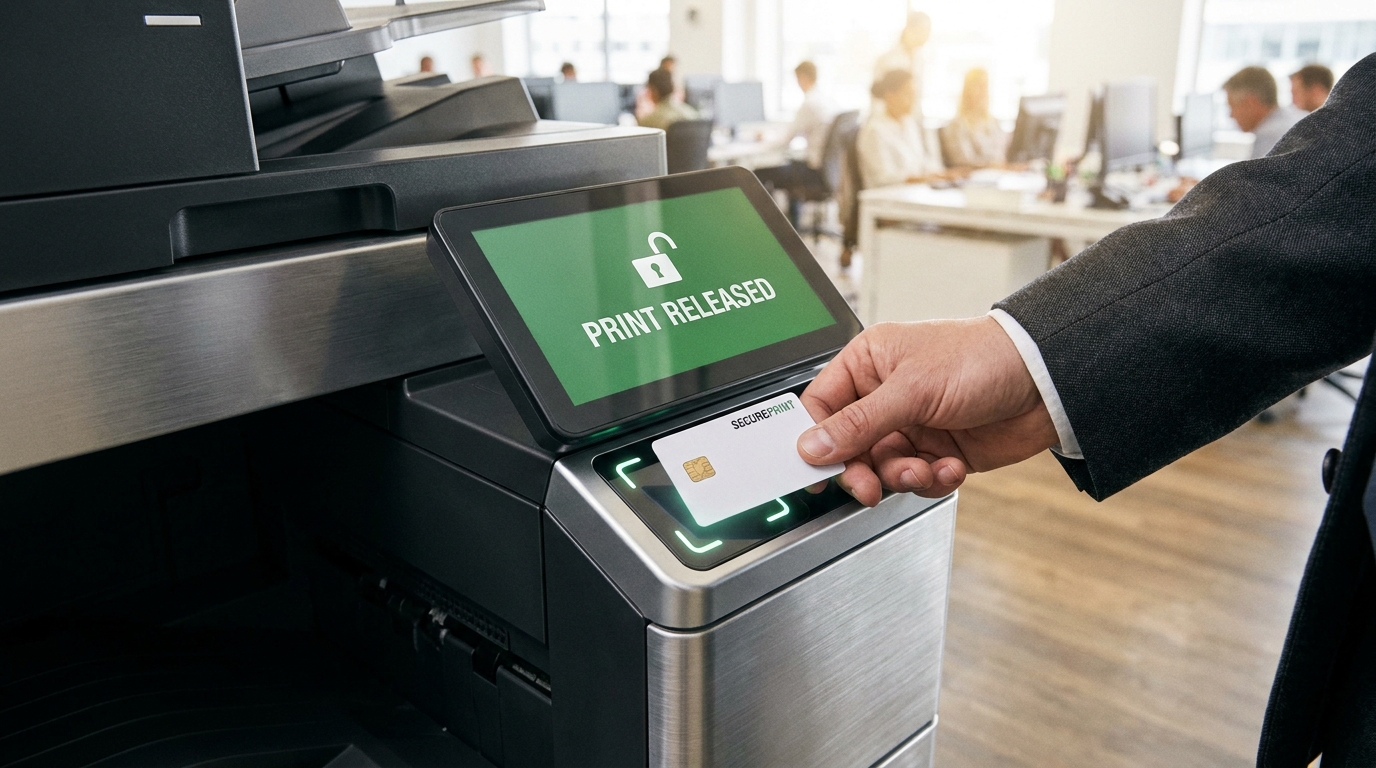
Also known as "Follow-Me Printing," this is arguably the most important feature for any shared office. When a lawyer clicks "Print" at their desk, the job is held securely on the server. The document will only print when the user walks up to the machine and authenticates themselves using a PIN code or by tapping their staff smart card (many systems can even integrate with standard Hong Kong Octopus cards or building access cards).
Cost Insight: Adding an IC card reader to a commercial copier typically costs between HKD 1,000 to HKD 2,500—a minor investment compared to the reputational damage of a leaked contract.
2. Hard Drive Encryption and Data Overwrite
If your copier is stolen, or when it is returned at the end of its lease, what happens to the data on the hard drive? Enterprise models from Konica Minolta, Sharp, and Toshiba come with standard 256-bit AES encryption. Additionally, you must ensure the Data Overwrite Security System (DOSS) is activated. This feature automatically scrambles and overwrites the data sectors on the hard drive immediately after every print, scan, or copy job is completed.
3. Secure PDF and Scan-to-Email Protection
When scanning sensitive evidence, the resulting file shouldn't be sent across your network as plain text. High-end copiers allow users to create encrypted, password-protected PDFs directly from the control panel. Brands like Brother and Epson also offer secure scan-to-email protocols (using TLS/SSL encryption) to ensure documents cannot be intercepted while in transit to a lawyer's inbox.
4. Advanced Network and Firmware Protection
Hackers can use an unsecured printer as a backdoor into your firm's broader network. Look for machines with IP/MAC address filtering, which only allows authorized computers to communicate with the printer. HP is particularly renowned for its self-healing BIOS features, while Konica Minolta offers optional Bitdefender antivirus integration directly on the copier to scan for malware in real-time.
Standard Office vs. Law Firm Security Requirements
| Feature | Standard Office | Law Firm Requirement |
|---|---|---|
| Print Release | Direct print (documents sit on tray) | Pull Printing (Card/PIN required) |
| Hard Drive | Standard storage | 256-bit Encryption + Auto-Overwrite |
| Scanning | Standard PDF to Email/Folder | Encrypted PDF with TLS transmission |
| Audit Trails | Basic page counts | Detailed user logs (Who printed what and when) |
Hong Kong-Specific Considerations for Law Firms
When leasing a secure copier in Hong Kong, there are a few local factors to keep in mind:
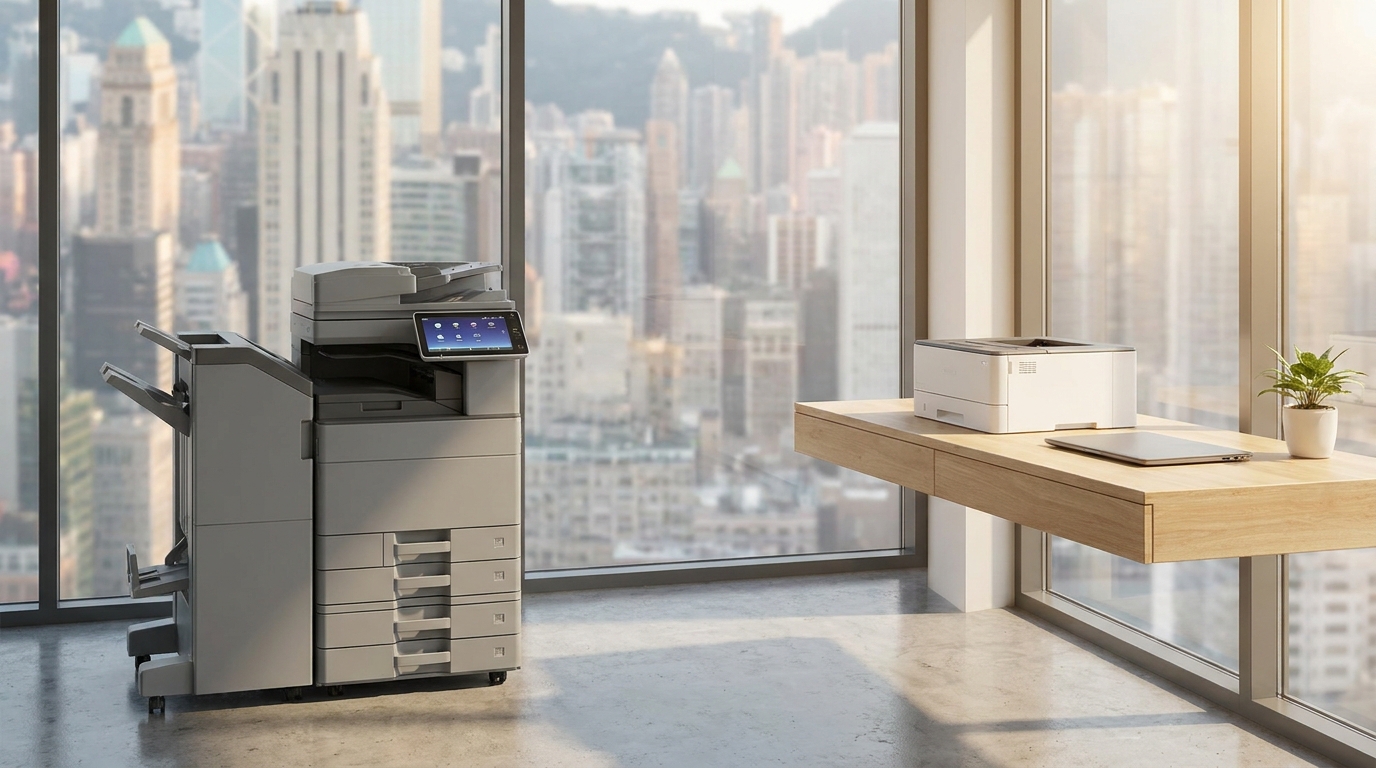
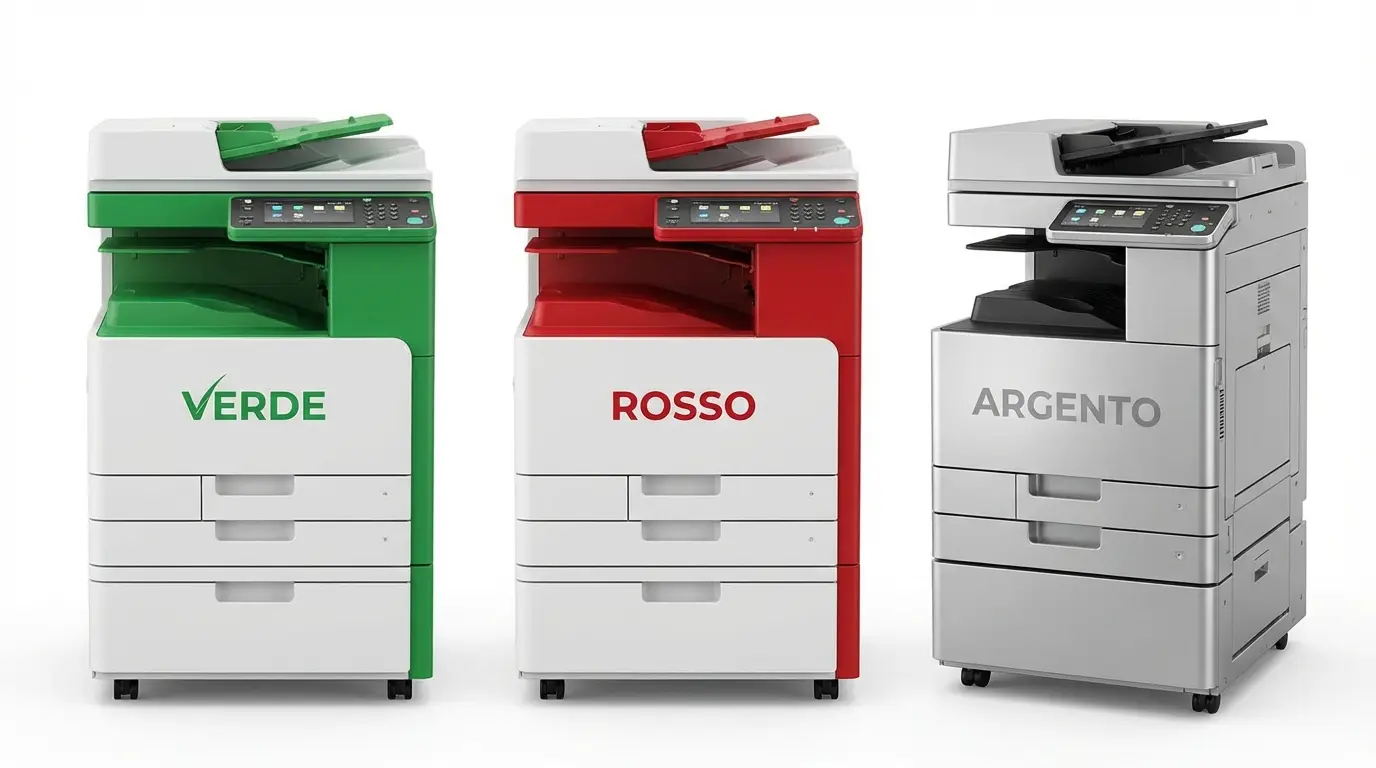
- Space Constraints: Hong Kong law offices are often tight on space. You don't necessarily need a massive machine for enterprise-grade security. Brands like Kyocera and Pantum offer compact A4 and A3 multifunction printers that fit into smaller office footprints but still boast legal-grade security features.
- Maintenance and SLA Expectations: In Hong Kong, a 4-hour Service Level Agreement (SLA) for repairs is the industry standard. However, if a technician needs to replace a faulty hard drive on your copier, what happens to the old one? Ensure your leasing contract includes a "Hard Drive Retention" clause, allowing your firm to keep and physically destroy the old hard drive rather than letting the technician take it away.
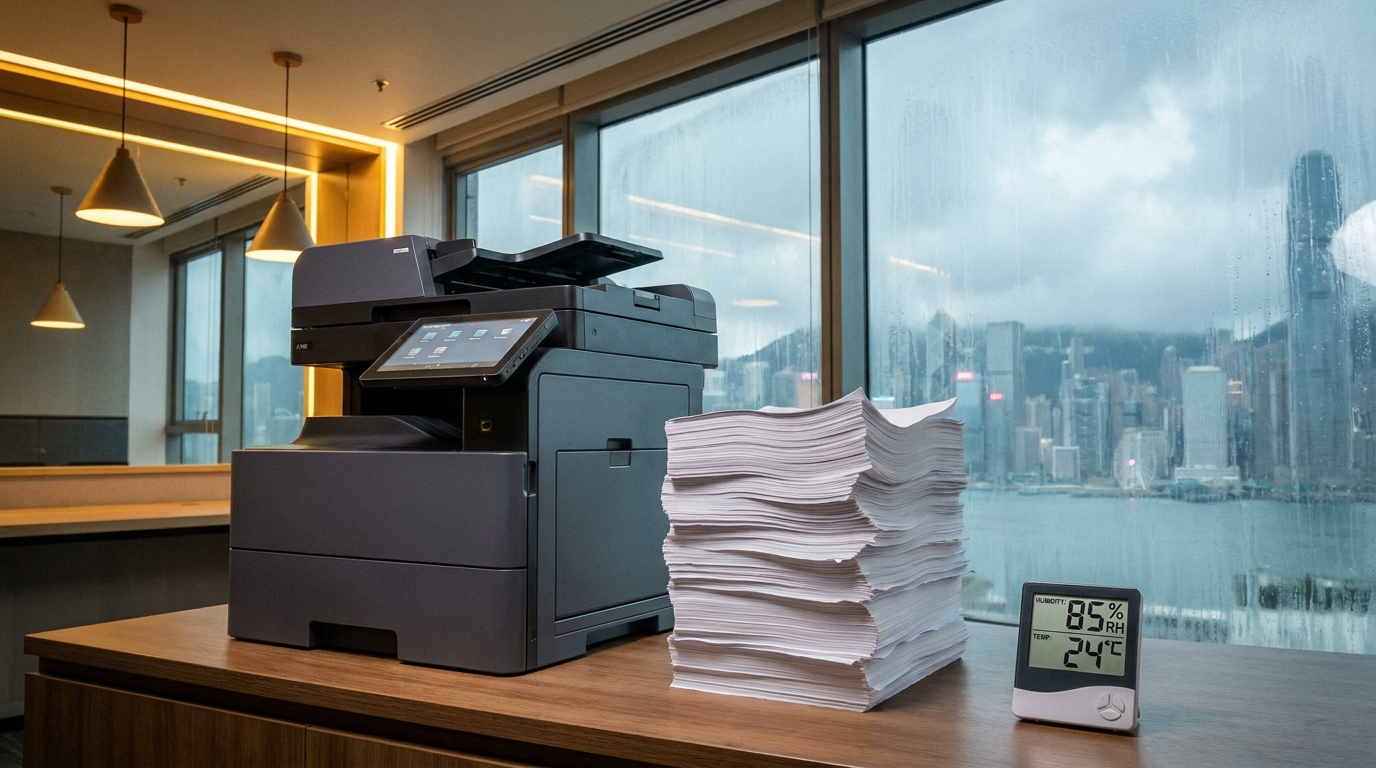
- Power and Environment: Ensure the machines are suited for Hong Kong's 220V power and can handle the high humidity which can sometimes cause paper jams in lower-end models, leading to frustrated staff abandoning half-printed confidential documents.
Actionable Copier Security Checklist
- Change default passwords: Never leave the admin password as "admin" or "123456".
- Enable Pull Printing: Mandate PIN or Card access for all print jobs.
- Turn on Data Overwrite: Ensure your IT provider has configured the DOSS system to wipe data immediately.
- Update Firmware Regularly: Treat your copier like a PC and apply security patches promptly.
- Audit your lease agreement: Verify that hard drive retention or certified destruction is included at the end of your lease.
Final Thoughts
For a law firm, a data breach can result in severe financial penalties, loss of client trust, and irreparable damage to the firm's reputation. By treating your multifunction printers as critical endpoints on your network and equipping them with enterprise-grade security features, you can ensure that your client's most sensitive information remains strictly confidential.
Need Expert Advice?
Our consultants can help you find the perfect printing solution for your office.
📞 +85221164877 · King Copier · Operated by Techieasy Limited