If you are leasing or buying a multifunction printer for your Hong Kong office, you have likely encountered the term "click charge" or "cost per page" (CPP). For many SME owners and IT managers, the monthly maintenance contract can be confusing. What exactly are you paying for every time a page comes out of the machine?
In this visual guide, we will break down exactly how click charges work, what they cover, and how different brands handle them, helping you make an informed decision for your next office copier.
What Exactly is a "Click"?
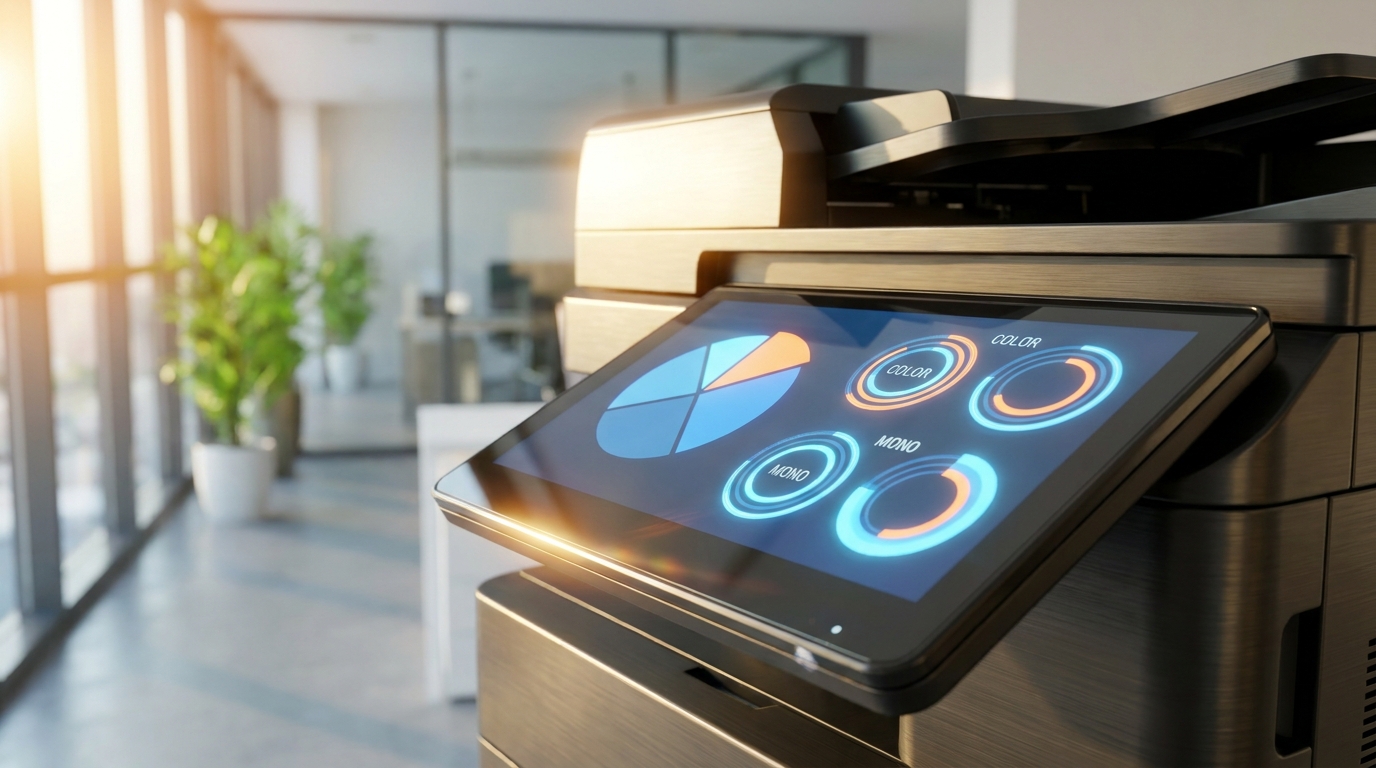
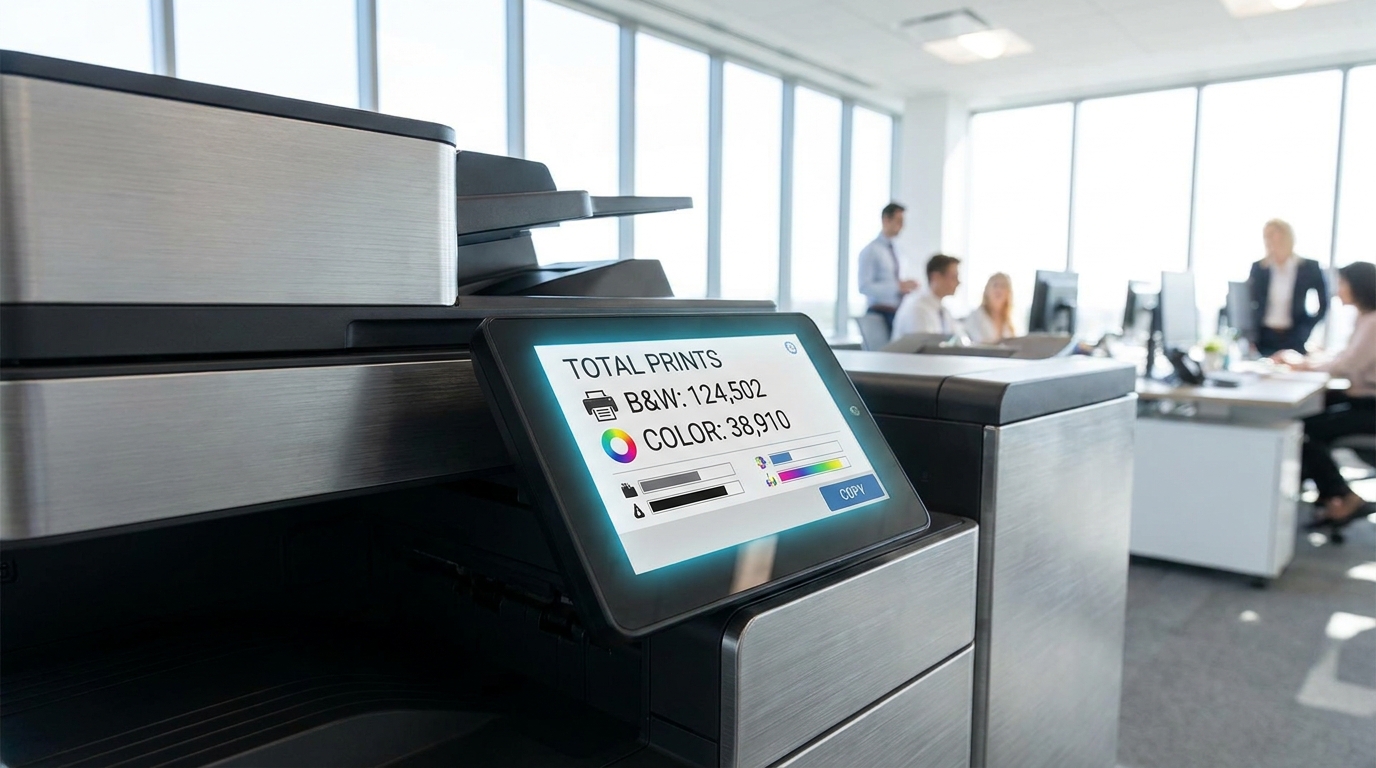
In the copier industry, a "click" is simply a meter tick representing one printed or copied page. It is how service providers track your usage to bill you for maintenance and consumables. Here are the golden rules of counting clicks:
- One Side = One Click: A single-sided (simplex) print is one click. A double-sided (duplex) print counts as two clicks.
- Paper Size Matters: For most brands like Ricoh, Canon, and FujiFilm, printing on standard A4 paper is one click. However, printing on a larger A3 sheet is often billed as two clicks because it uses twice the toner and causes twice the wear and tear.
- Scanning is Usually Free: A "click" generally only applies when toner is put on paper. Scanning documents to email or a network folder does not usually incur a click charge.
The Minimum Volume Commitment (MVC)
Most service contracts in Hong Kong include a Minimum Volume Commitment. This means you agree to pay for a minimum number of clicks per month (e.g., 2,000 mono and 500 color), whether you use them or not. If you print more, you are billed for the overage at your agreed click rate. It is crucial to accurately estimate your office's print volume to avoid overpaying for unused clicks.
What Does Your Click Charge Actually Cover?
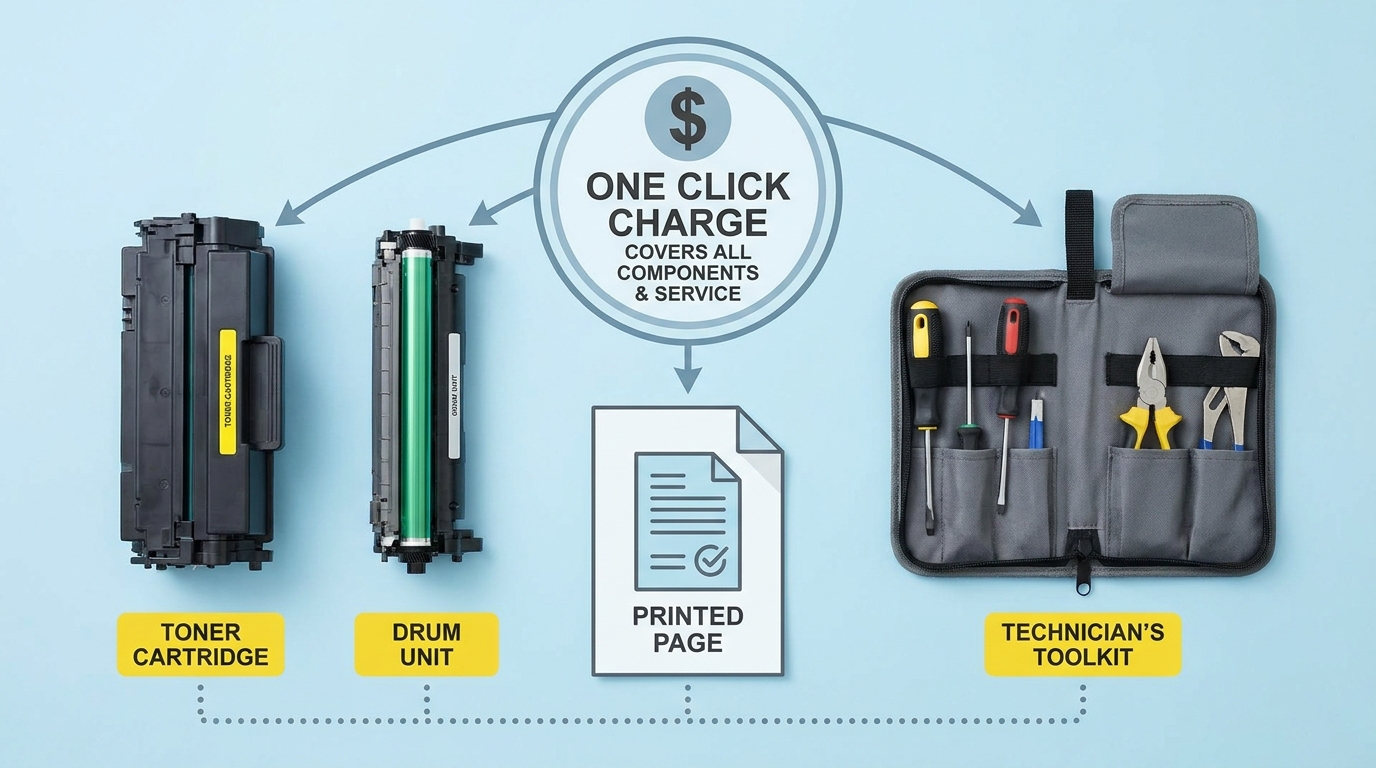
A click charge is not just a fee for toner. It is part of a comprehensive Service Level Agreement (SLA) designed to keep your office running smoothly. When you pay a click charge to a provider in Hong Kong, it typically covers:
1. All Consumables (Except Paper)
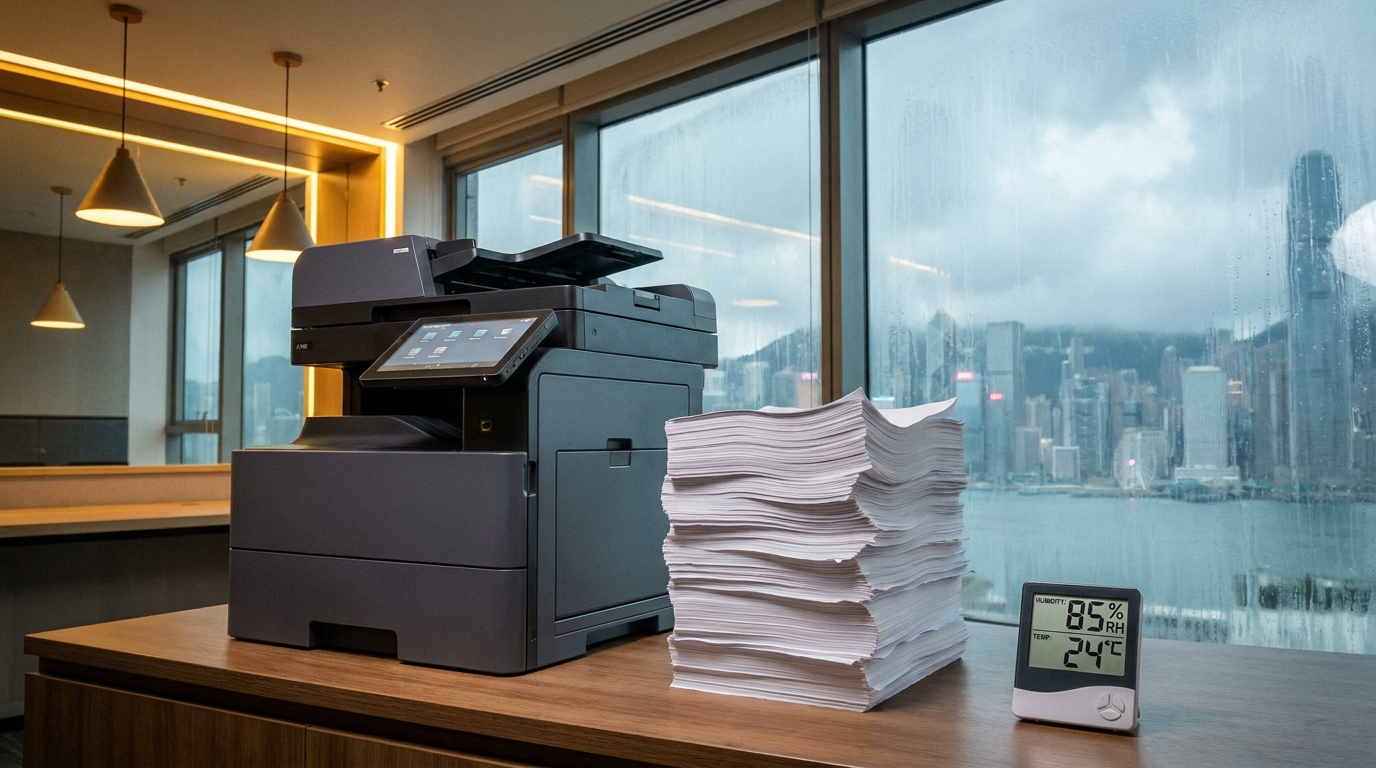
This includes toner cartridges, developer, and waste toner boxes. Given Hong Kong's notoriously high humidity—which can cause toner to clump and degrade faster—having toner included in your contract is a massive cost-saver.
2. Replacement Parts
Fusers, drum units, transfer belts, and paper feed rollers wear out over time. If a drum unit fails on a Konica Minolta or Sharp machine, the replacement (which can cost thousands of HKD) is fully covered.
3. On-Site Labor & Repairs
If your machine jams or breaks down, a technician will come to your office to fix it without any call-out fees or hourly labor charges.
4. Hong Kong 4-Hour SLA
Because of Hong Kong's compact geography and efficient transport (and assuming your building has proper lift access), most premium service contracts guarantee a technician will arrive within 4 working hours of your call.
Average Click Charge Rates in Hong Kong (2024 Estimates)
Click rates vary based on your monthly print volume, the specific machine model, and the brand. Heavy-duty A3 floor-standing copiers usually offer lower click rates than compact desktop A4 printers. Here is a general benchmark of what Hong Kong SMEs can expect to pay:
| Print Type | Average Rate (HKD) | What It Means |
|---|---|---|
| Black & White (Mono) | $0.04 - $0.08 per page | Standard text documents, invoices, internal memos. |
| Full Color | $0.40 - $0.80 per page | Presentations, marketing brochures, graphics. |
How Different Brands Approach Click Charges
While the basic concept is the same, different manufacturers have unique ways of billing for usage:
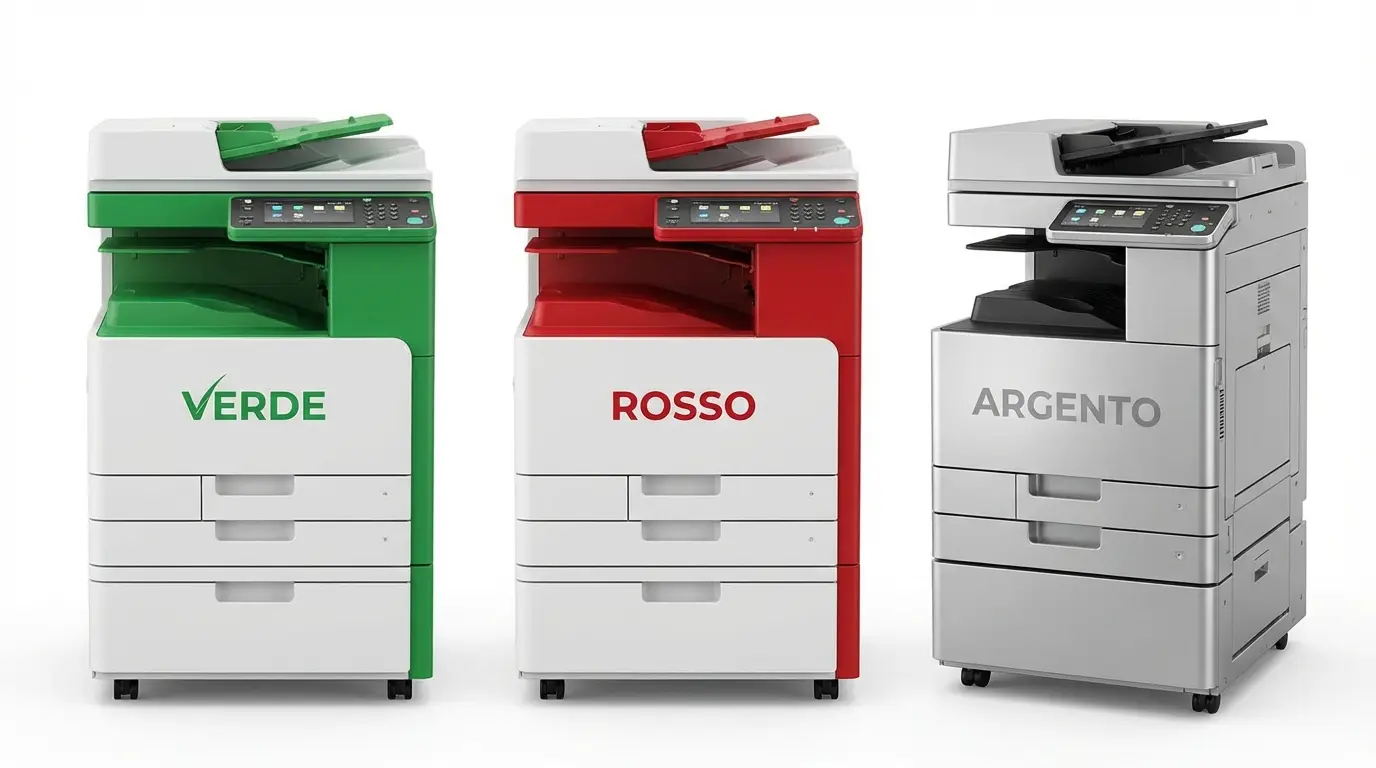
- Tiered Color Billing: Brands like Kyocera and Toshiba often offer tiered color billing. If you print a page with only a tiny blue logo, you pay a "Level 1" color click (which is very cheap). If you print a full-page glossy photo, you pay a "Level 3" full-color click. This is fantastic for offices that only use spot color.
- Standard Flat Rate: Premium brands like Xerox, Canon, and FujiFilm typically charge a flat color rate. Whether you print a single red dot or a full-page photograph, it counts as one standard color click.
- Inkjet vs. Laser: Business inkjet machines from Epson, Brother, and HP often boast lower color click charges compared to traditional laser toners, while offering comparable speeds for general office use.
- Budget-Friendly Options: Emerging brands in the HK market like Pantum are beginning to offer highly aggressive service rates for smaller workgroups.
5 Actionable Tips to Lower Your Click Costs
You do not have to be at the mercy of your print bill. Implement these settings on your office copier to instantly reduce your monthly expenses:
- Default to Black & White: Set the default printer driver on all employee computers to monochrome. Force users to manually select color when they truly need it.
- Implement Pull Printing (Secure Print): Require employees to swipe an ID card or enter a PIN at the machine to release their print jobs. This eliminates "abandoned" prints sitting in the output tray, saving up to 15% in wasted clicks.
- Force Duplex Printing: While duplex printing counts as two clicks, it cuts your paper costs in half. However, if your provider charges less for duplex clicks (rare, but possible), take advantage of it!
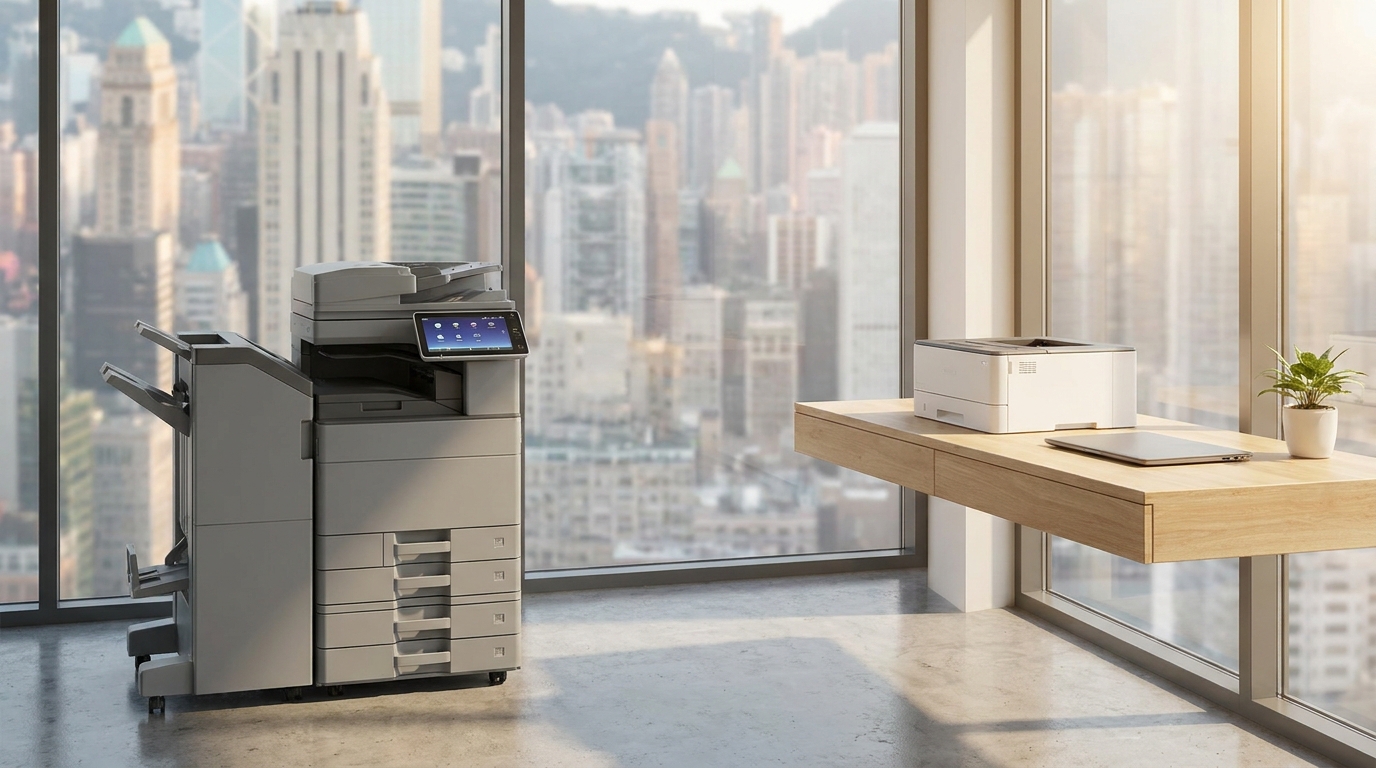
- Right-Size Your Machine: Do not lease a massive 60-page-per-minute A3 machine if your team only prints a few A4 invoices a day. Downsizing to a robust A4 machine can significantly lower your Minimum Volume Commitment.
- Audit Your Usage Quarterly: Review your meter readings. If you consistently print 1,000 pages but your MVC is set to 3,000, you are throwing money away. Negotiate a lower MVC during your next contract renewal.
Final Thoughts
Understanding click charges is the key to controlling your office printing budget. By knowing exactly what constitutes a click, what your SLA covers, and how to manage your daily print habits, you can ensure your Hong Kong business is getting the best possible value from your copier contract. Always read the fine print regarding A3 billing and Minimum Volume Commitments before signing your next lease.
Need Expert Advice?
Our consultants can help you find the perfect printing solution for your office.
📞 +85221164877 · King Copier · Operated by Techieasy Limited