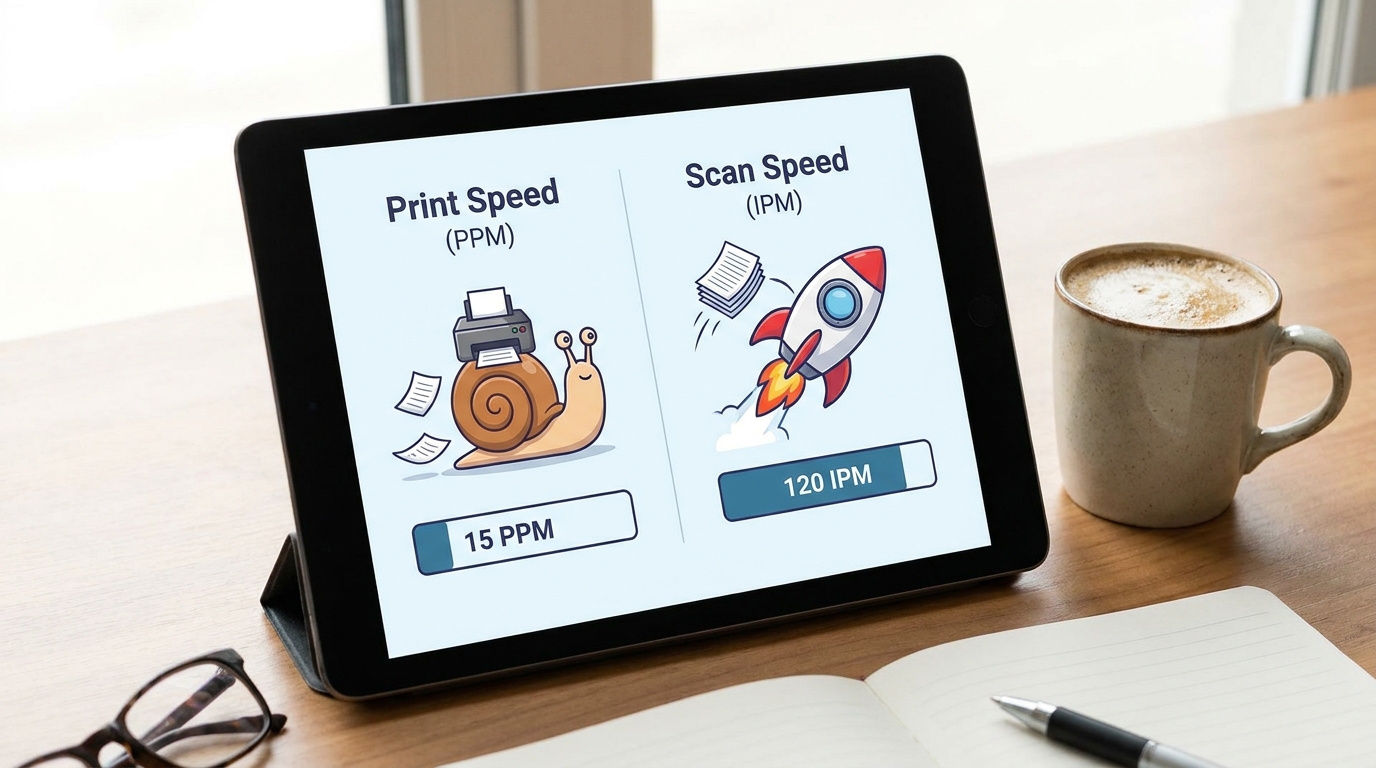
When Hong Kong businesses shop for a new office copier, the first question they usually ask is, "How fast does it print?" For decades, Pages Per Minute (PPM) was the ultimate benchmark of a multifunction printer (MFP). But the modern workplace has fundamentally changed. Today, if you are prioritizing print speed over scanning speed, you are likely looking at the wrong metric.
As companies embrace digital transformation, cloud storage, and hybrid work models, the volume of printed paper is steadily declining. Instead, the real bottleneck in most offices is getting physical documents into the digital ecosystem. Here is why scanning speed—measured in Images Per Minute (IPM)—is the true MVP of your office hardware.
The Shift from Paper to Pixels
Think about your daily workflow. Are you printing out 100-page reports for everyone in the boardroom, or are you emailing a PDF? In Hong Kong, where commercial real estate in districts like Central and Kwun Tong commands premium prices, storing physical paper is a massive waste of expensive office space.
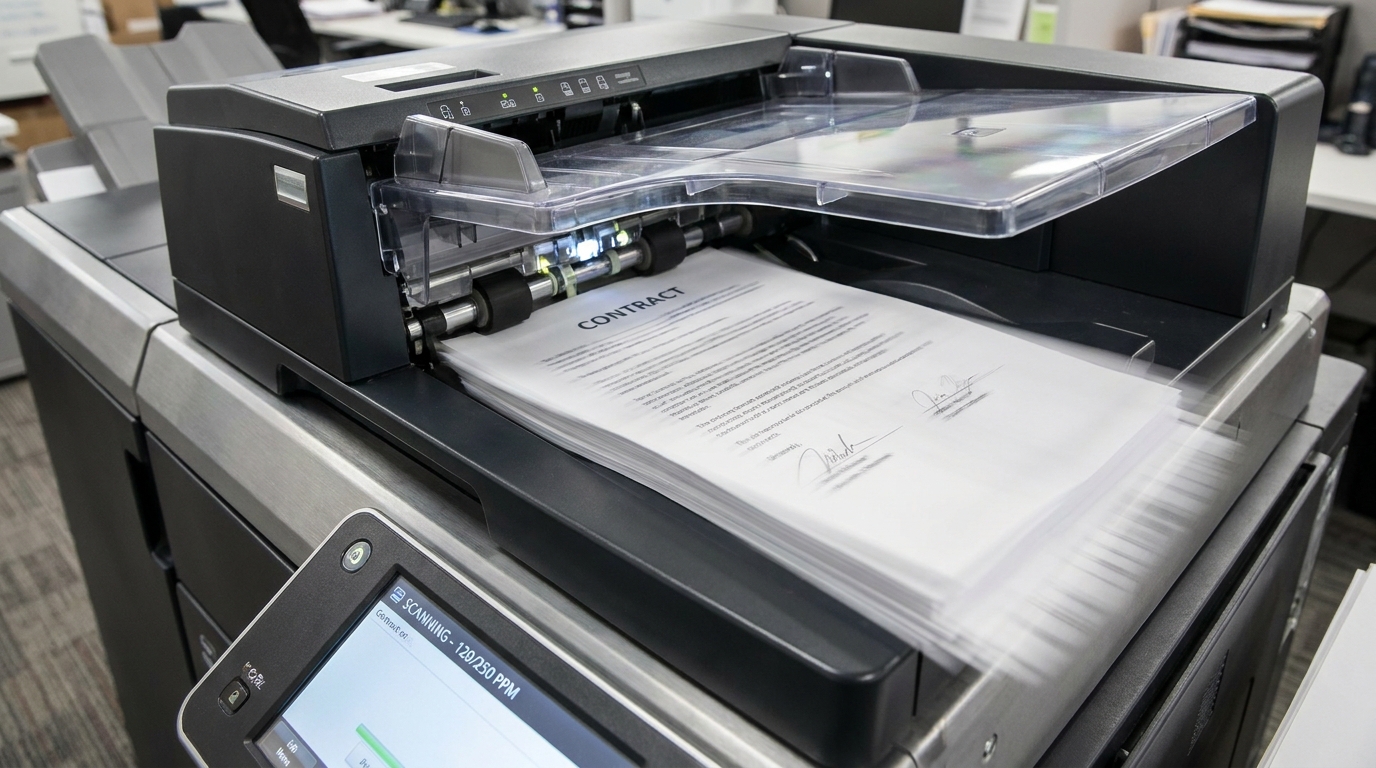
Departments like HR, Legal, and Accounting are constantly digitizing contracts, invoices, and employee records. A slow scanner forces highly paid staff to stand at the machine, babysitting document feeders and waiting for files to process.
PPM vs. IPM: Understanding the Technology
Print speed (PPM) measures how fast blank paper becomes printed documents. Scan speed (IPM) measures how fast physical documents are converted into digital images. When evaluating scanning speed, the type of Automatic Document Feeder (ADF) makes all the difference:
- RADF (Reversing Automatic Document Feeder): To scan a double-sided page, the machine scans one side, physically flips the paper over, and scans the other. This is slow and increases the risk of paper jams.
- DSPF (Dual Scan Document Feeder / Single-Pass): The machine has two scanning lenses. It reads both sides of a double-sided document simultaneously in a single pass. This effectively doubles your scanning speed and reduces mechanical wear.
| Feature | Standard RADF Copier | High-Speed DSPF Copier |
|---|---|---|
| Typical Print Speed | 30 - 45 PPM | 30 - 45 PPM |
| Double-Sided Scan Speed | 40 - 55 IPM | 120 - 270 IPM |
| Time to scan 100 double-sided contracts | ~5 minutes (plus flipping jams) | < 1 minute |
The Hidden Costs of Slow Scanning in Hong Kong
Let’s look at the financial impact. Suppose an administrative assistant earning HKD 20,000 per month spends just 30 extra minutes a day waiting for a slow scanner or clearing paper jams. Over a year, that equates to roughly HKD 15,000 in wasted productivity. Investing slightly more upfront for a high-speed scanner pays for itself in months.
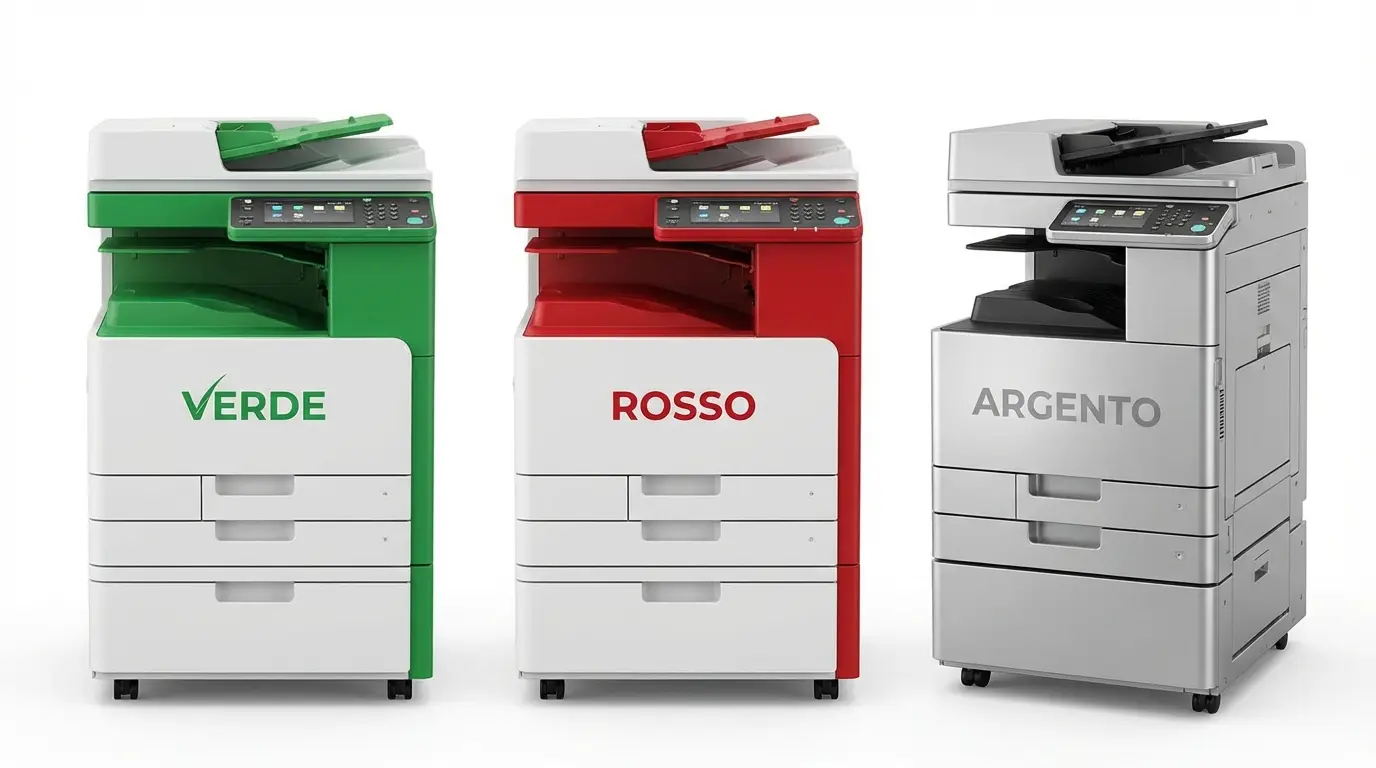
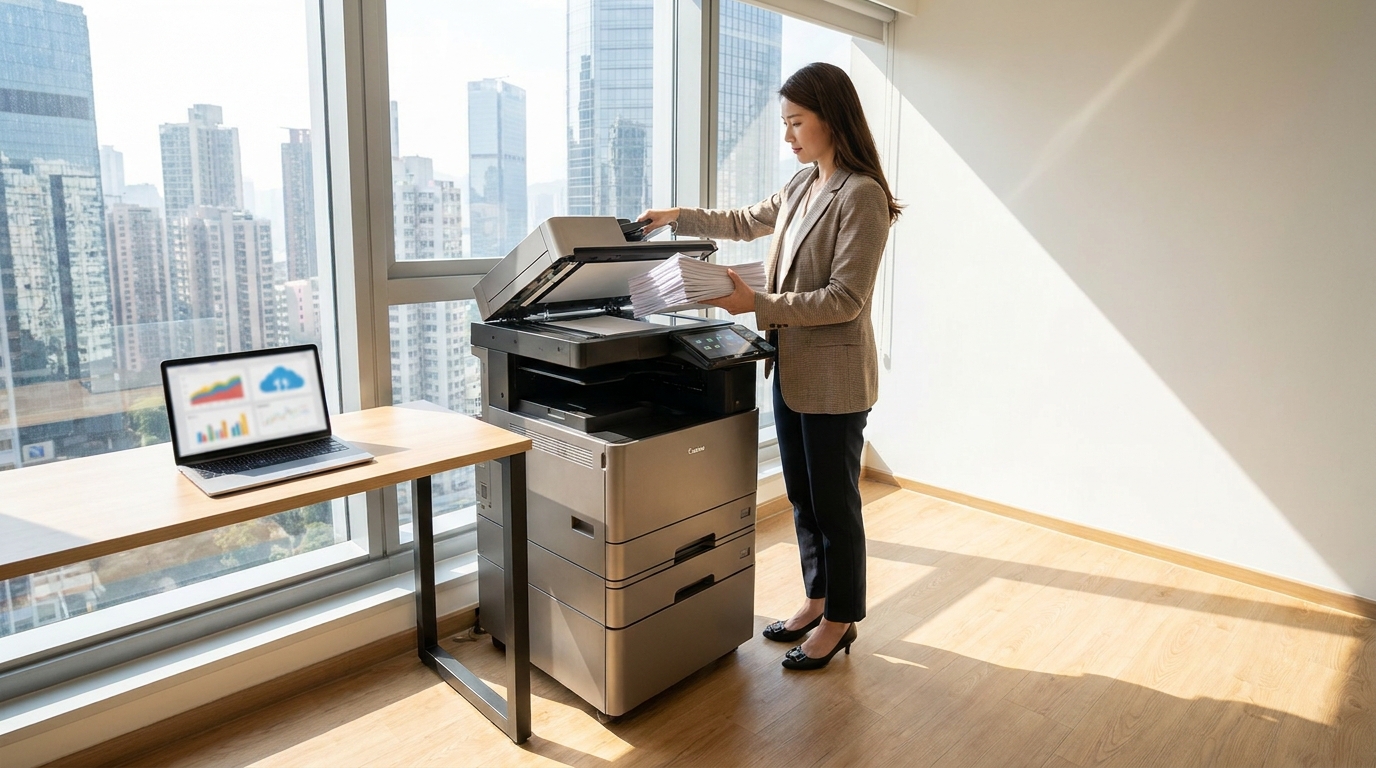
Enterprise workhorses from brands like FujiFilm, Xerox, Canon, Ricoh, and Konica Minolta offer industry-leading DSPF technology, often hitting scan speeds of up to 270 IPM.
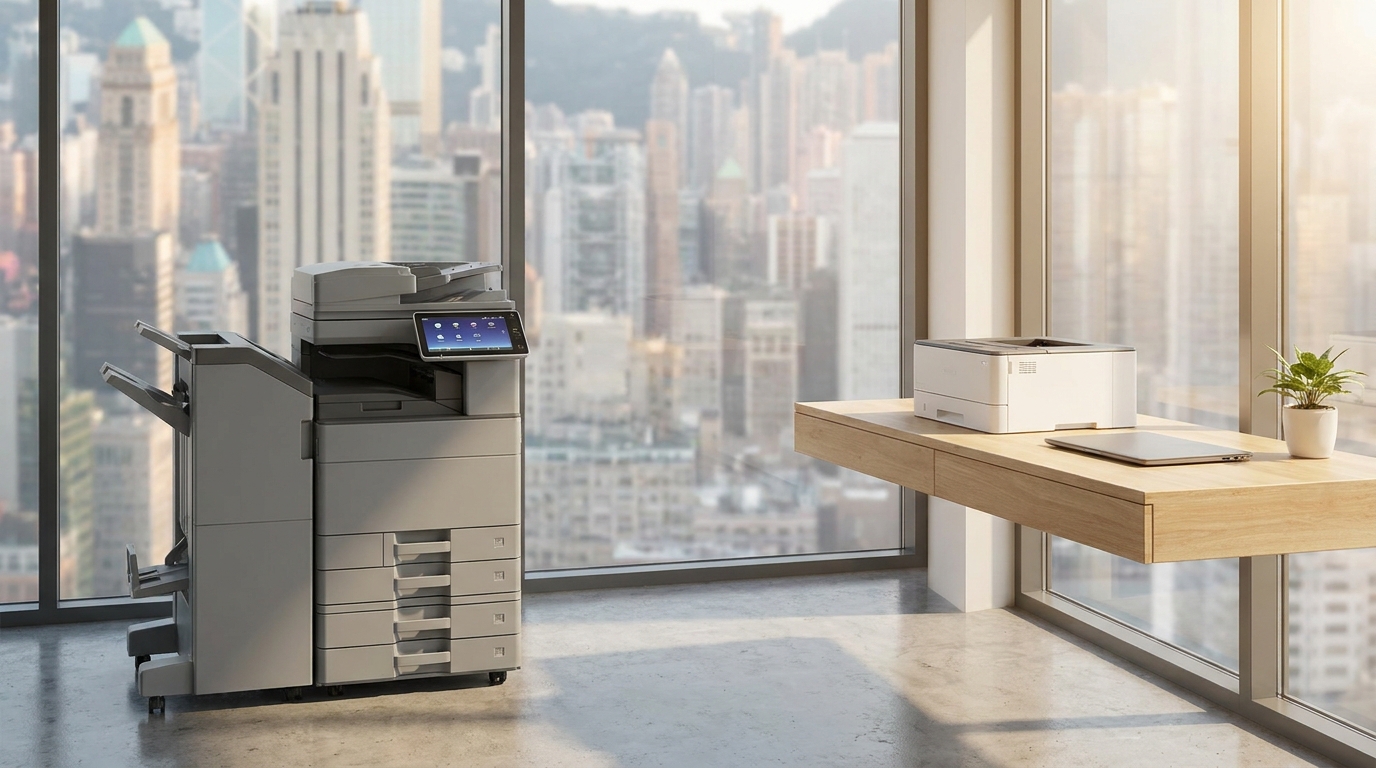
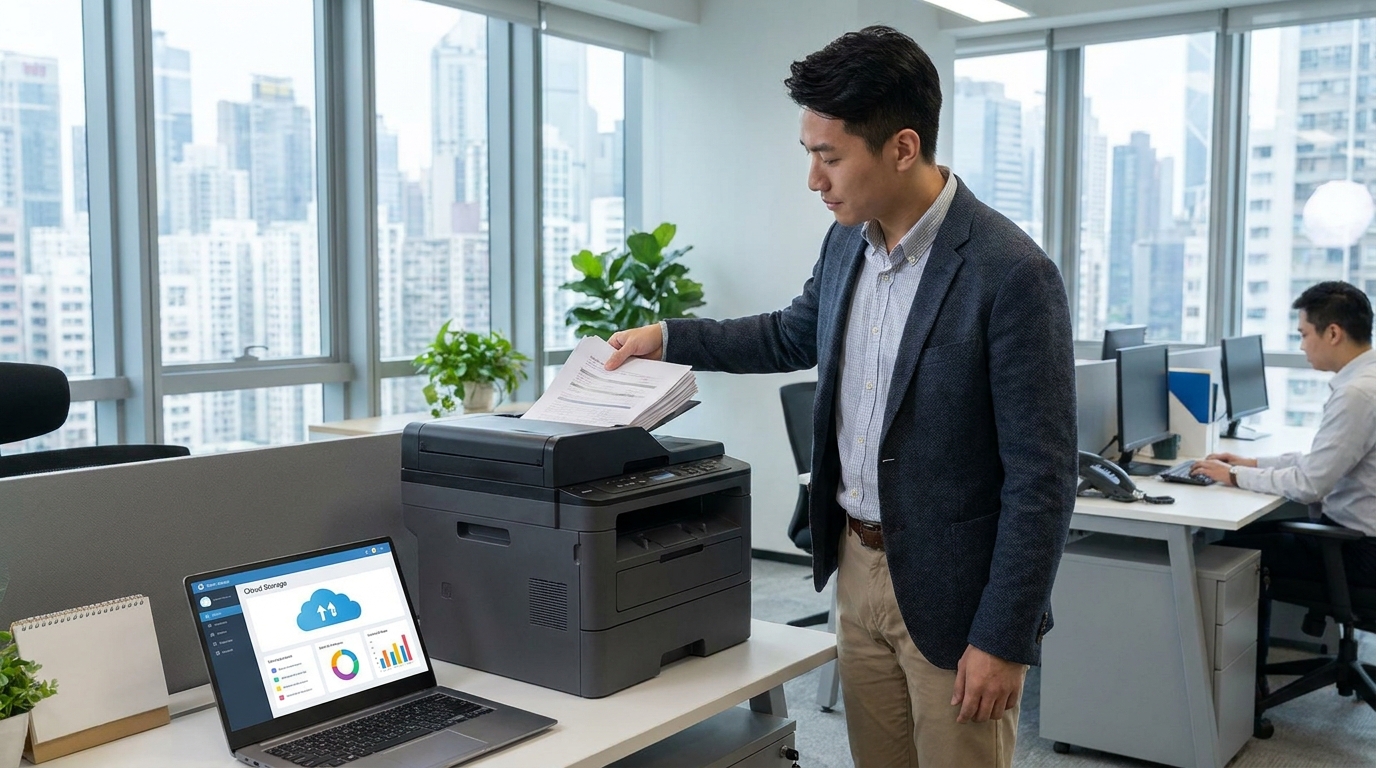
If you run an SME and don't need A3 printing, you don't have to sacrifice scanning speed. Compact A4 multifunction printers from Kyocera, Sharp, Toshiba, Brother, HP, Epson, and Pantum now come equipped with incredibly fast single-pass scanners that fit perfectly on a standard office desk.
Hong Kong-Specific Considerations for Scanners
When choosing a high-speed scanning machine in Hong Kong, keep these local factors in mind:
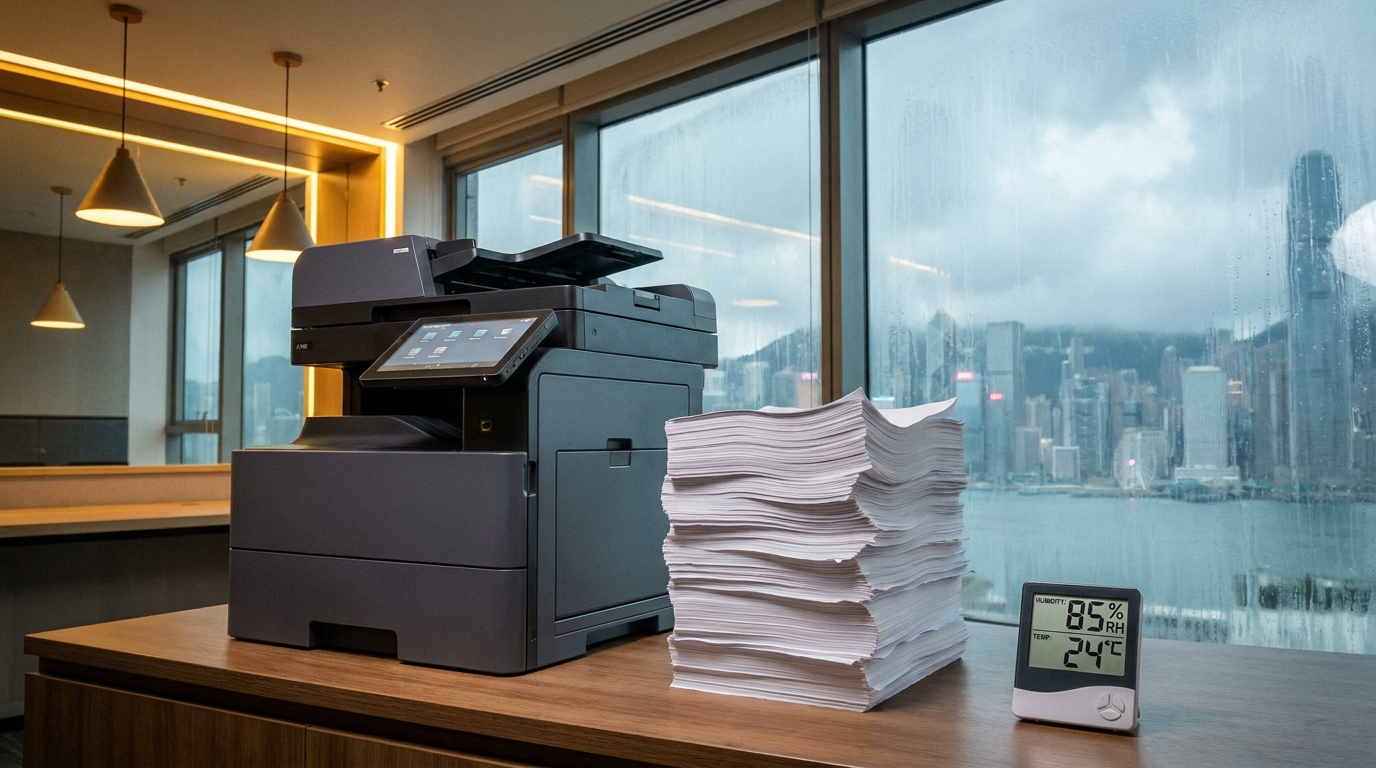
- The Humidity Factor: Hong Kong's spring humidity often exceeds 90%. Damp paper sticks together. Look for scanners with ultrasonic multi-feed detection. This technology uses sound waves to detect if two pages have been pulled in at once, stopping the scan before you accidentally miss a page in a crucial legal document.
- Space Constraints & Lift Access: High-speed scanning used to require massive A3 floor-standing copiers. Before ordering a massive machine, ensure it can fit through your office doors and into the building's passenger or cargo lifts. If space is tight, a high-end A4 model will deliver the same scanning speed with a much smaller footprint.
- Wear and Tear (The 4-Hour SLA): Fast scanning means the ADF rollers work incredibly hard. Over time, these rubber rollers wear out, leading to paper jams. Ensure your copier lease or maintenance contract includes a strict 4-hour Service Level Agreement (SLA). You cannot afford to have your digital workflow halted for days waiting for a technician.
- Power Requirements: Ensure the machine operates efficiently on Hong Kong's standard 220V power supply without requiring dedicated heavy-duty circuits, especially in older commercial buildings.
Buyer’s Checklist: Evaluating Your Next Machine
Before you sign a lease, ask these questions:
- Does it have a DSPF (Single-Pass) or RADF (Reversing) feeder? Always opt for DSPF if your budget allows.
- What is the IPM? Look for at least 80 IPM for moderate offices, and 150+ IPM for document-heavy businesses.
- Does it support Blank Page Removal? This software feature automatically deletes blank backsides of pages, saving you from manually editing PDFs later.
- Can it scan directly to cloud/email? Ensure it integrates seamlessly with SharePoint, Google Drive, or your company's specific network folders.
The next time you are comparing copier quotes, don't get distracted by a machine offering 60 pages per minute of printing if it only offers sluggish, single-sided scanning. In the modern, space-conscious, and digitally-driven Hong Kong business landscape, scanning speed is the true engine of office productivity.
Need Expert Advice?
Our consultants can help you find the perfect printing solution for your office.
📞 +85221164877 · King Copier · Operated by Techieasy Limited