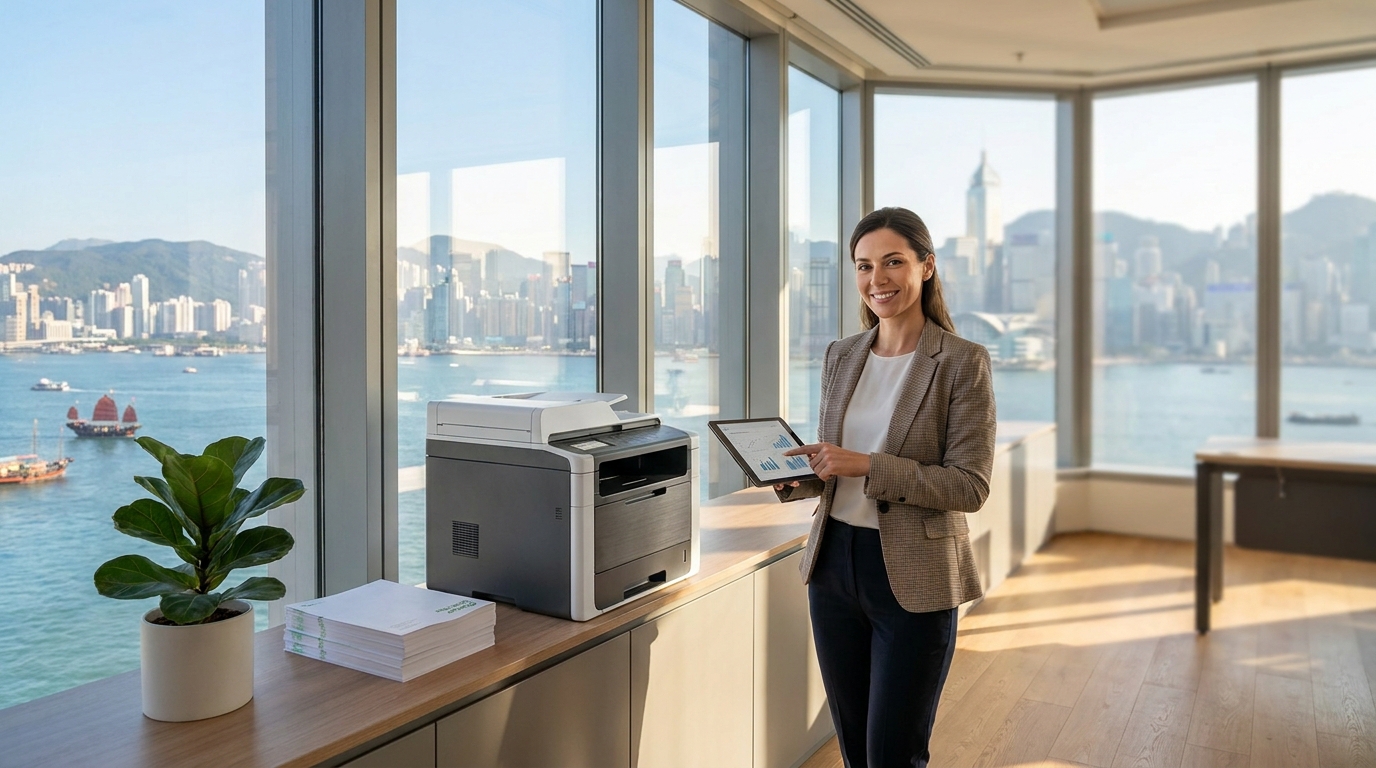
Operating a business in Hong Kong often means making the most out of limited square footage. With commercial rents in areas like Central, Kwun Tong, and Lai Chi Kok remaining at a premium, an office under 500 square feet is the reality for many local startups and SMEs. In such tight quarters, every inch of floor and desk space counts—meaning a bulky, traditional photocopier simply isn't an option.
Fortunately, major printer manufacturers have recognized the need for high-performance, compact machines. Whether you need a simple desktop printer or a slim floor-standing unit, here is your guide to choosing the best compact copier for your small Hong Kong office.
Why Size and Design Matter in Hong Kong
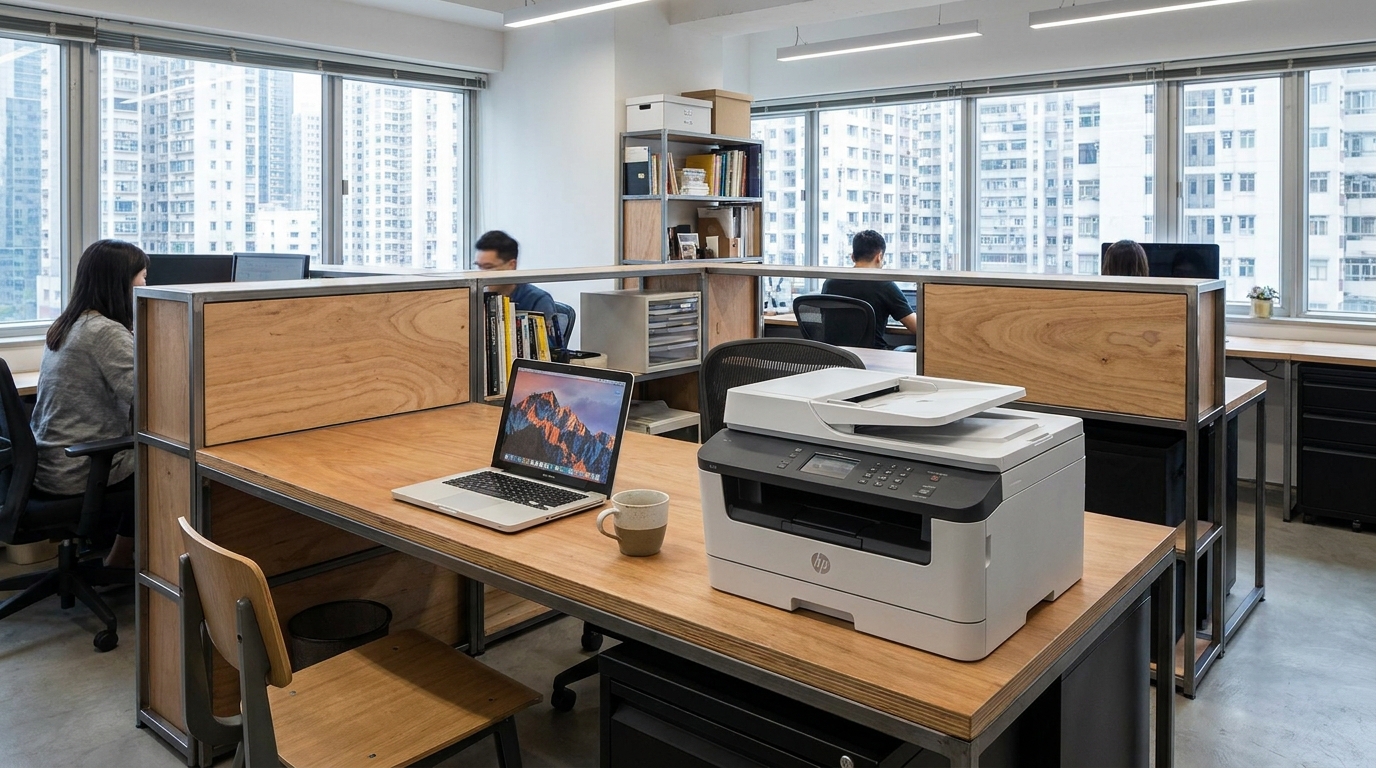
When your office is only 400 to 500 square feet, you are likely sharing the space with 3 to 6 employees, desks, filing cabinets, and a tiny pantry. When selecting a copier, it is not just about the physical dimensions (width, depth, and height), but also about clearance space.
- Front-Access Design: Look for machines where toner replacement and paper loading can be done entirely from the front. If you have to open side panels, you cannot place the machine flush against a wall or between desks.
- Ventilation: Copiers generate heat. In a small, air-conditioned HK office, a machine with poor ventilation can make the immediate area uncomfortably warm.
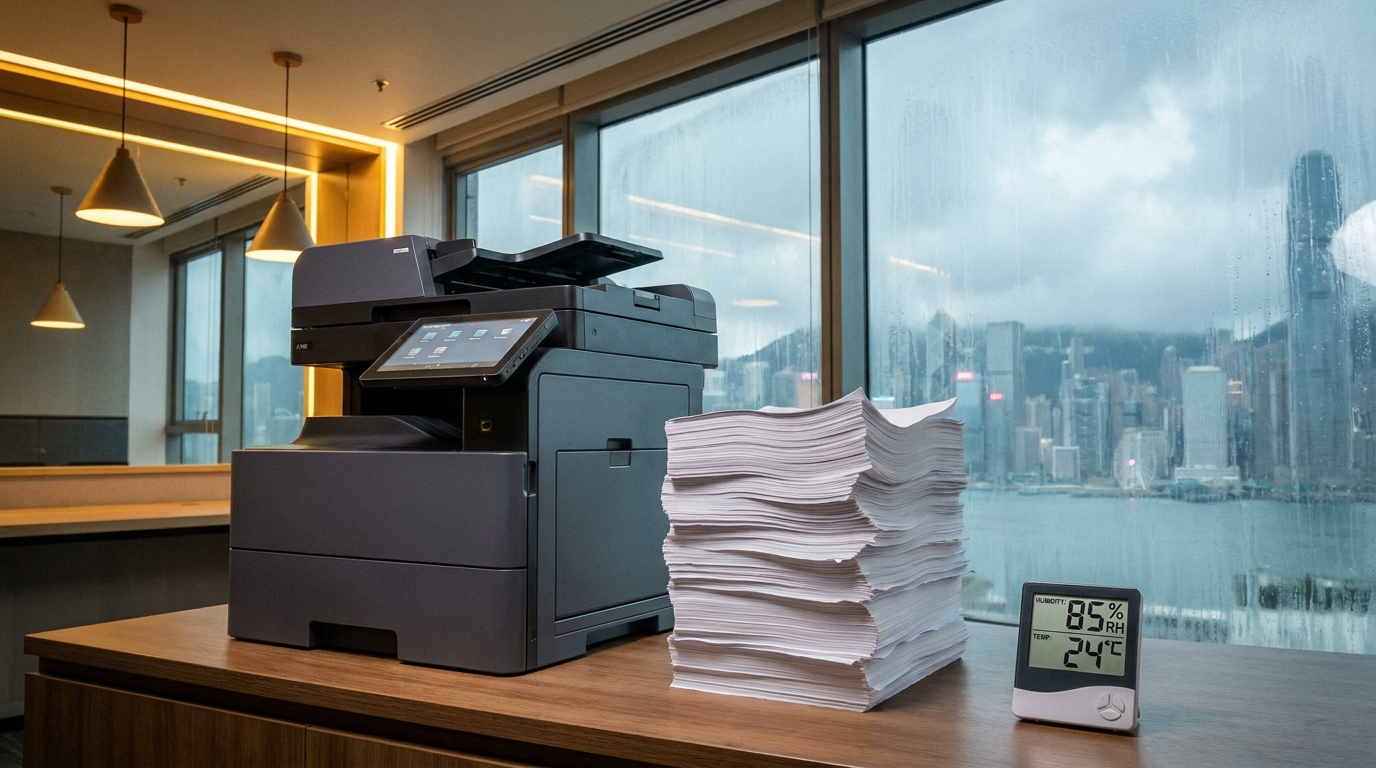
- Humidity Resilience: Hong Kong springs are notoriously humid. Damp paper leads to paper jams. Premium compact models often feature built-in paper tray heaters to keep paper dry.
Top Compact Copier Categories & Brand Recommendations
1. The Desktop Warriors (A4 Only)
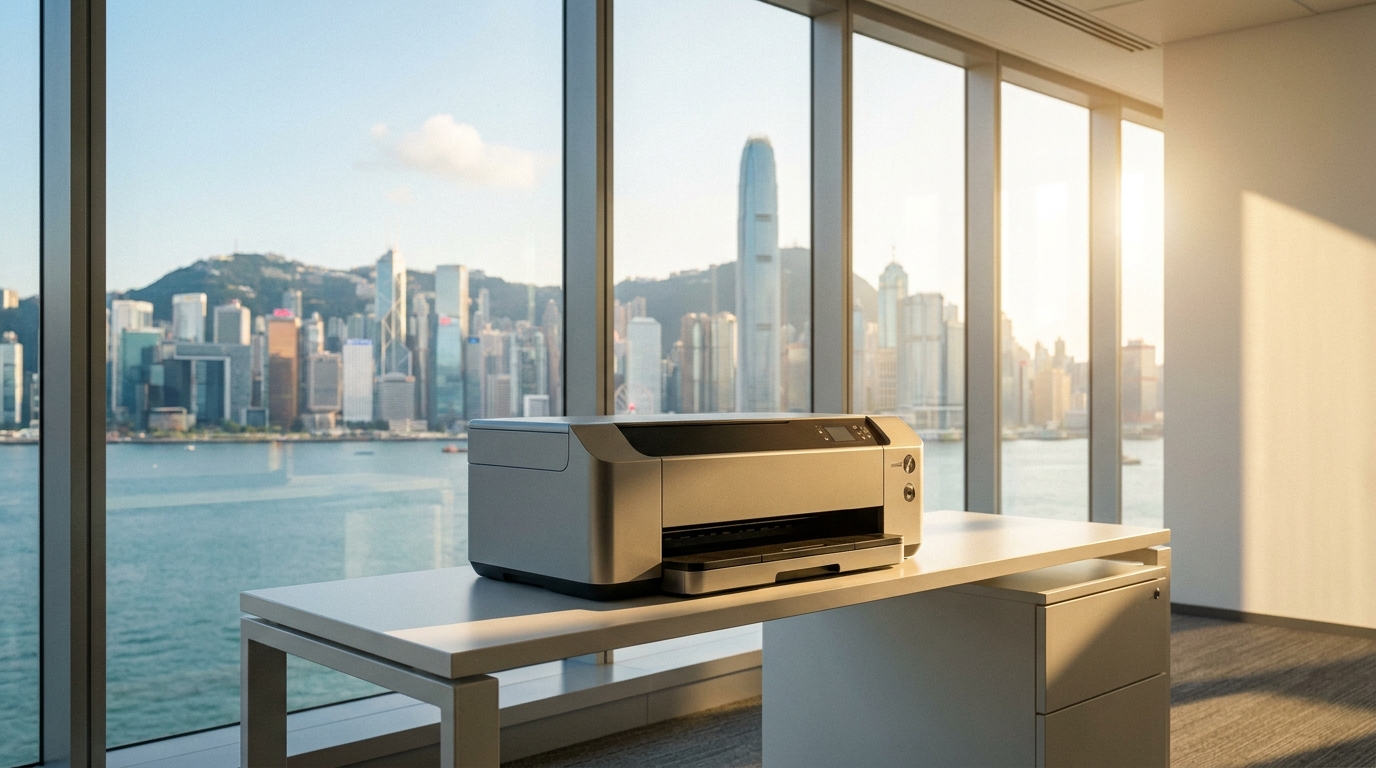
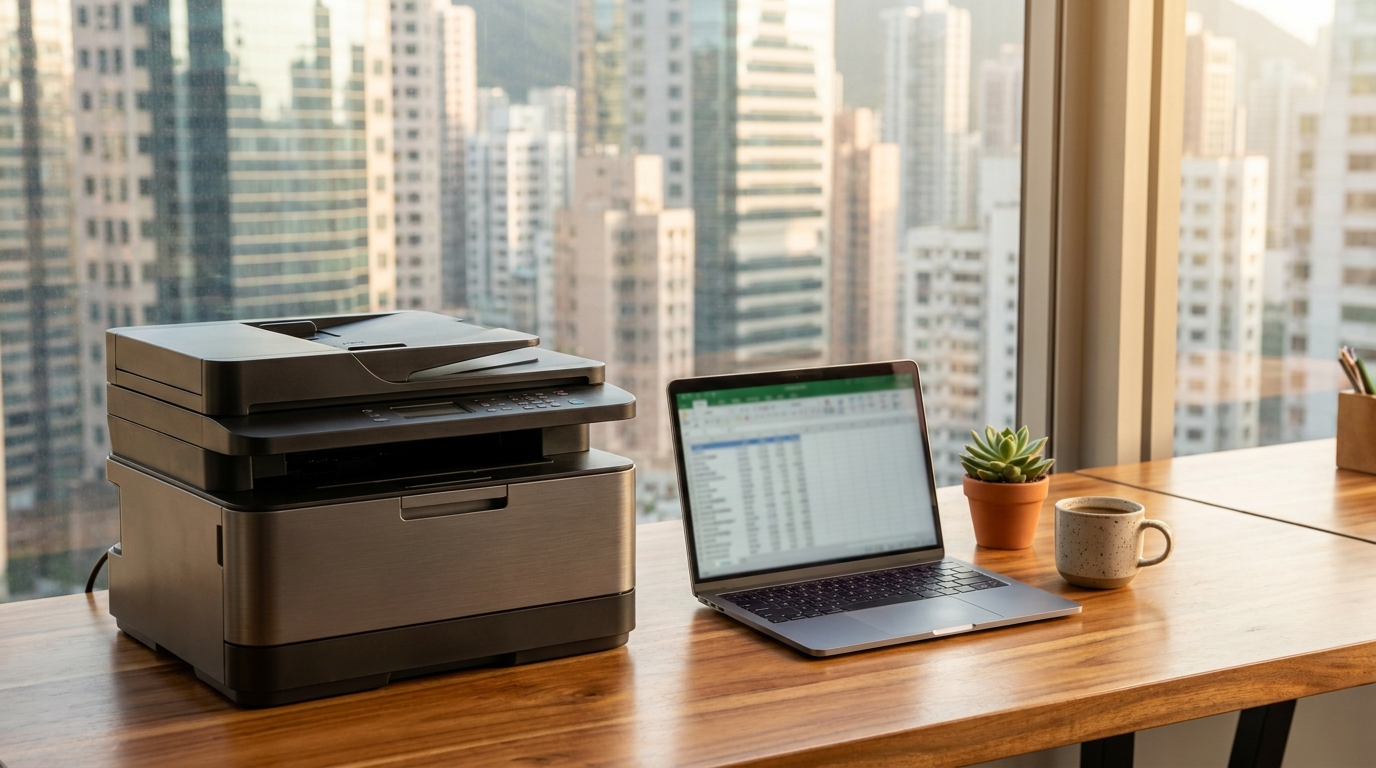
If your team rarely prints on A3 paper, an A4 multifunction desktop printer (MFP) is your best bet. These machines can easily sit on a standard filing cabinet or a dedicated corner desk.
- Brother & Pantum: Perfect for budget-conscious SMEs. They offer highly compact mono and color laser printers. You can easily find robust models in the HKD $1,500 to $3,500 range.
- HP & Epson: HP's LaserJet Pro series and Epson's EcoTank (inkjet) models offer incredibly small footprints. Epson's heat-free technology is particularly great for small, poorly ventilated offices as it consumes less power and generates zero heat.
2. The Mid-Volume Marvels (A4 Heavy Duty)
If you print frequently (invoices, contracts, proposals) but still lack the space for a floor-standing unit, you need a heavy-duty A4 machine.
- Kyocera & Canon: Known for their durable drum units, Kyocera's ECOSYS line and Canon's imageRUNNER A4 series provide enterprise-level security and speed in a desktop size. Expect to pay between HKD $4,000 and $8,000 for these workhorses.
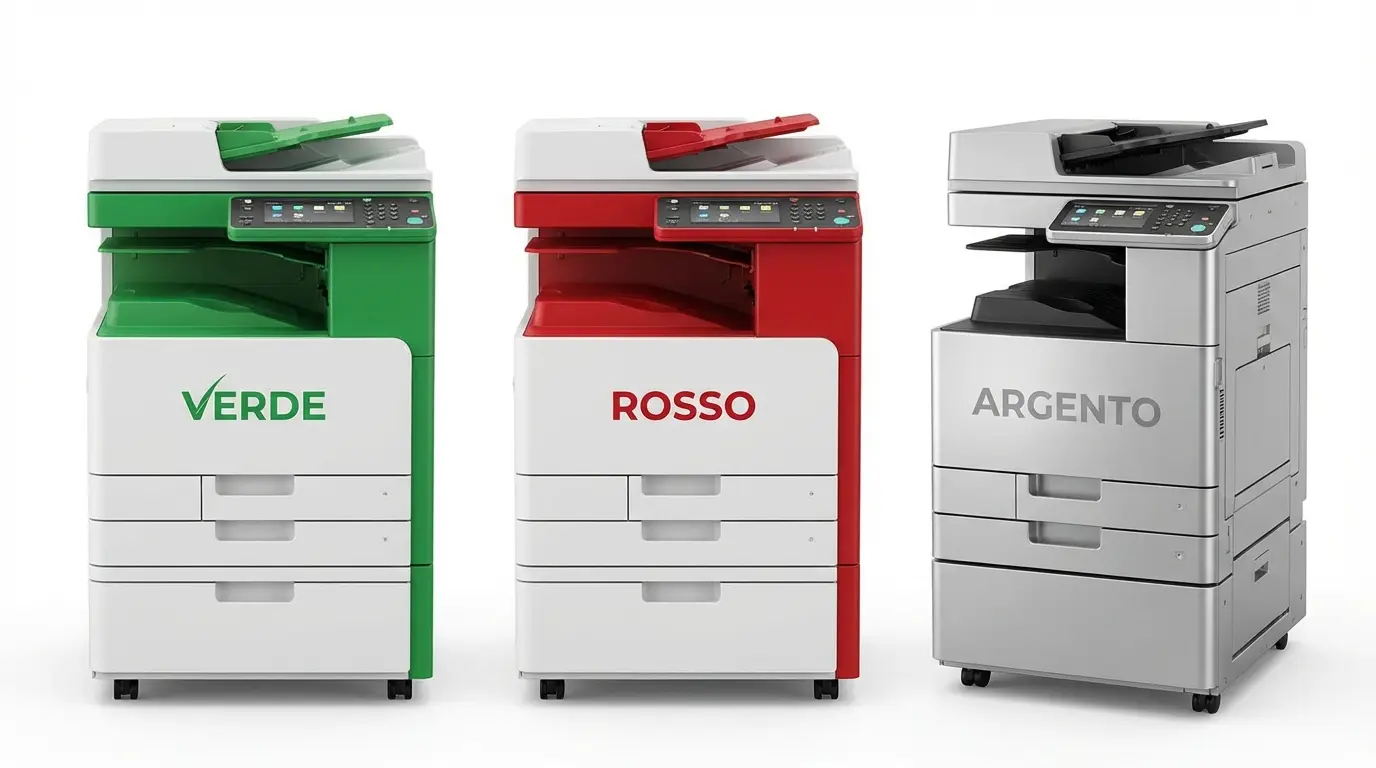
3. The Slim A3 Floor-Standers
Architecture firms, design agencies, and trading companies often must print in A3. Thankfully, modern A3 copiers have shrunk significantly.
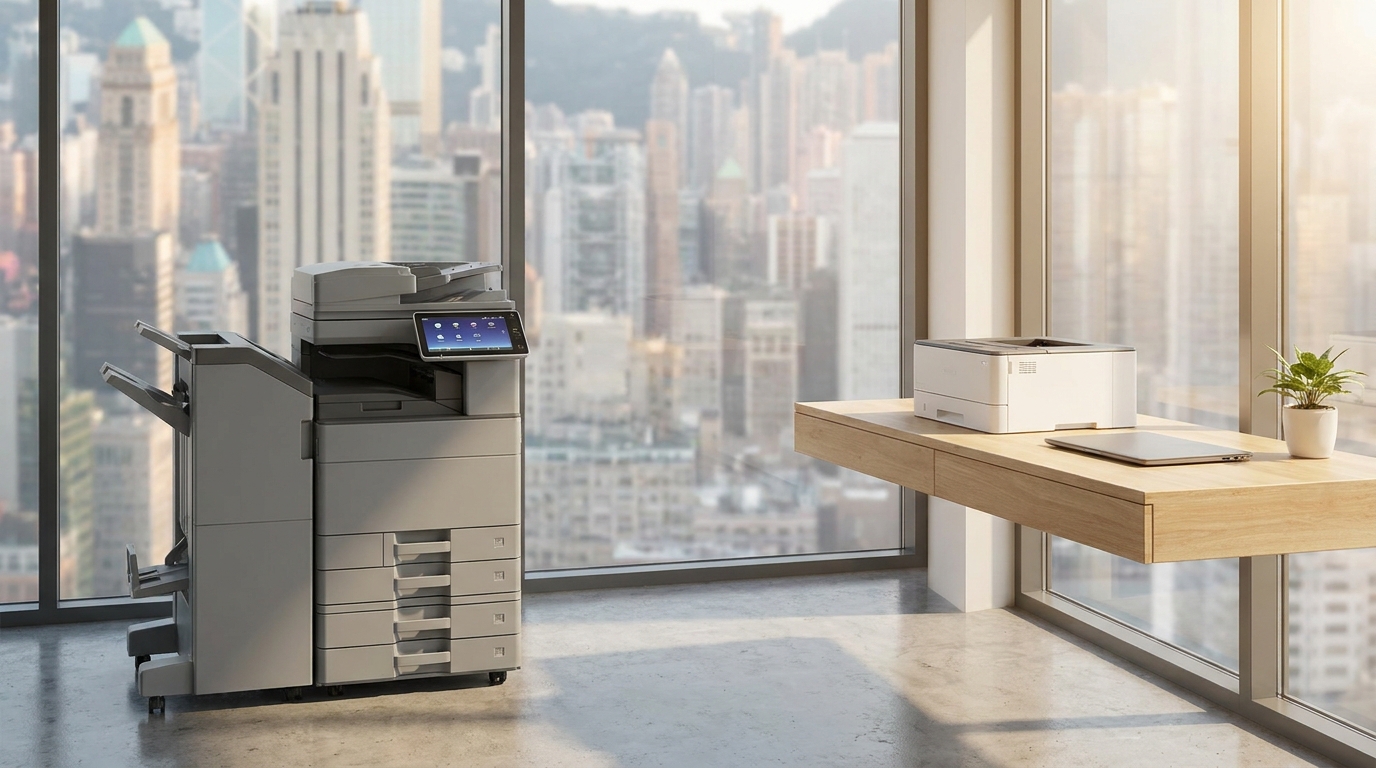
- FujiFilm, Ricoh & Konica Minolta: These brands offer entry-level A3 copiers with an "inner finisher" (the stapler is built inside the machine rather than hanging off the side), saving up to 30% of floor space.
- Sharp & Toshiba: Also offer highly competitive, slim-profile A3 machines that fit perfectly into tight office corners.
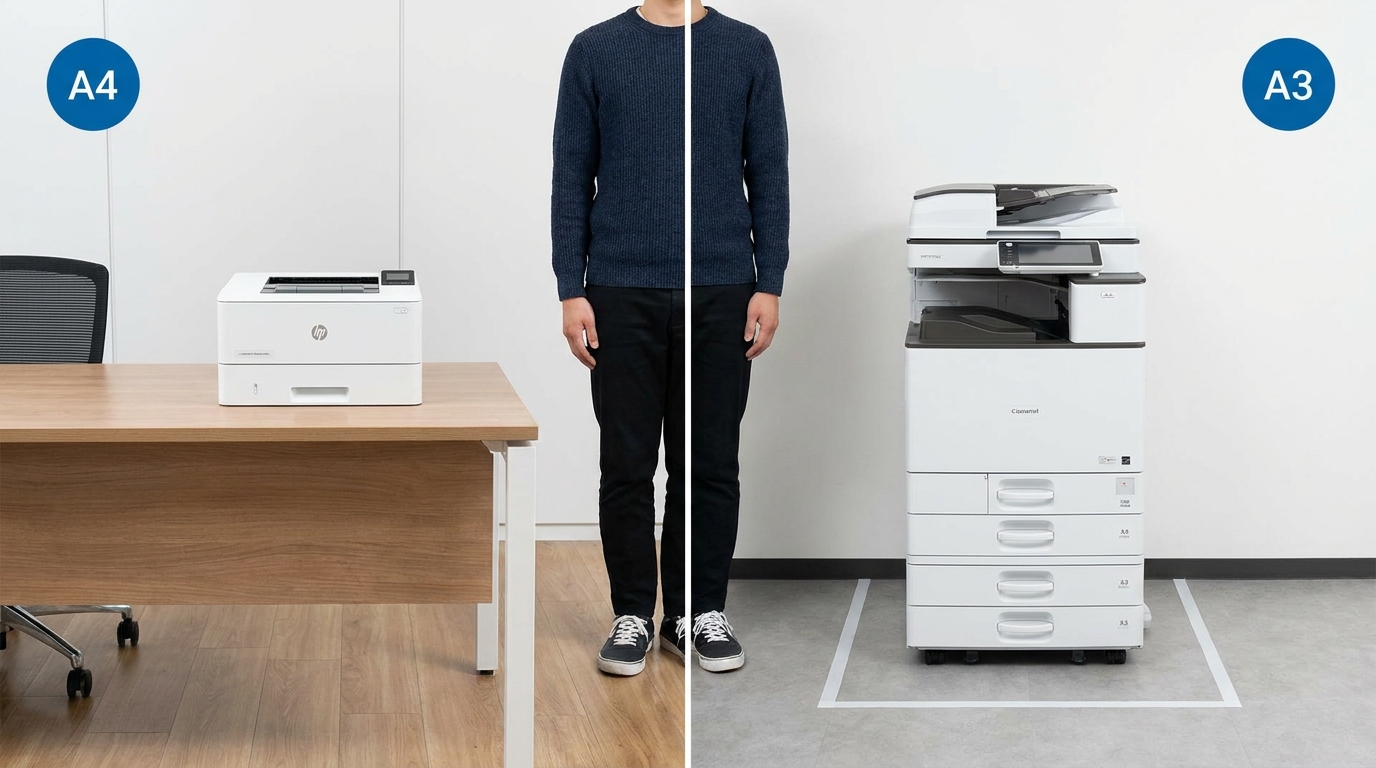
Estimated Costs for Small Office Copiers (HKD)
| Copier Type | Best For | Typical Brands | Estimated Cost (HKD) |
|---|---|---|---|
| Basic A4 Desktop (Mono) | 1-3 Users, light text printing | Brother, Pantum | $1,000 - $2,500 (Purchase) |
| Advanced A4 Desktop (Color) | 3-5 Users, presentations | HP, Canon, Kyocera, Epson | $3,500 - $7,000 (Purchase) |
| Compact A3 Floor-Standing | 5+ Users, mixed media, A3 needs | FujiFilm, Ricoh, Konica Minolta, Xerox | $350 - $800 / month (Leasing) |
Hong Kong Logistics: What You Must Know Before Buying
Buying or leasing a copier in Hong Kong comes with unique logistical challenges. Before you sign a contract or click "buy," run through this quick checklist:
- 1. Lift Access is Crucial: If you are in an older industrial building (e.g., in San Po Kong or Kwai Chung) and rely on stairs, delivery teams will charge hefty stair-carry fees for floor-standing models—sometimes up to HKD $500 per flight of stairs. Stick to desktop models if you lack lift access.
- 2. Standard 220V Power: Ensure the machine uses standard Hong Kong 220V power with a UK-style 3-pin plug. Avoid parallel imports from the US (110V) as they require bulky, unsafe transformers.
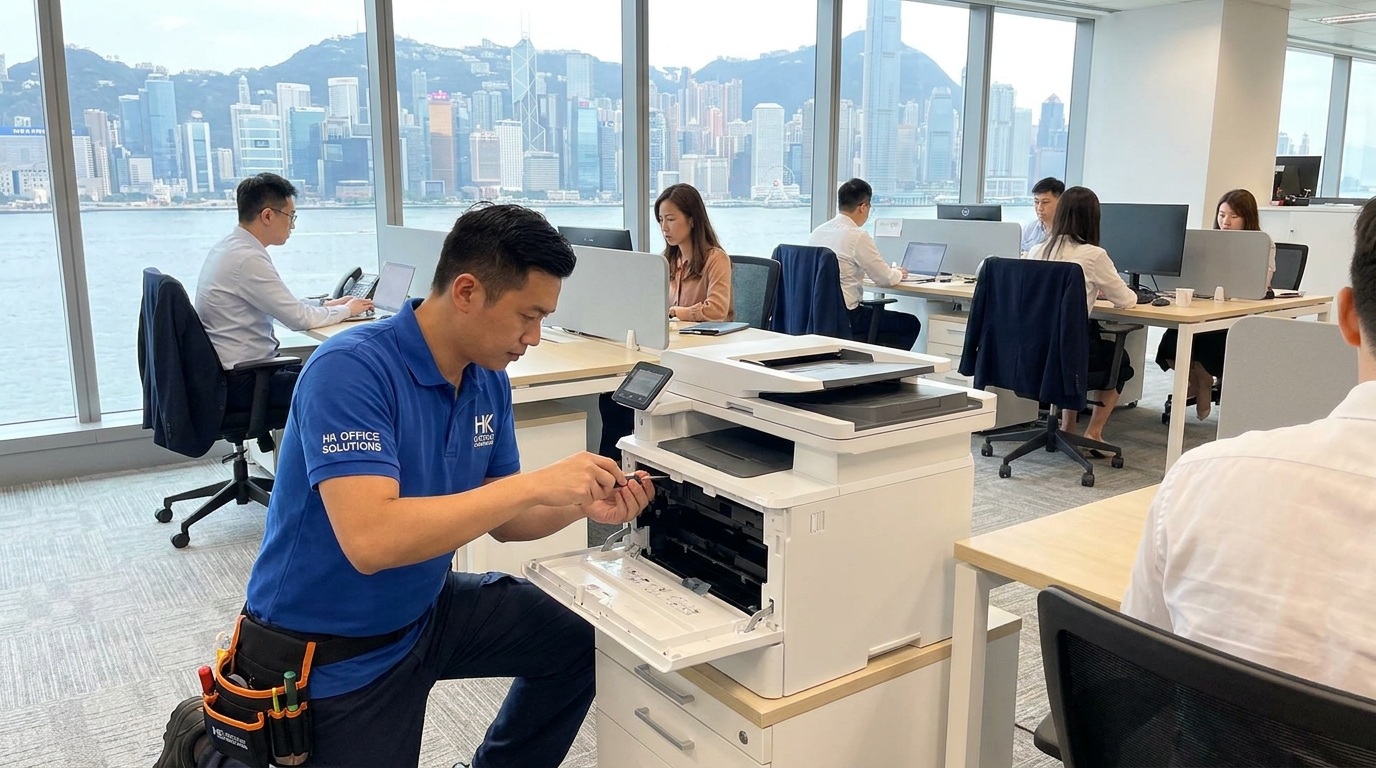
- 3. The 4-Hour SLA Expectation: If you are leasing a machine with a maintenance contract, ensure the vendor guarantees a 4-hour Service Level Agreement (SLA). In Hong Kong's fast-paced business environment, you cannot afford to wait days for a technician to fix a paper jam.
- 4. Wireless Printing: In a 500 sq ft office, running Ethernet cables across the floor is a tripping hazard. Ensure your copier supports Wi-Fi and mobile printing (AirPrint/Mopria) so employees can print directly from their laptops and phones without messy wiring.
Final Thoughts
Outfitting a sub-500 square foot office in Hong Kong doesn't mean you have to compromise on document quality or office efficiency. By assessing whether you truly need A3 capabilities, prioritizing front-access designs, and considering environmental factors like humidity, you can find a machine that fits perfectly into your workspace and your budget.
For the smallest offices, desktop A4 models from Brother, HP, or Kyocera usually make the most sense. However, if A3 is non-negotiable, leasing a slim-profile floor-standing unit from FujiFilm, Ricoh, or Canon provides enterprise features without dominating your valuable floor space.
Need Expert Advice?
Our consultants can help you find the perfect printing solution for your office.
📞 +85221164877 · King Copier · Operated by Techieasy Limited