Time flies when you are running a business. That 3 to 5-year lease you signed for your office multifunction printer (MFP) is likely approaching its end faster than you realize. For many Hong Kong businesses, failing to plan for an expiring copier lease results in getting trapped in expensive auto-renewals or scrambling to find a replacement at the last minute.
Whether you are planning to upgrade, downsize, or switch brands entirely, a smooth transition requires preparation. Here is your comprehensive end-of-lease checklist to ensure you make the most cost-effective decisions for your office.
1. Review Your Contract Details (3-6 Months Out)
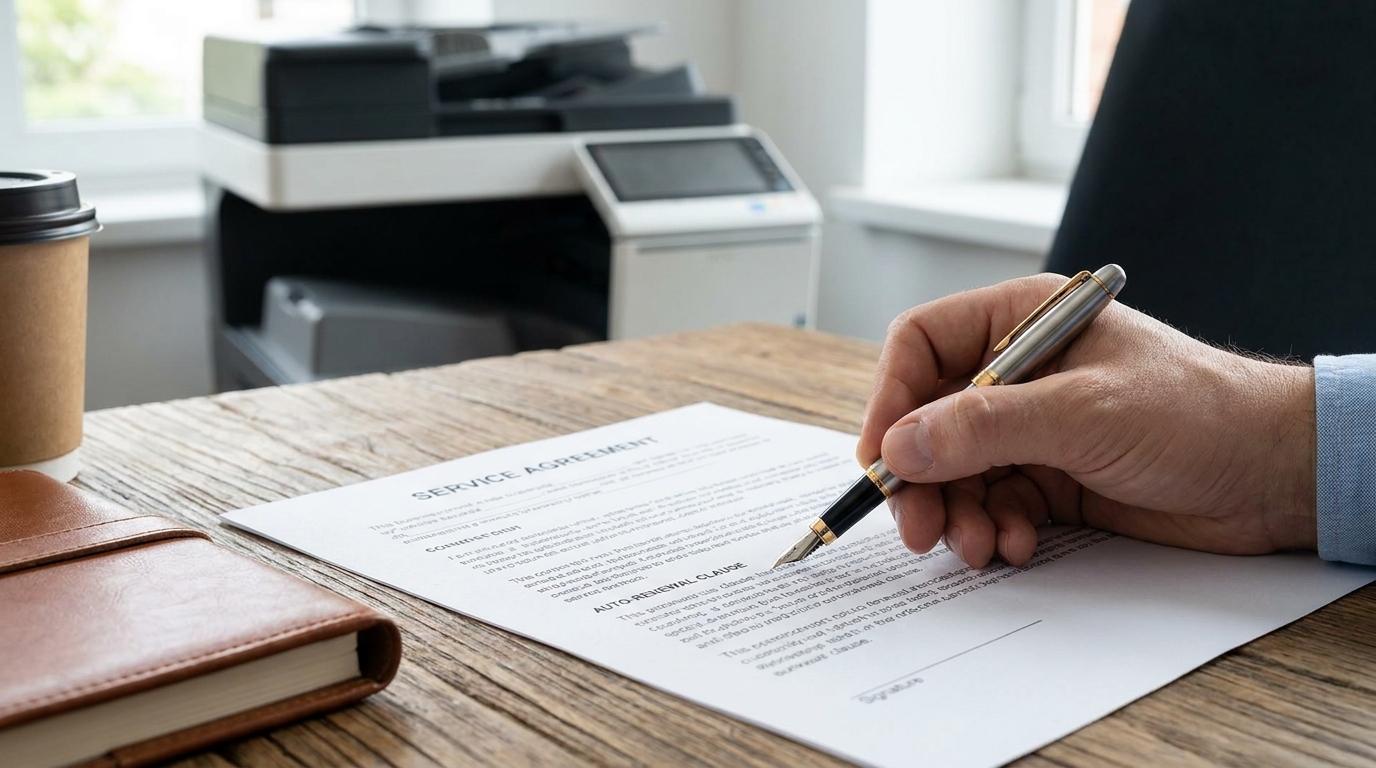
Do not wait until the final month to dig out your leasing agreement. Copier leases are notorious for strict terms, and you need to know exactly where you stand.
- Check the Auto-Renewal Clause: Many contracts in Hong Kong have a 30 to 90-day notice period. If you miss this window, your lease might automatically renew for another 12 months at the same (or higher) rate.
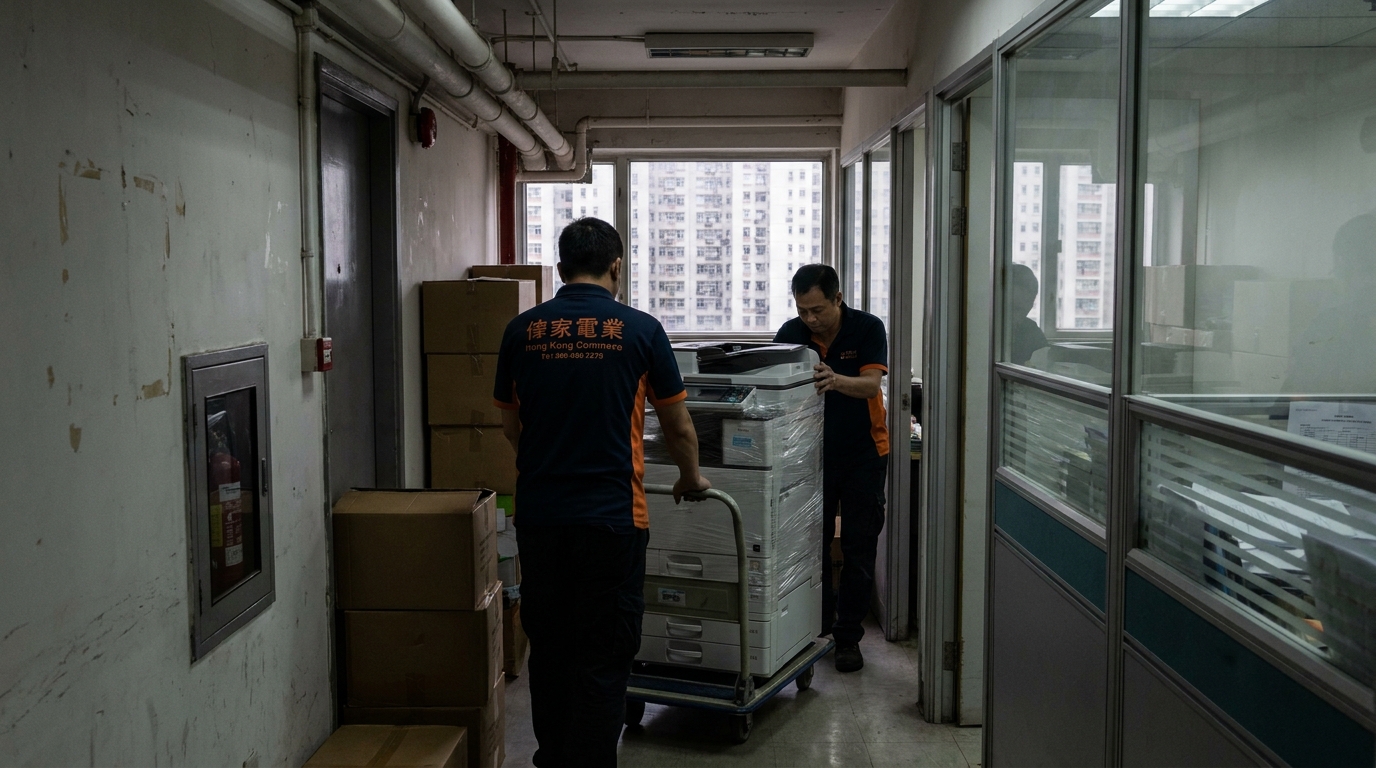
- Understand Return Conditions: Who is responsible for the return logistics? If your office lacks direct lift access, returning a heavy A3 floor-standing machine can incur stair charges ranging from HKD 500 to HKD 1,500.
- Check for Buyout Options: Does your contract have a Fair Market Value (FMV) or a HKD 1 buyout option at the end of the term?
2. Assess Your Current and Future Needs
The way we work has changed drastically. If your team has shifted to a hybrid work model, the heavy-duty Xerox or Ricoh machine you leased five years ago might be massive overkill today.
| Evaluation Criteria | Questions to Ask Your Team |
|---|---|
| Print Volume | Are we actually hitting our monthly print allowance? Should we downgrade to a lower-volume plan? |
| Color vs. B&W | Are we paying a premium for color printing when 90% of our documents are black and white? |
| Service Level (SLA) | Did our current vendor consistently meet the standard Hong Kong 4-hour SLA for onsite repairs? |
| Space Constraints | Do we need to free up premium Hong Kong office space by switching to a more compact machine? |
3. Secure Your Data (Crucial Step)
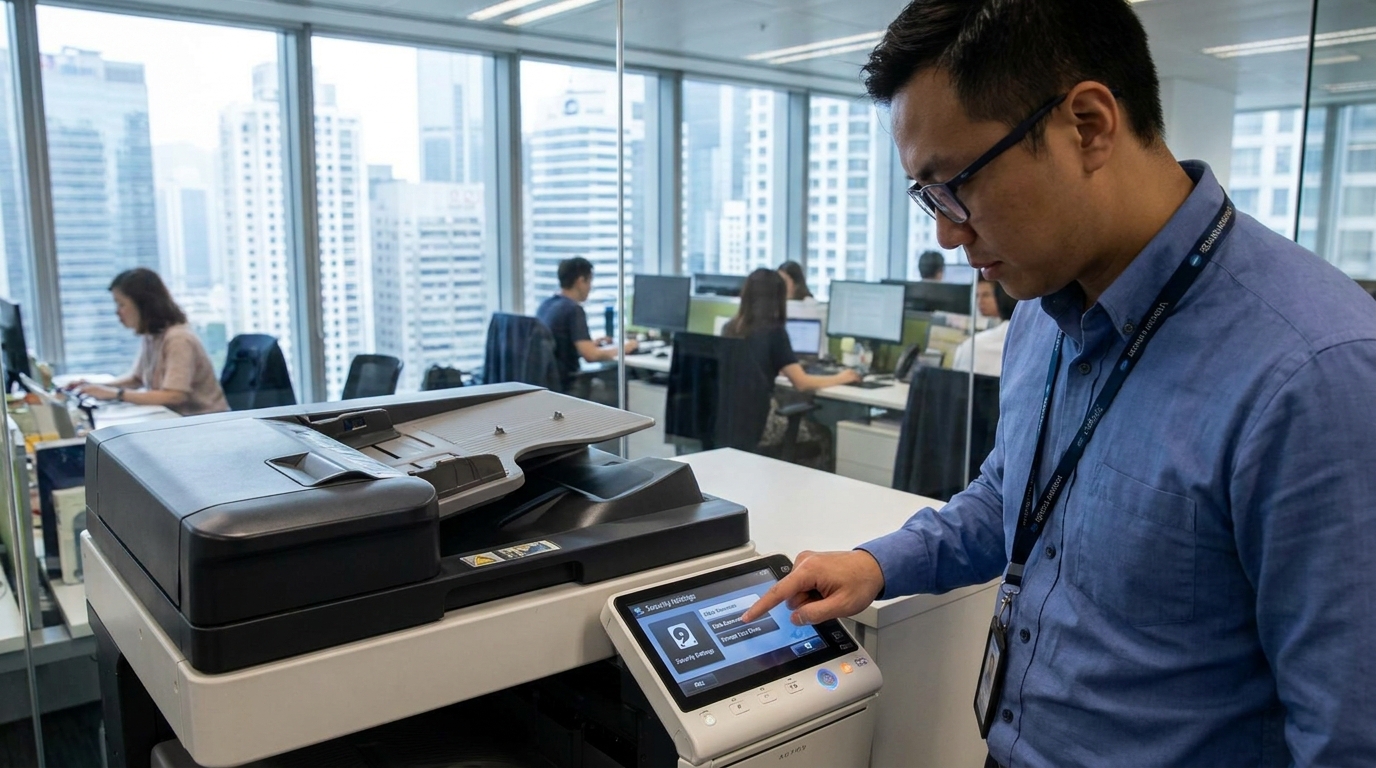
Modern copiers are essentially computers. Every time you scan an employee's HKID, print a confidential financial report, or copy a client contract, that data is temporarily (or permanently) stored on the copier's internal hard drive. Before the leasing company takes the machine away, you must ensure the hard drive is completely wiped or physically destroyed to comply with data privacy regulations.
4. Explore the Market and Compare Brands
Loyalty is great, but the copier market is highly competitive. Exploring other brands can save you thousands of dollars annually.
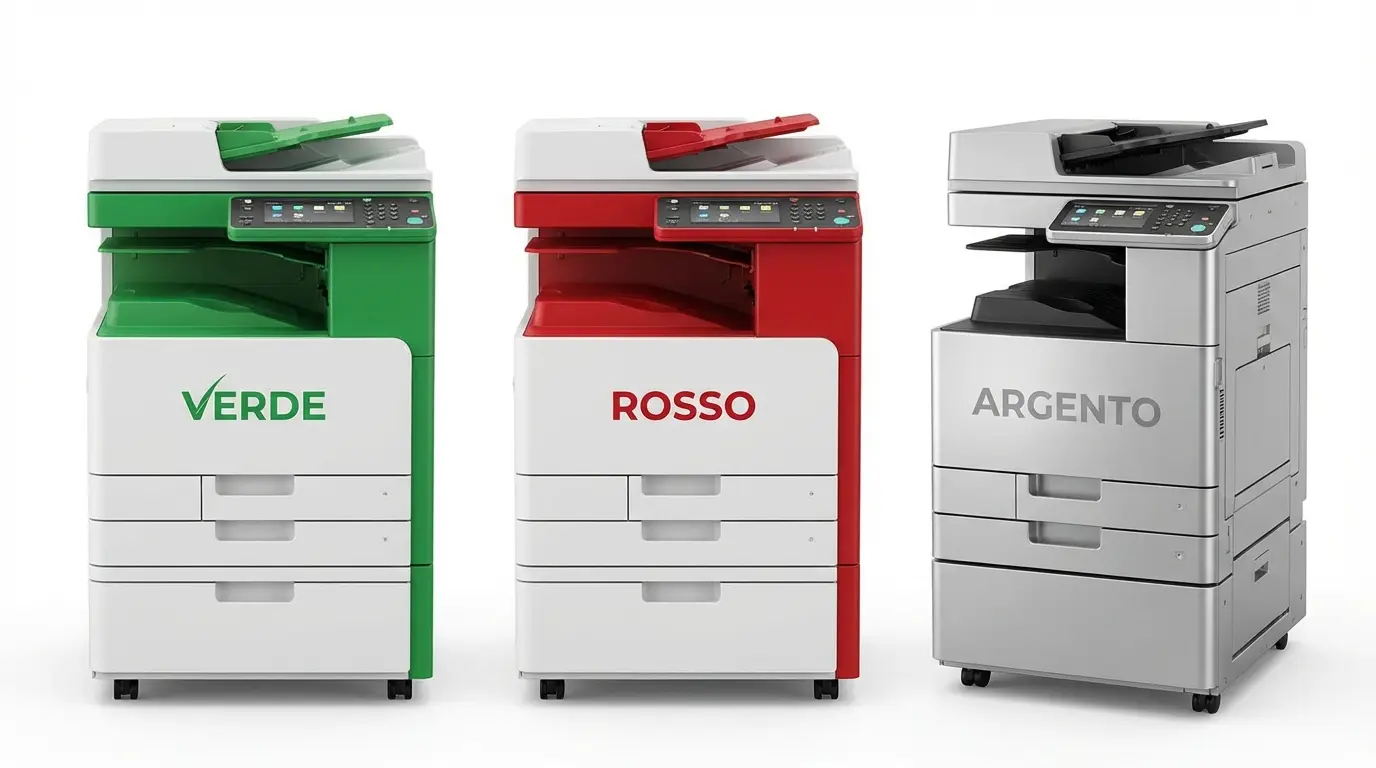
- High-Volume Enterprise: Brands like FujiFilm, Canon, and Konica Minolta remain top choices for color accuracy and heavy workloads. Expect leases around HKD 800 - HKD 1,500+ per month depending on specifications.
- Reliable Mid-Range: Toshiba, Sharp, and Kyocera offer incredibly durable A3 options that are often very cost-effective for general office use.
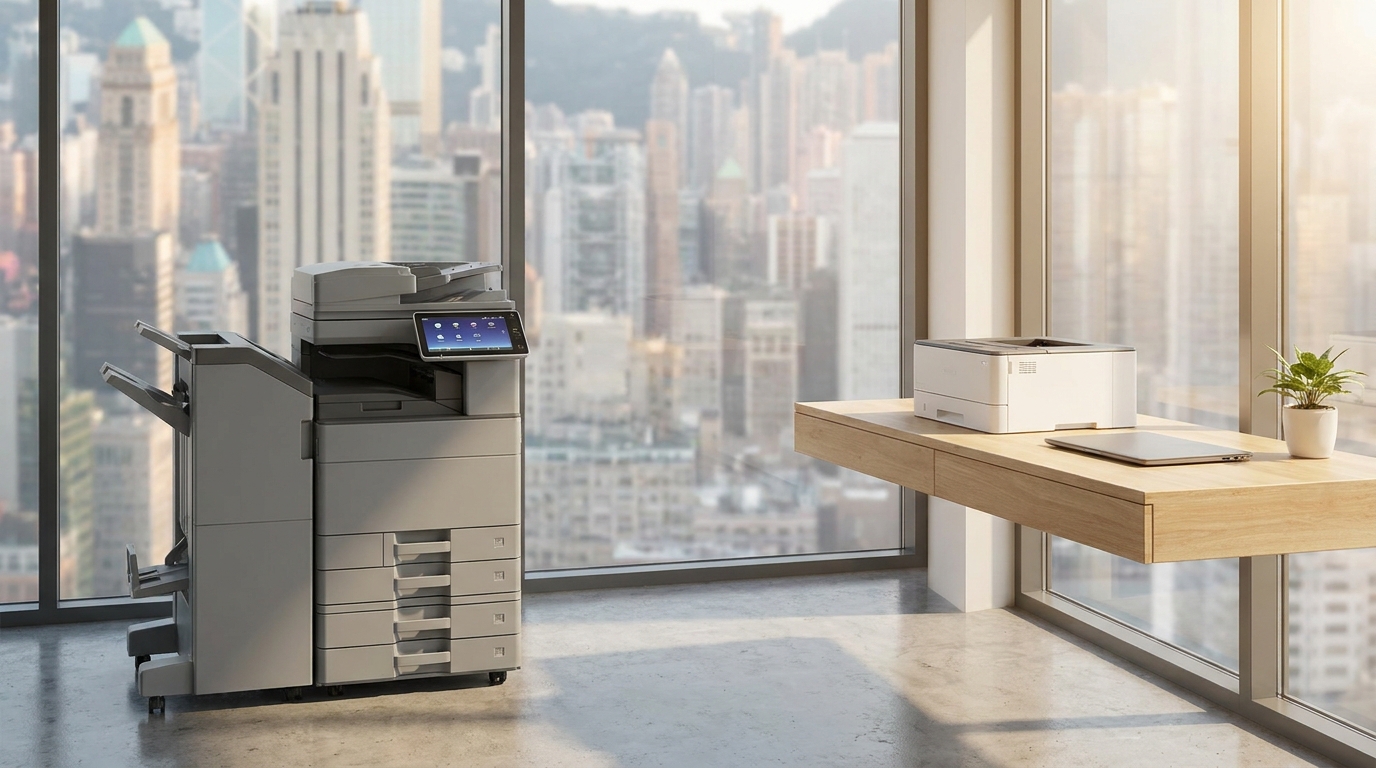
- Compact & Budget-Friendly: If your volume has dropped significantly, you might not need to lease an A3 copier at all. Purchasing high-end A4 machines from Brother, HP, Epson, or Pantum outright (around HKD 3,000 - HKD 6,000) could be a much smarter financial move.
5. Plan the Logistics for the Swap
If you decide to switch vendors, you will have a brief period where the old machine leaves and the new one arrives. To minimize downtime, coordinate the delivery dates carefully. Keep these Hong Kong-specific logistical factors in mind:
Hong Kong Installation Checklist
- Lift Access: Measure your office doors and confirm the new machine fits in your building's cargo or passenger lift.
- Power Requirements: Ensure you have a dedicated 220V power socket nearby. Large copiers draw significant power and should not share a power strip with other heavy appliances.
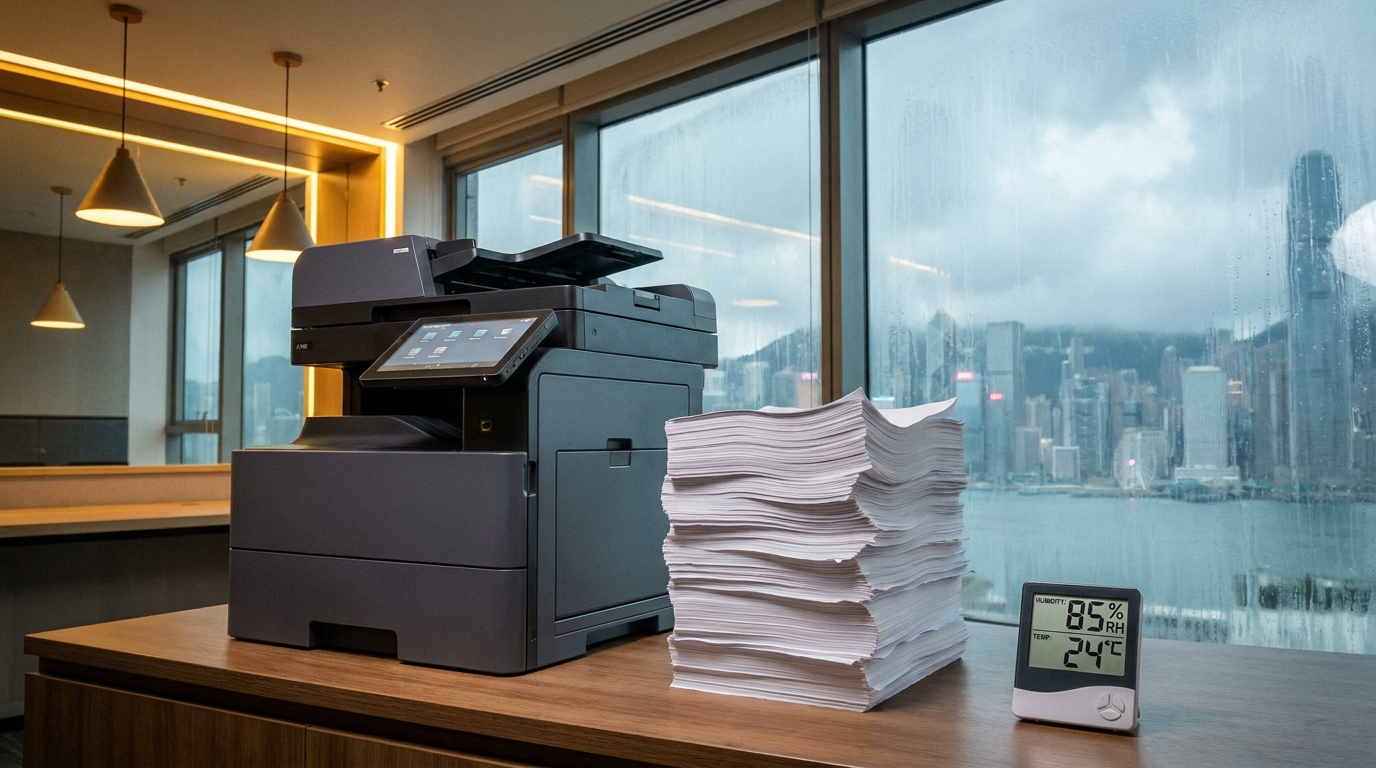
- Humidity Control: Hong Kong's humid springs can cause paper jams. Ask if your new machine includes built-in paper tray heaters (anti-condensation heaters).
Final Thoughts
The end of a copier lease is an opportunity, not a burden. It is the perfect time to right-size your equipment, upgrade your technology, and negotiate better rates. By starting this checklist three to six months in advance, you put your business in the strongest possible negotiating position, ensuring your office remains productive without overpaying.
Need Expert Advice?
Our consultants can help you find the perfect printing solution for your office.
📞 +85221164877 · King Copier · Operated by Techieasy Limited