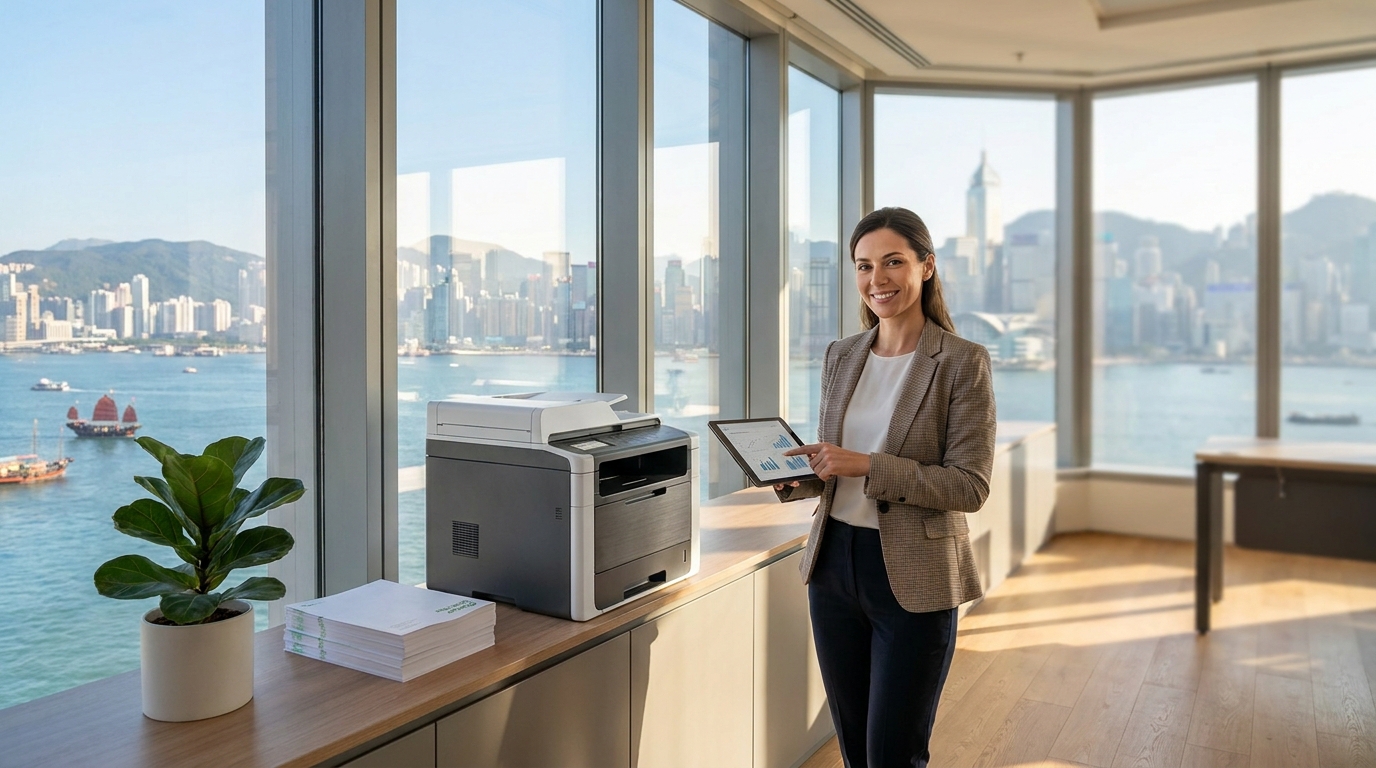
Running a business in Hong Kong comes with a unique set of high operational costs, from premium office rents to rising electricity bills. While many companies focus on cutting macro expenses, one of the most overlooked areas for savings is the office printing infrastructure. Unmanaged print environments can quietly drain thousands of dollars from your monthly budget.
Whether you are an SME owner in Kwun Tong or an IT manager in Central, optimizing your print setup can yield immediate financial benefits. Here is a comprehensive guide to reducing your office printing costs without sacrificing productivity.
1. Choose the Right Machine for Your Volume
The biggest mistake Hong Kong businesses make is either over-speccing or under-speccing their copiers. Buying a cheap consumer-grade printer might save money upfront, but the replacement toner cartridges will cost a fortune. Conversely, leasing a high-end production printer for a 5-person office is a waste of capital.
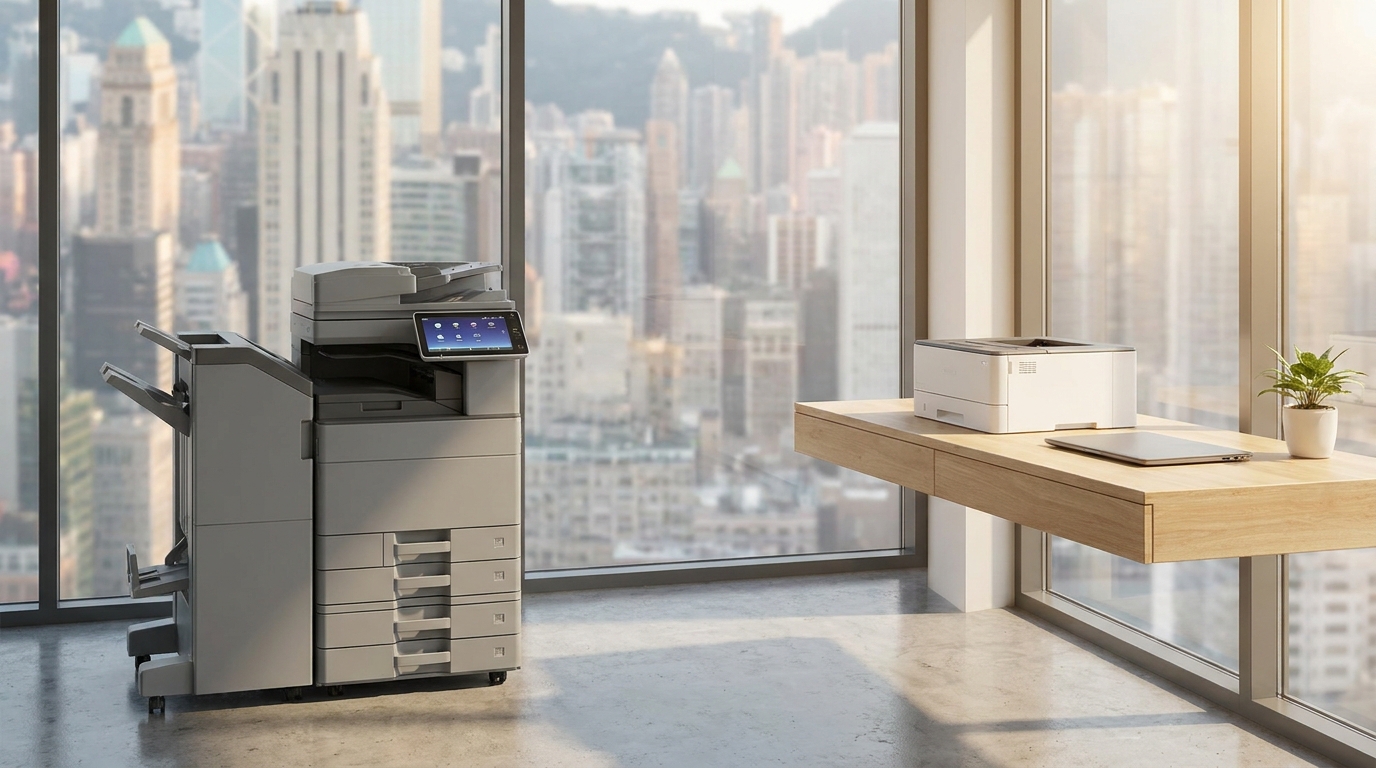
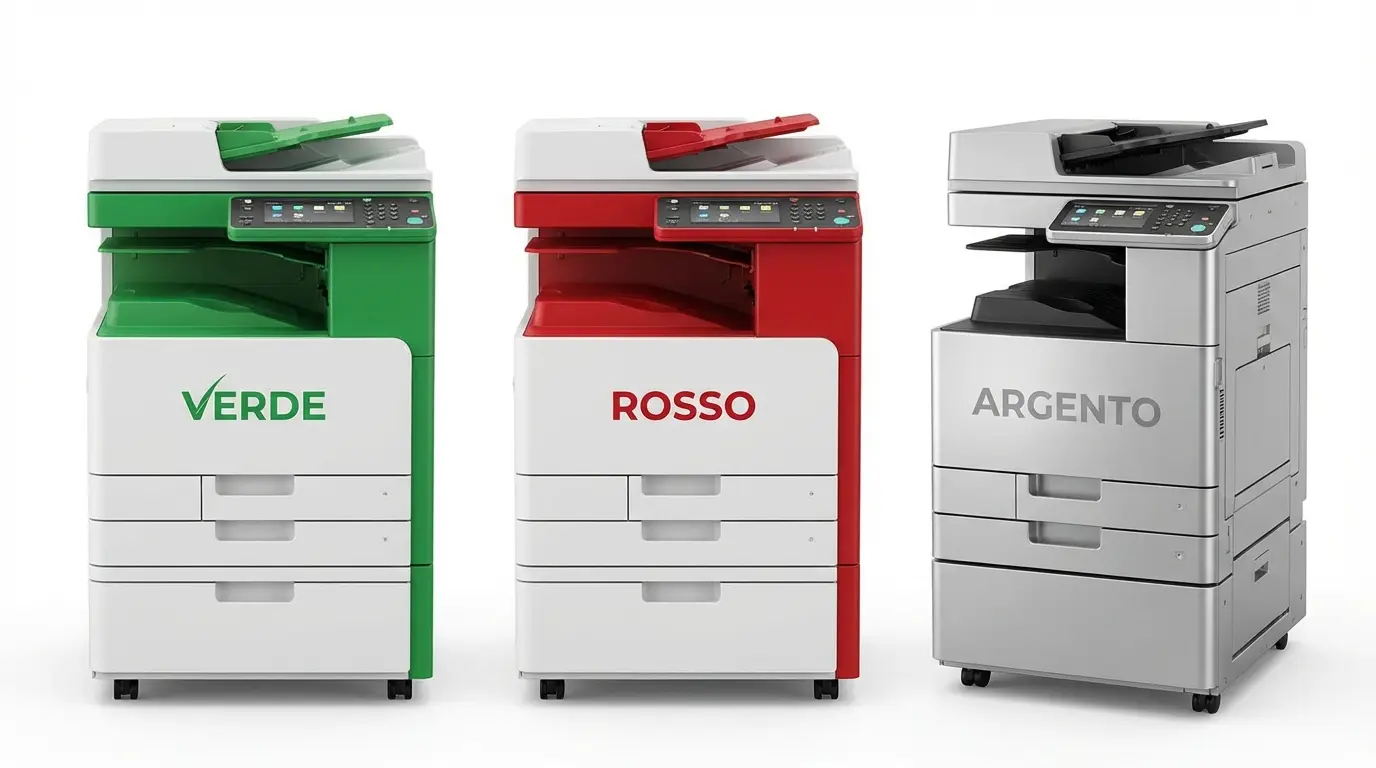
- For High Volume: If your office prints thousands of pages monthly, floor-standing A3 multifunction printers (MFPs) from FujiFilm, Canon, Ricoh, Konica Minolta, Toshiba, or Sharp offer the lowest cost-per-page.
- For Low Running Costs: Consider Kyocera machines, which feature long-life ceramic drums that drastically reduce consumable waste, or Epson business inkjets that use high-yield ink packs to lower electricity and supply costs.
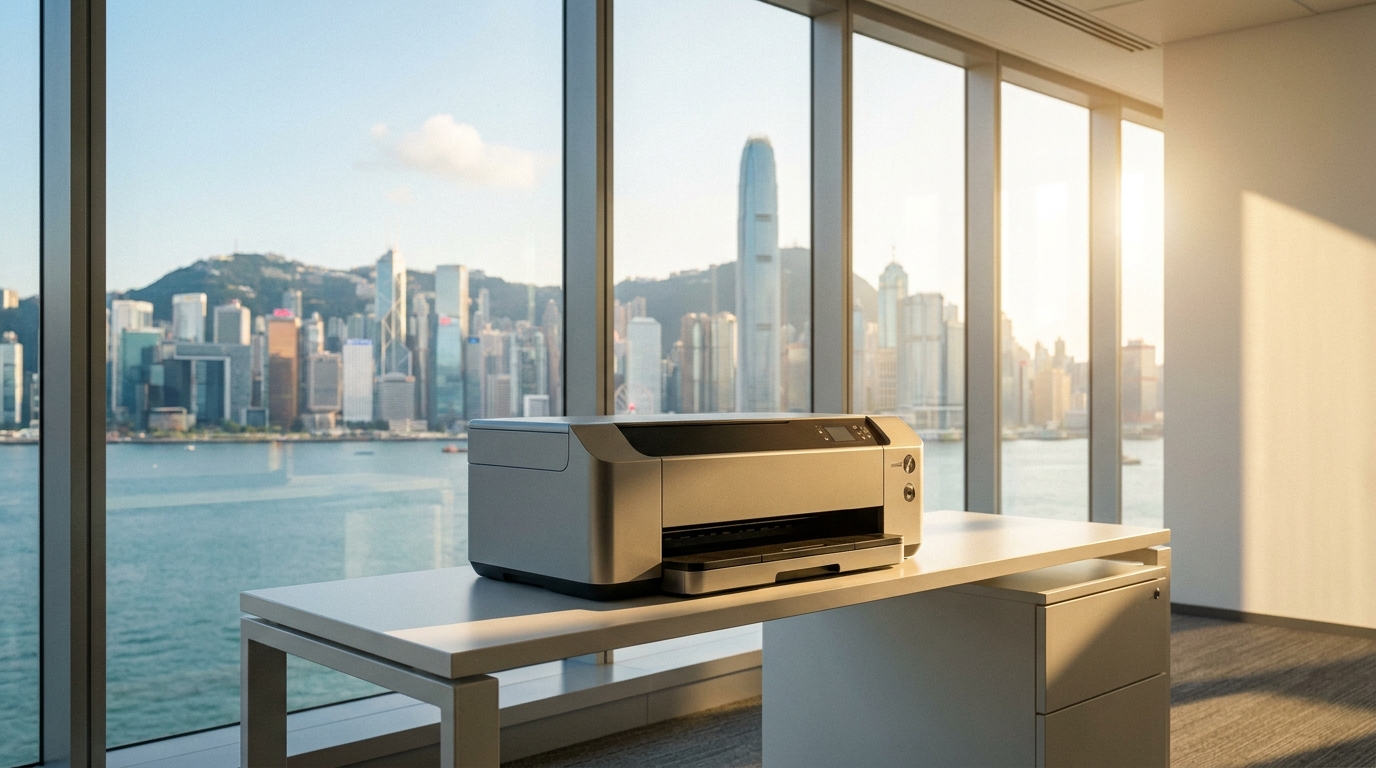
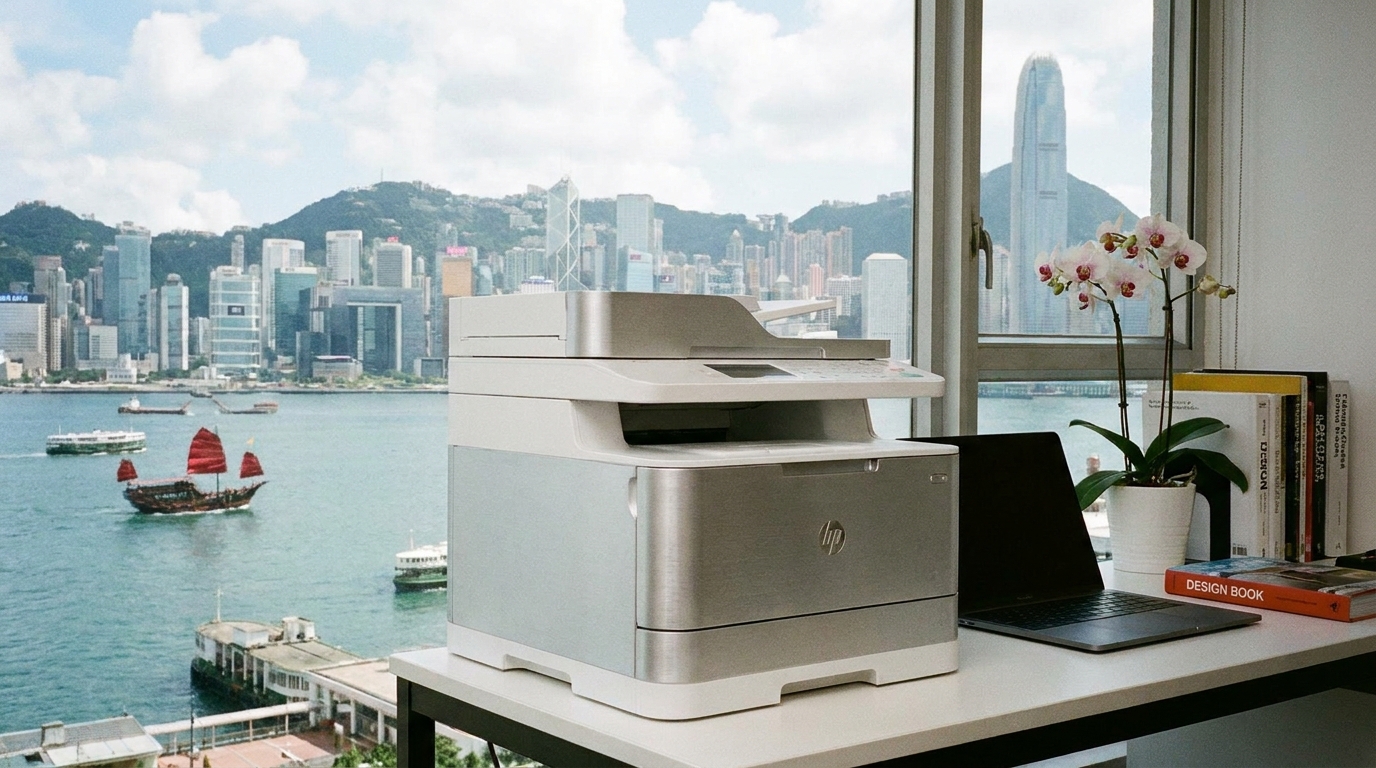
- For Tight Spaces: If your office has severe space constraints, compact A4 laser printers from Brother, HP, Xerox, or Pantum are excellent decentralized options that fit easily on desks.
2. Optimize Default Print Settings
Changing a few default settings across your company's network can instantly cut your paper and toner consumption in half.
| Setting Change | Impact on Costs | Estimated Savings |
|---|---|---|
| Default to Duplex (2-sided) | Halves paper consumption instantly. | Up to 50% on paper costs |
| Default to Monochrome (B&W) | Prevents accidental color printing (e.g., printing an email just for a blue hyperlink). | HKD 0.50 - HKD 1.00 per page saved |
| Enable "Draft" or "Toner Save" Mode | Uses less toner for internal documents. | 15% - 20% on toner usage |
3. Implement "Pull Printing" and Access Controls
Have you ever looked at the output tray of your office copier at 6:00 PM? It is usually full of abandoned documents that were printed but never collected. This is pure wasted money.
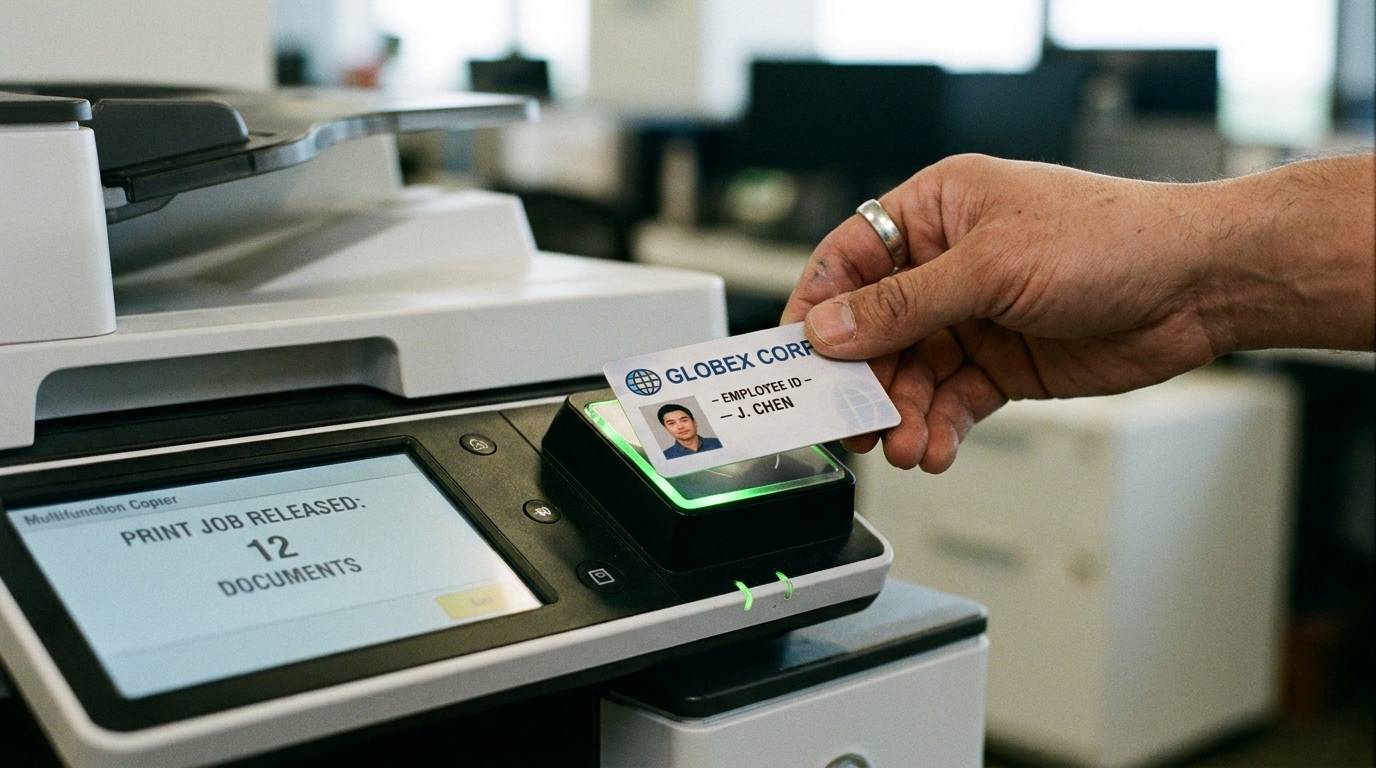
By implementing Pull Printing (also known as Follow-Me printing), users send print jobs to a virtual queue. The document is only printed when the user walks up to the machine and authenticates themselves using an employee ID card or a PIN code. Not only does this eliminate abandoned print jobs—saving up to 30% on paper and toner—but it also secures sensitive company data.
4. Tackle Hong Kong-Specific Environmental Factors
Hong Kong's unique environment plays a surprising role in printing costs. Here is what you need to watch out for:
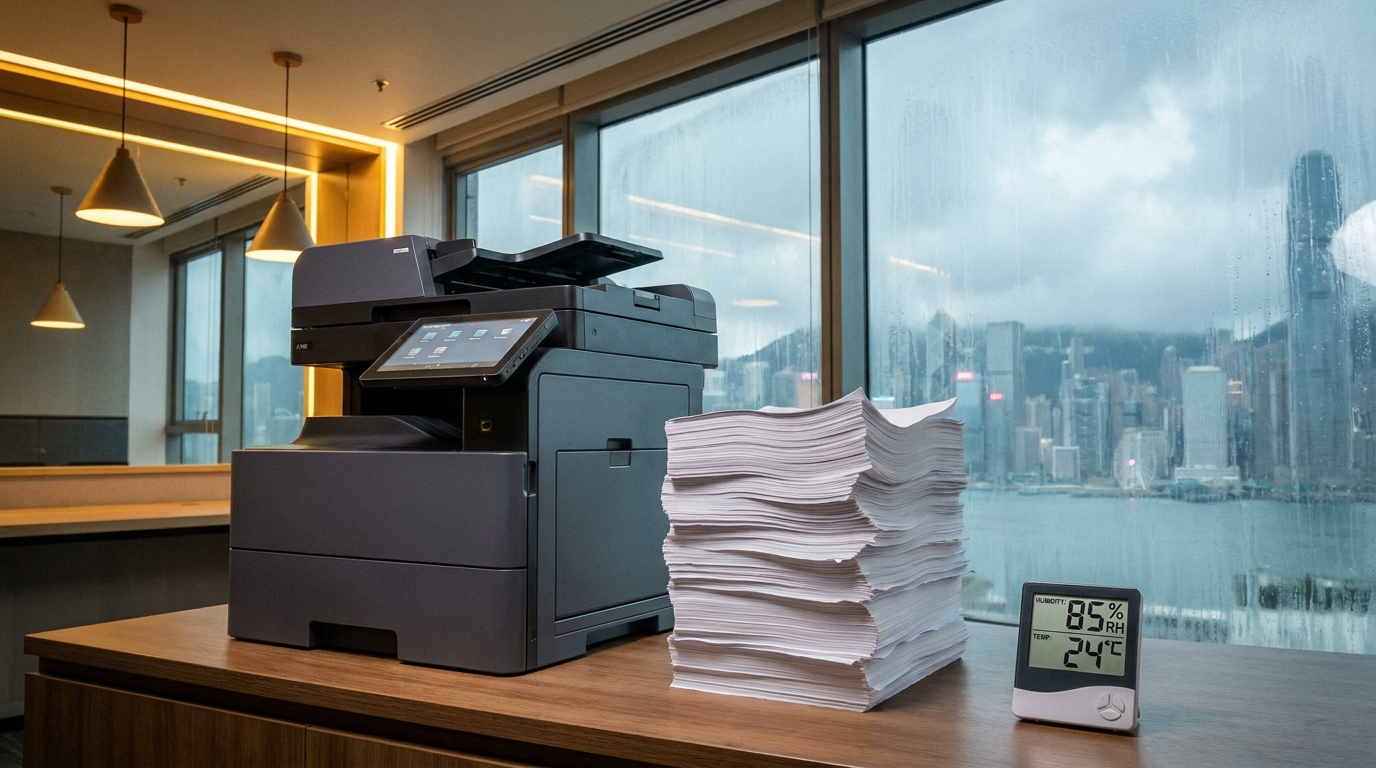
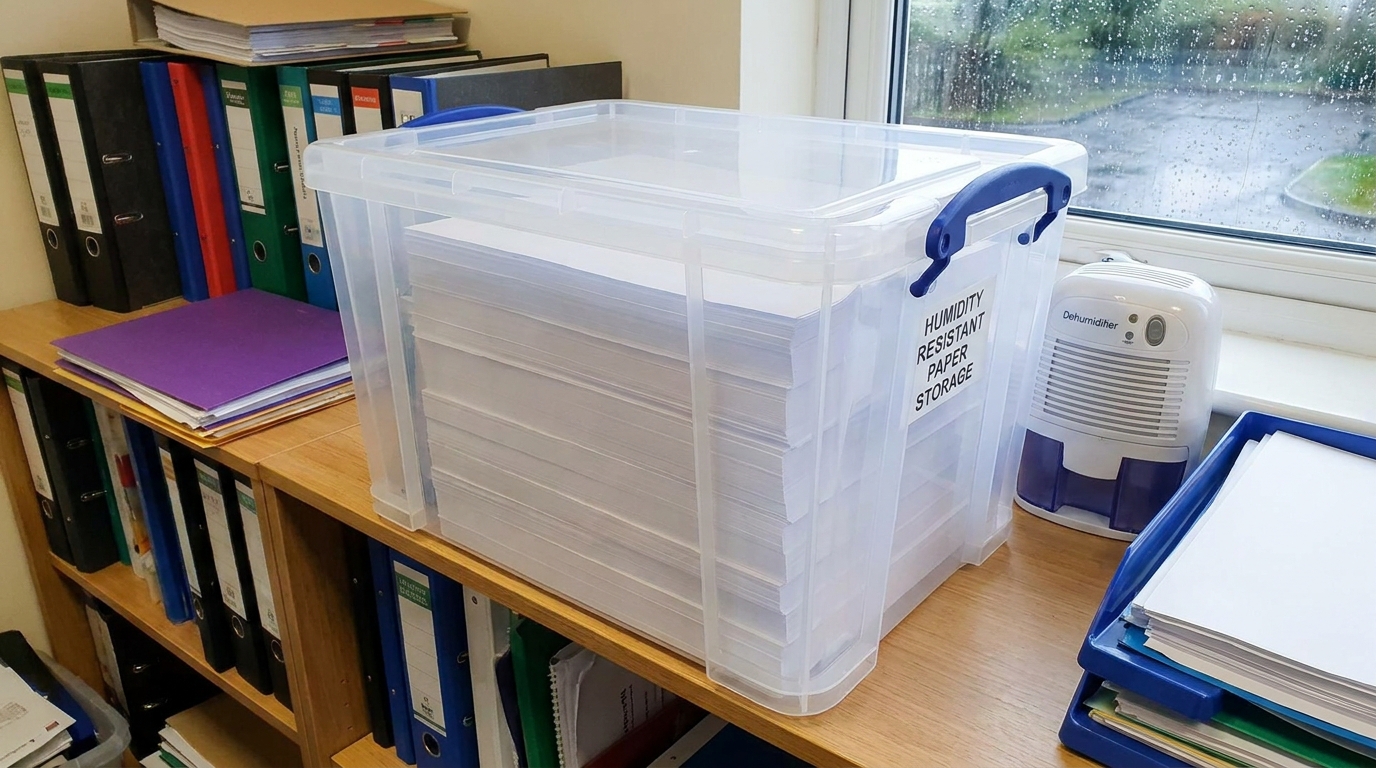
- Humidity and Paper Jams: Hong Kong springs are notoriously humid. Moisture absorbed by paper causes frequent paper jams. Clearing jams wastes time, damages internal components, and ruins paper. Store your spare paper in dry, sealed containers, and fan the paper before loading it into the tray.
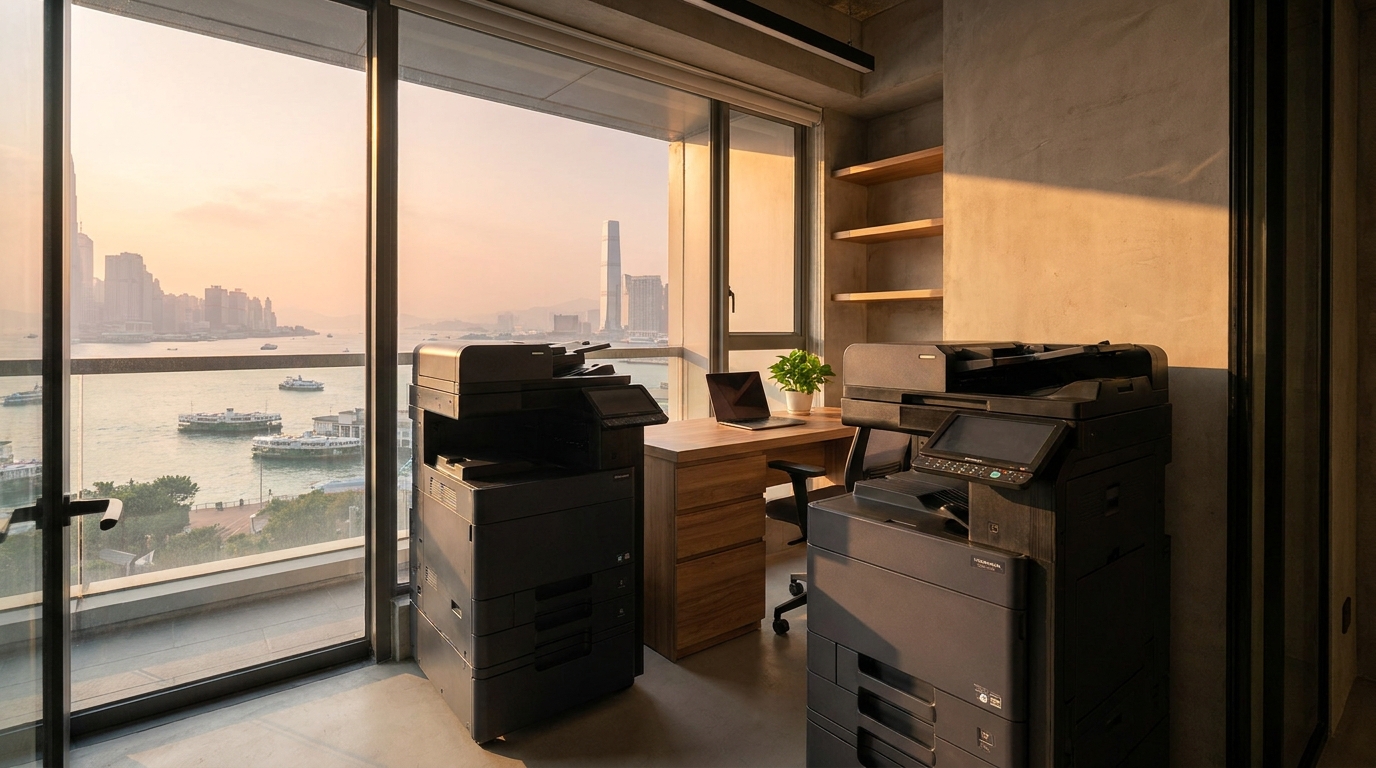
- Space and Logistics: Office space is expensive. Consolidating several desktop printers into one centralized A3 MFP can free up valuable desk space. However, before ordering a large machine, always ensure your building has proper lift access and that the machine fits through your office doors.
- Power Requirements: Ensure your machines are properly rated for Hong Kong's standard 220V power supply. Using imported machines with voltage transformers can lead to power inefficiencies and costly logic board failures.
5. Understand Your Meter Charges and SLA
If you are leasing a copier, you are likely paying a "click charge" per page. Understanding these rates is crucial:
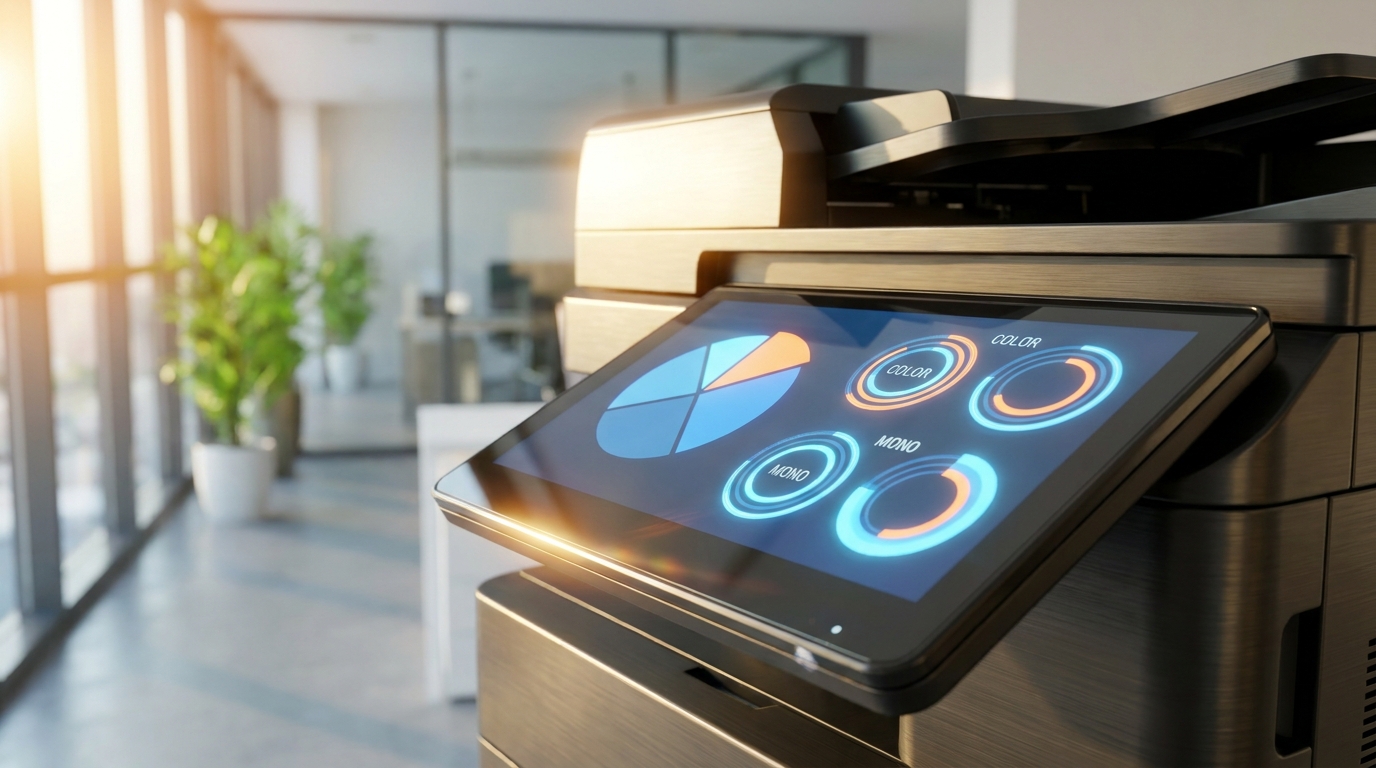
- Color vs. Mono Rates: In Hong Kong, a typical B&W click charge ranges from HKD 0.04 to HKD 0.08, while a color click can cost anywhere from HKD 0.40 to HKD 1.20. Limiting color access to specific departments (like Marketing) can save thousands of dollars annually.
- The 4-Hour SLA: Downtime costs money. When negotiating your maintenance contract, insist on a standard Hong Kong 4-hour Service Level Agreement (SLA). This guarantees a technician will be on-site within 4 hours to fix your machine, minimizing lost productivity.
Quick Cost-Saving Checklist for HK SMEs:
- ✓ Set all print drivers to B&W and Duplex by default.
- ✓ Audit your current click charges—are you paying over HKD 0.80 for color?
- ✓ Store paper away from windows and AC vents to prevent humidity damage.
- ✓ Restrict color printing access via user PIN codes.
- ✓ Consolidate redundant desktop printers into one efficient centralized MFP.
Final Thoughts
Reducing printing costs in your Hong Kong office doesn't require drastic measures; it simply requires smart management. By choosing the right brand, optimizing your settings, protecting your supplies from humidity, and negotiating favorable click charges, you can significantly lower your overheads and create a more sustainable, efficient workplace.
Need Expert Advice?
Our consultants can help you find the perfect printing solution for your office.
📞 +85221164877 · King Copier · Operated by Techieasy Limited