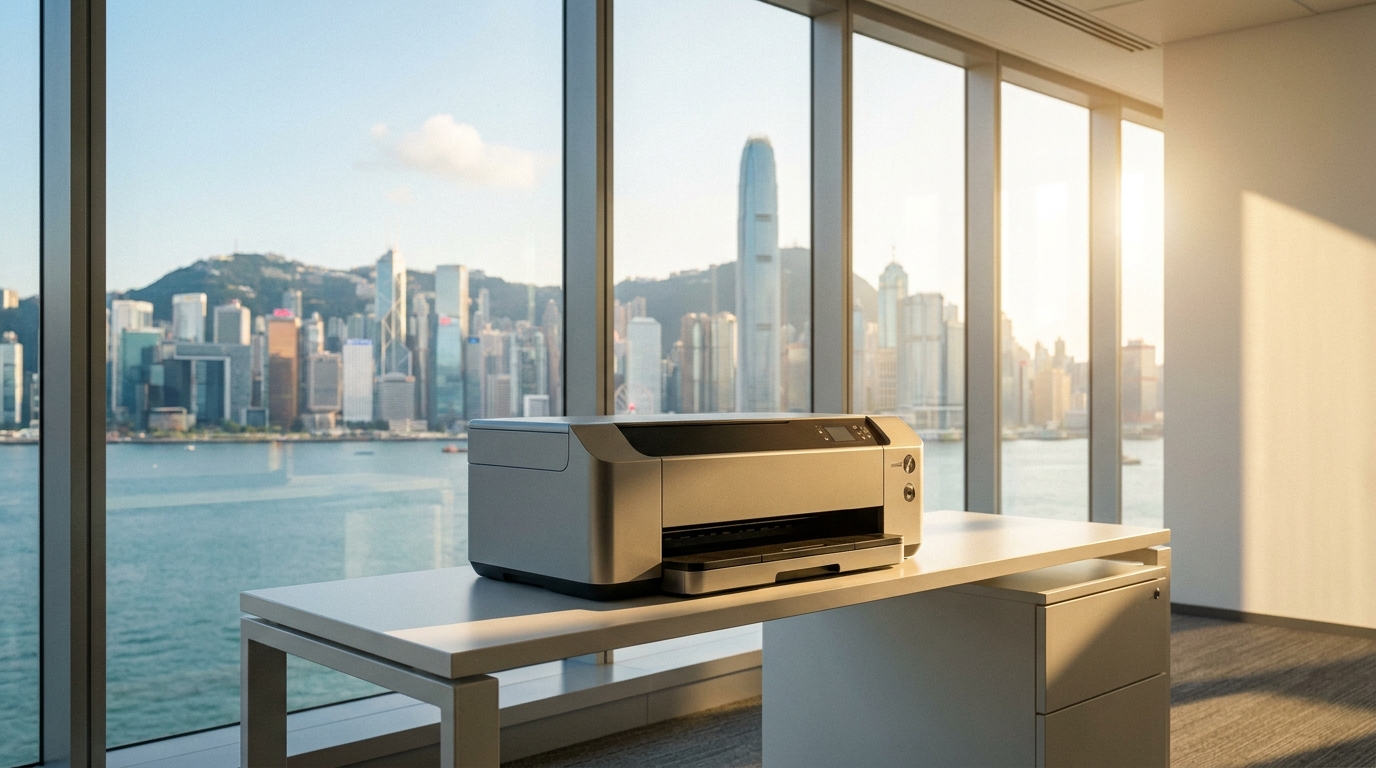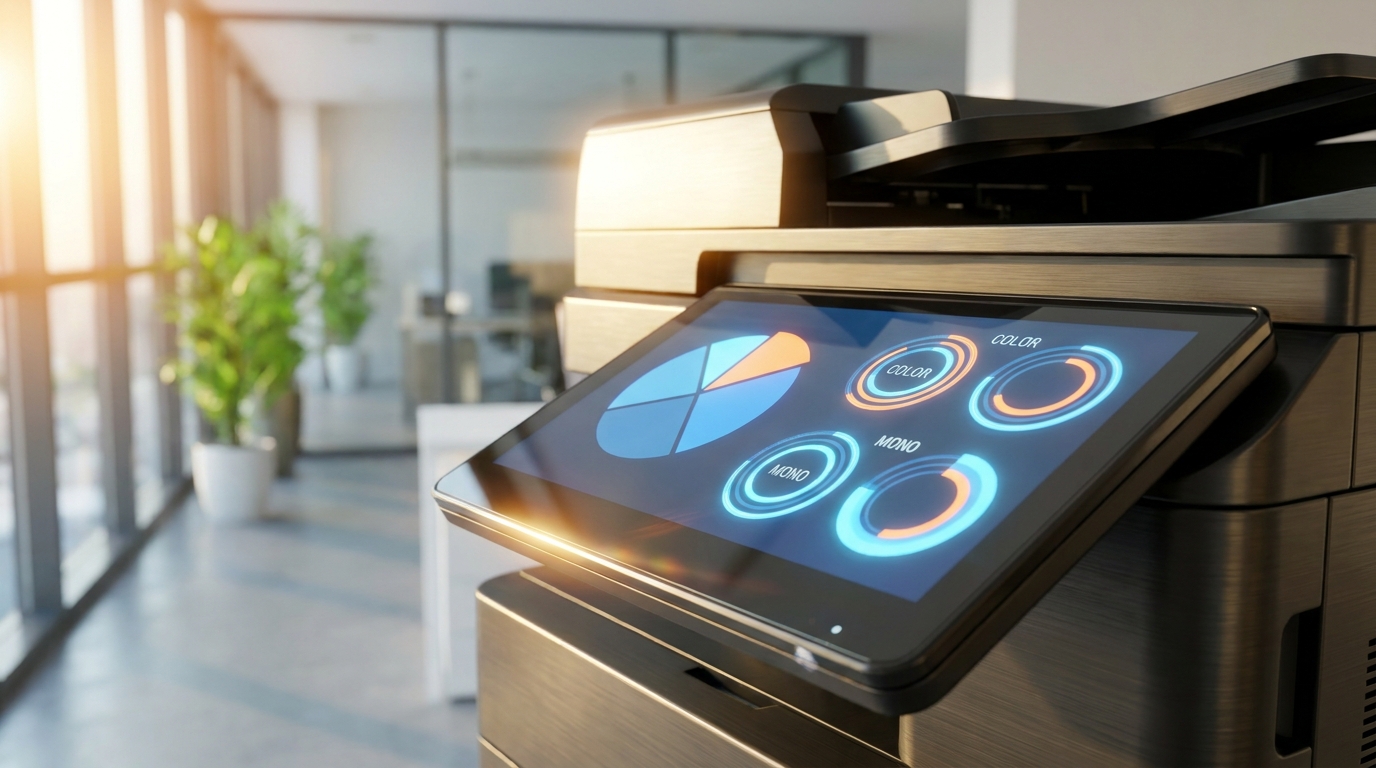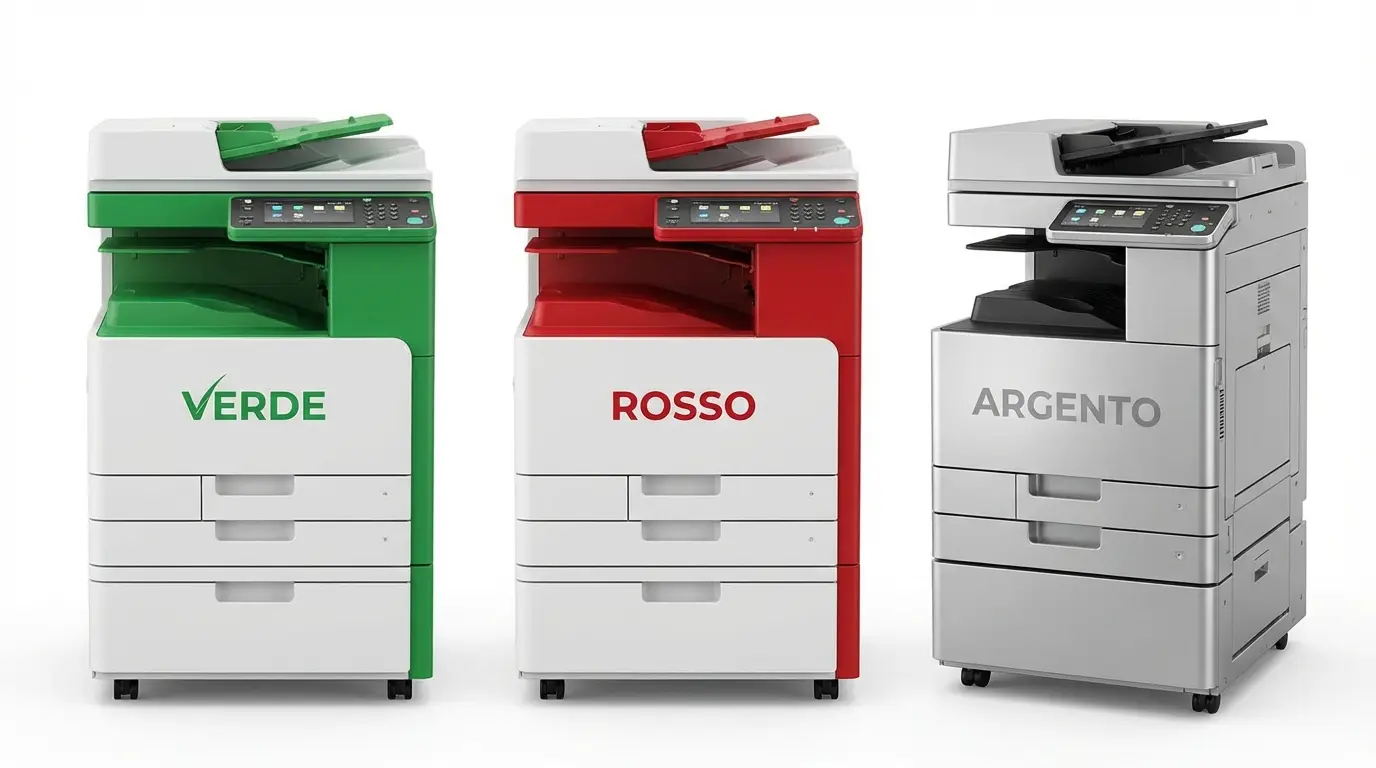
As Hong Kong businesses increasingly prioritize ESG (Environmental, Social, and Governance) initiatives and navigate rising electricity tariffs from CLP and HK Electric, optimizing office equipment is no longer just about print speed. Modern offices are actively looking to reduce their carbon footprint and lower operational costs. Upgrading to an energy-efficient copier is one of the easiest ways to achieve both.
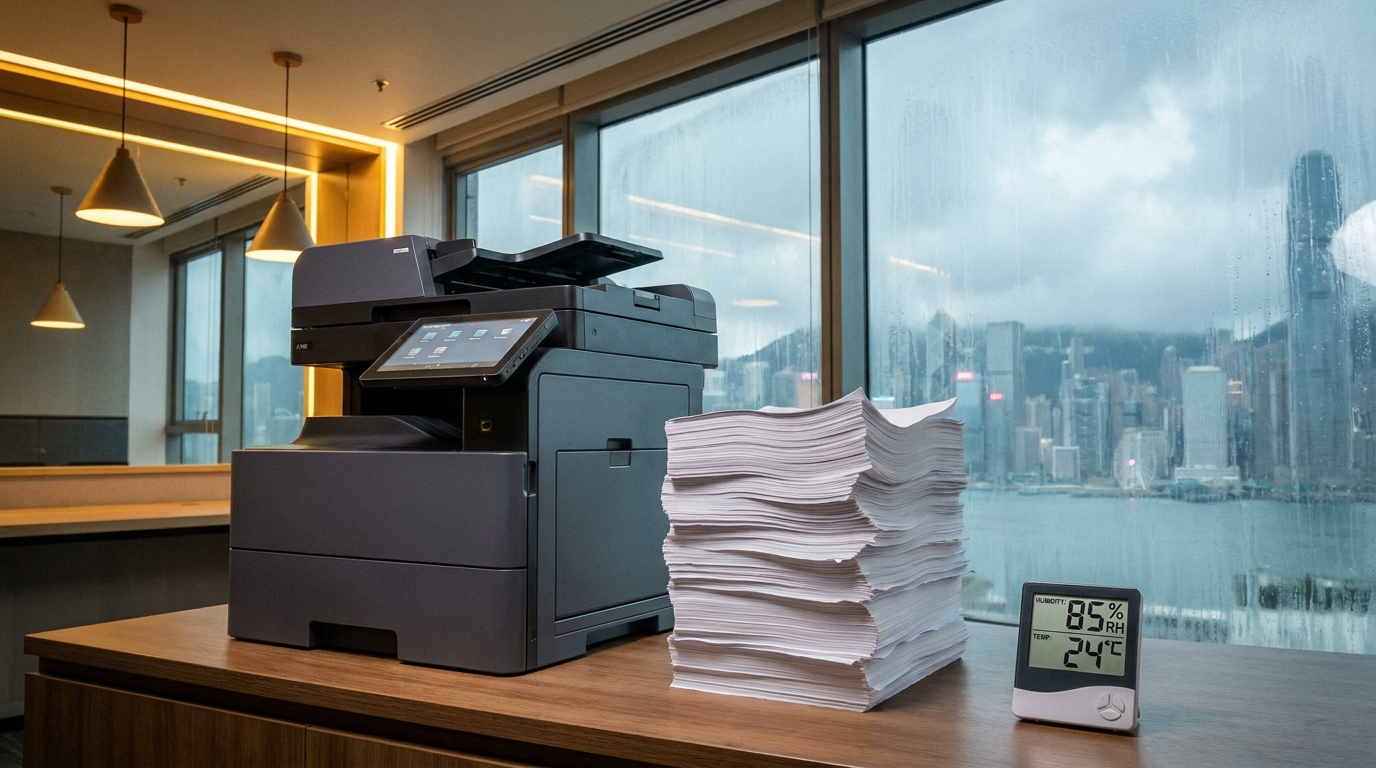
For 2026, printer manufacturers have made massive leaps in eco-friendly technology. But choosing the right machine for a Hong Kong office means balancing energy savings with our unique local challenges: tight space constraints, 220V power requirements, high humidity (which often requires energy-draining anti-condensation heaters), and the strict expectation of a 4-hour SLA for maintenance.
Why Energy Efficiency Matters in Hong Kong
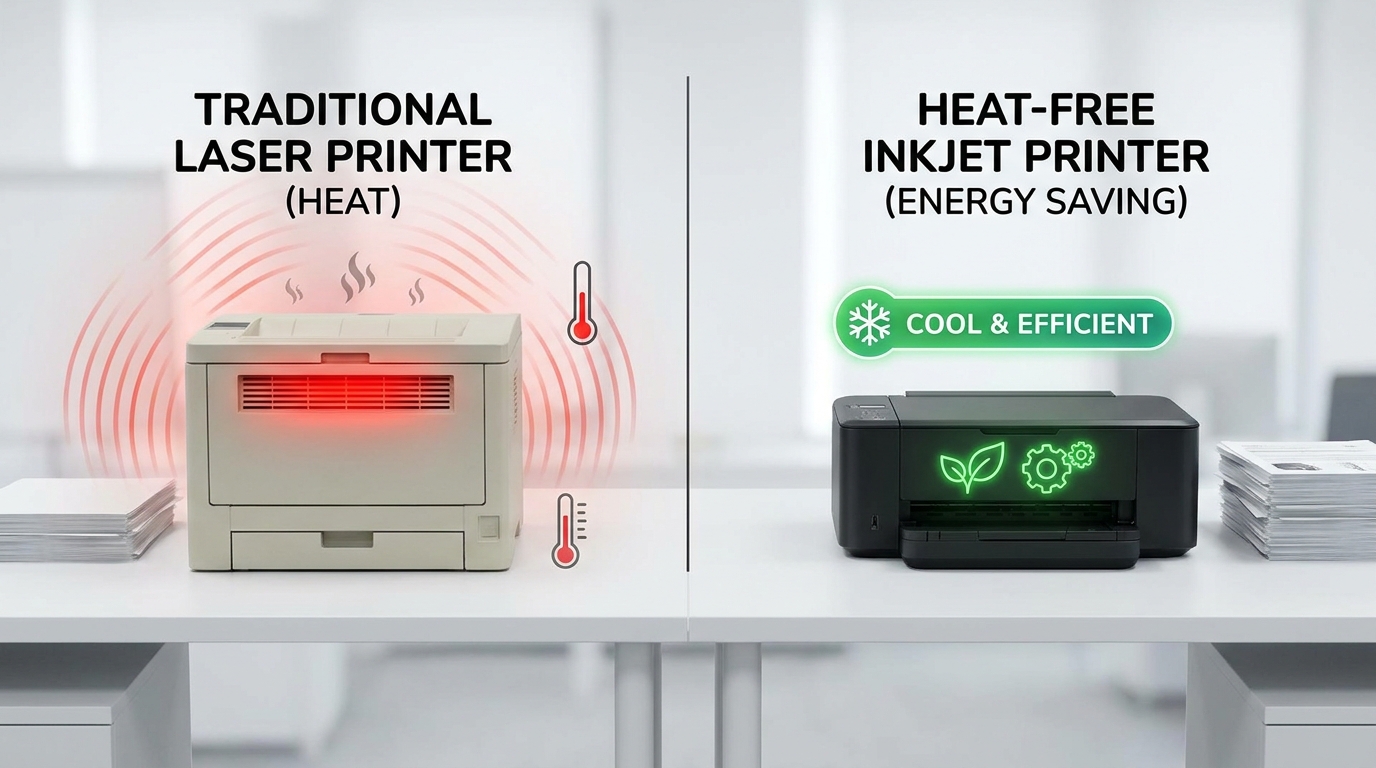
Traditional laser copiers use a significant amount of electricity, primarily because they have to heat a fuser unit to over 200°C to melt toner onto paper. Not only does this draw massive power spikes, but it also generates excess heat—forcing your office air conditioning to work harder. By switching to a high-efficiency model, an SME can save anywhere from $500 to $1,500 HKD annually on electricity per machine, while also reducing cooling costs.
The Top 5 Energy-Efficient Copiers for 2026
1. Epson WorkForce Enterprise Series (Heat-Free Inkjet)
When it comes to pure energy savings, Epson's PrecisionCore Heat-Free technology leads the pack. Because these business inkjets do not require heat in the ink ejection process, they consume up to 80% less power than comparable laser printers. They also have fewer moving parts, which minimizes maintenance calls and easily meets the demanding 4-hour SLA expectations of HK businesses.
- Best for: Maximum ESG compliance and low electricity bills.
- Eco-Feature: Zero warm-up time and ultra-low power consumption.
2. FujiFilm Apeos Series
FujiFilm has engineered their proprietary Super EA-Eco toner, which boasts a remarkably low melting point. It fuses to paper at temperatures 10°C to 15°C lower than standard toners. This drastically reduces the power drawn during large print runs. Furthermore, the Apeos series features a compact footprint, allowing it to easily fit into tight Hong Kong office spaces and standard commercial lifts during delivery.
- Best for: High-quality color printing with reduced thermal output.
- Eco-Feature: Smart Energy Management that only powers the specific modules (like the scanner or output tray) being used.
3. Canon imageRUNNER ADVANCE DX Series
Canon excels in intelligent power management. The latest DX series utilizes advanced motion sensors that keep the machine in a deep sleep mode (drawing less than 1 watt of 220V power) until a user approaches. It wakes up in seconds, ensuring no time is wasted while maximizing energy savings. Canon's eco-staple feature also binds documents without metal staples, reducing consumable waste.
- Best for: Busy corridors where machines are frequently used for short print jobs.
- Eco-Feature: Motion-sensor wake-up and staple-free binding.
4. Kyocera TASKalfa Series
Kyocera's philosophy revolves around reducing waste. Their TASKalfa machines use amorphous silicon drums that last for hundreds of thousands of pages, meaning the only consumable you regularly replace is the toner. This significantly cuts down on manufacturing and shipping emissions. The 2026 models feature incredibly low Typical Electricity Consumption (TEC) values.
- Best for: High-volume printing with minimal consumable waste.
- Eco-Feature: Long-life drum components and low-power sleep modes.
5. Ricoh IM Series
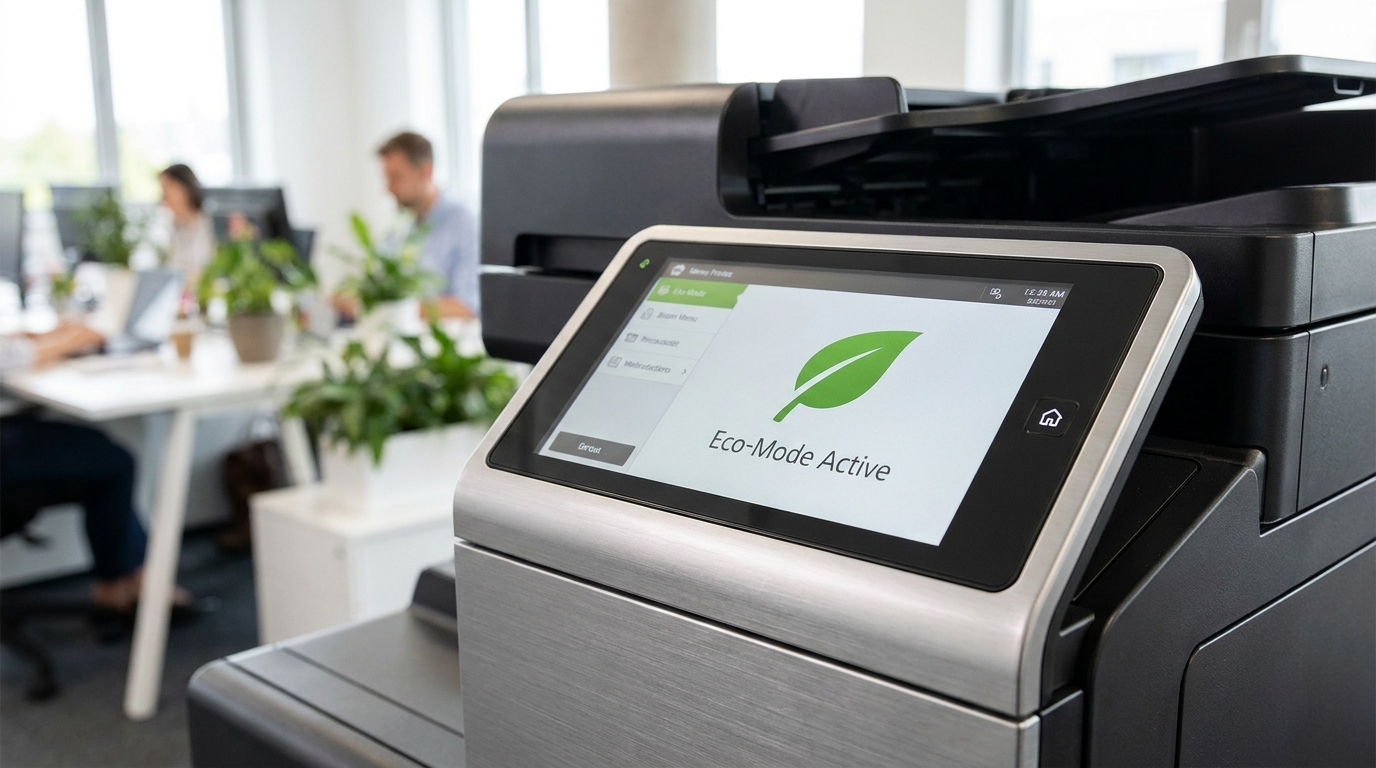
Ricoh has heavily invested in circular economy principles. The IM series is built using a high percentage of recycled plastics and features a Smart Operation Panel that guides users toward eco-friendly print settings. Ricoh machines are also highly resilient against Hong Kong's humid climate, utilizing efficient, low-energy anti-condensation systems that prevent paper jams without constantly draining electricity.
- Best for: Tech-forward offices wanting smart, user-guided eco-settings.
- Eco-Feature: Recycled chassis materials and optimized humidity control.
Energy Consumption Comparison (Estimated)
| Brand / Tech Type | Avg. TEC (kWh/week) | Est. Monthly Power Cost* | Heat Generation |
|---|---|---|---|
| Standard Older Laser (Pre-2020) | 1.8 - 2.5 | ~$15 - $20 HKD | High |
| Epson (Heat-Free Inkjet) | 0.15 - 0.25 | ~$1 - $2 HKD | Virtually None |
| FujiFilm / Canon / Ricoh (Modern Eco-Laser) | 0.3 - 0.6 | ~$3 - $5 HKD | Low |
*Based on an estimated commercial tariff of $1.5 HKD per kWh. Does not include the indirect savings from reduced air conditioning usage, which can double the financial benefit.
Actionable Checklist: Save Energy on Your Current Copier Today
Even if you aren't ready to upgrade to a 2026 model just yet, you can implement these settings on brands like Sharp, Toshiba, HP, Brother, or Pantum to cut costs immediately:
- Activate Deep Sleep Mode: Set your copier to enter sleep mode after 10-15 minutes of inactivity. Don't leave it on "ready" all day.
- Default to Duplex (2-Sided) Printing: This saves paper (reducing your carbon footprint) and slightly reduces the time the machine spends actively fusing.
- Manage the Anti-Condensation Heater: In Hong Kong's dry winter months, ask your technician to turn off the internal drum heater. Only turn it back on during the humid spring/summer seasons to prevent paper jams.
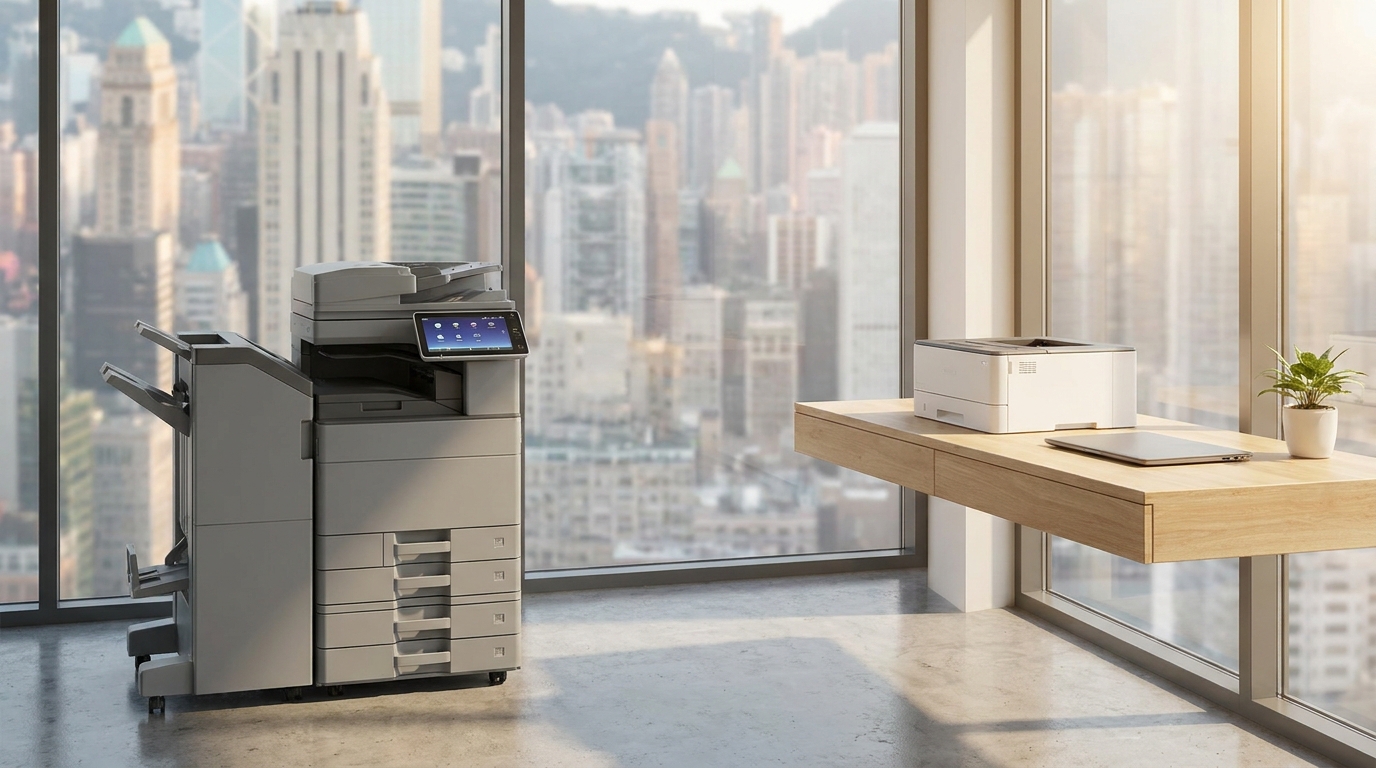
- Consolidate Devices: Having one centralized, energy-efficient A3 multifunction copier uses significantly less electricity than running four or five small desktop printers scattered around the office.
Final Thoughts
Upgrading to an energy-efficient copier in 2026 is a smart business decision that aligns with corporate ESG goals while directly benefiting your bottom line. Whether you opt for the ultra-low power consumption of an Epson Heat-Free inkjet, the smart sensor technology of a Canon, or the low-melt toner of a FujiFilm, modern machines are designed to do more while consuming less.
Need Expert Advice?
Our consultants can help you find the perfect printing solution for your office.
📞 +85221164877 · King Copier · Operated by Techieasy Limited